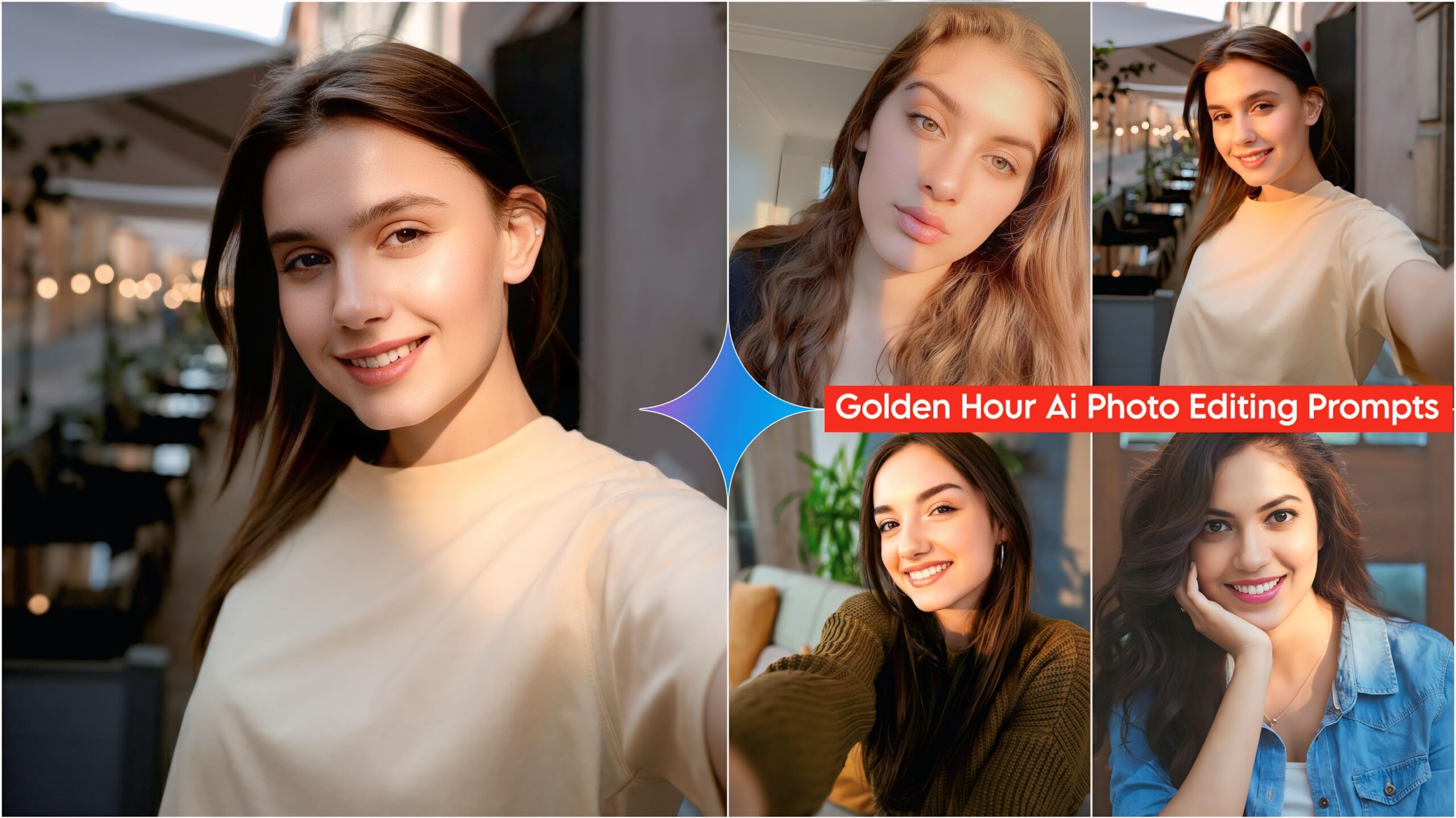
Google Gemini Golden Hour AI Photo Editing Prompts: Friends, I’ve brought you some amazing and unique AI prompts that are currently going viral on Instagram. People are using these prompts to get millions of views, likes, and followers. So, create your own and go viral! You won’t find these AI prompts on any other website or anywhere else, so save them and share them with your friends and family so they can use them too. Anyone, male or female, can use these AI prompts. They are very easy to use; you can create them with just one click. You will need an app called Google Gemini for these prompts to work. We have provided the link below.
These days, everyone is using AI. Everyone is creating their photos using AI prompts. Since AI came along, people are now creating their own photos. Before, many people didn’t know how to create them, so they would get others to do it for them. Now, even those with a little education can read and understand what to do. People are doing this golden hour photo editing using AI prompts, and it takes very little time. With Google Gemini, people are using AI prompts to create all kinds of photos, such as those for every season, romantic photos, love photos, and couple photos. The AI prompts provided here are for golden hour photos.
Learn about Google Gemini Golden Hour AI Photo Editing Prompts.
In these AI prompts, we have provided you with 5 Golden Hour prompts with different lighting effects. Some lights are focused on the face, while others cover the entire face and body. Simply copy the prompt you like, then go to Google Gemini and paste it along with the photo you want to edit. Nothing else needs to be changed; just upload your photo. It will be transformed into a high-definition image with a clear face and the desired lighting effect. It’s that easy – done in just one click!

Google Gemini Golden Hour Ai Photo Editing Prompts 2026
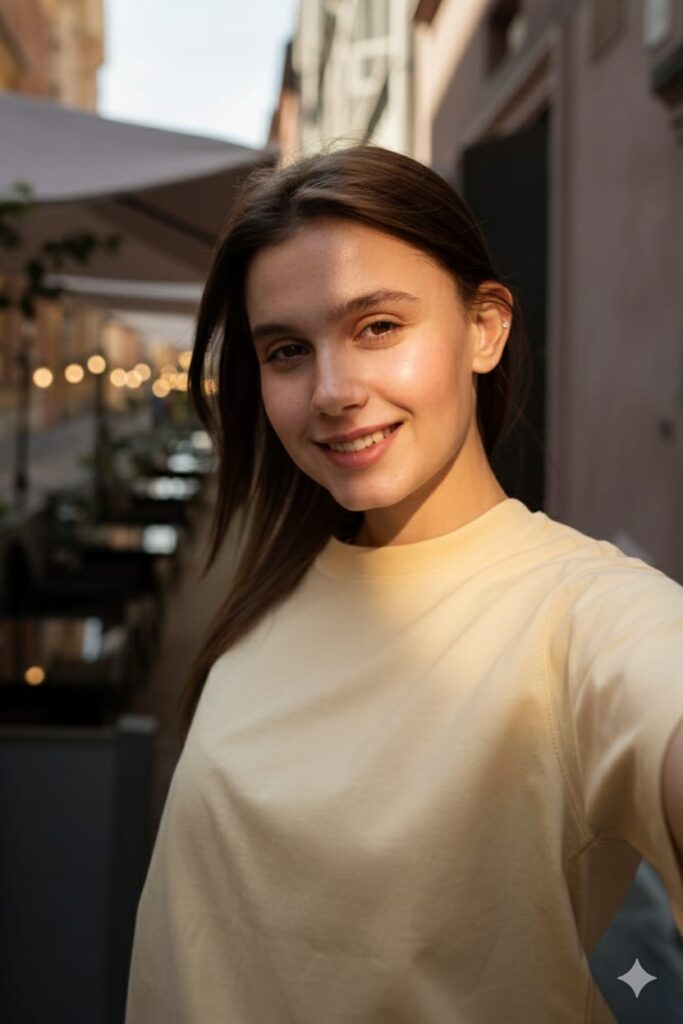
"A high-definition, hyper-realistic portrait of the girl from the original image. Maintain her exact features without any changes. Apply a sharp, cinematic golden flash light effect hitting only one side of her face from an upper-diagonal angle. The light should create a strong, realistic shadow on the other half of her face. The golden glow should look like a direct beam of light, capturing fine skin textures and details. 8k resolution, professional studio lighting, highly detailed." Don't change faces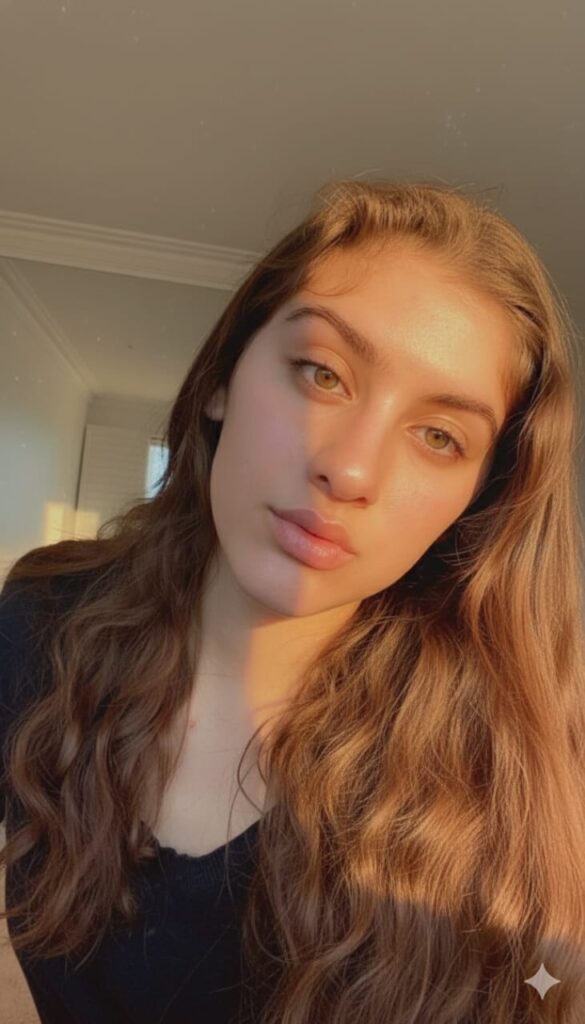
"Cinematic close-up portrait of the girl from the photo. Apply a realistic 'Golden Hour' sunlight effect coming from the upper side, illuminating exactly half of her face. The other half should be in a soft, natural shadow. High-contrast lighting with warm orange and gold tones. Real skin textures, 8k resolution, hyper-realistic, HD quality, sharp focus on the illuminated eye, with a clear shadow cast across the background and her features." Don't change faces
"A hyper-realistic cinematic portrait of the girl from the photo. Keep her facial features exactly the same, but apply warm golden hour sunlight focused intensely and only on her face. Create soft, long shadows cast in the background to match the direction of the light. The background should have a professional cinematic color grade with deep tones. 8k resolution, highly detailed skin texture, sharp focus on eyes, masterfully lit, realistic photography style."
"Hyper-realistic portrait of the girl from the image with a dramatic Golden flash side-lighting effect. Only half of her face is illuminated by warm, glowing orange sunlight, while the other half remains in a soft, natural shadow. High-definition 8k resolution, cinematic skin textures, and sharp focus on the eyes. The shadow should be cast naturally across her features, creating a deep contrast." Don't change facesNote –
Please enter all your details here. Sometimes, AI prompts don’t work, but don’t worry. Just open a new page, go to Google Gemini, and upload your photo again. It will be created on the new page.
How to use Top 10 Couple AI Photo Editing Prompts 2026
Let me explain how to use it so you don’t have any trouble. First, you need to download Google Gemini. Google Gemini is now available on almost everyone’s mobile phone. Just find any AI photo you like on my website, and below it, you’ll find the best Google Gemini Golden Hour AI Photo Editing Prompt. Copy it, then paste the prompt you copied into your AI tool and submit it. It’s very easy. Then you’ll have to wait for 1 to 2 minutes. Your photo will be generated. If you want to make it even clearer, you can use Remini.
Conclusion
Friends, in this article, I have provided you with Google Gemini Golden Hour AI Photo Editing Prompts and explained how to use them. So please use them, and if you liked it, you can leave a nice comment. I have explained every step in detail, and if you didn’t understand anything, please let me know, and I will explain it to you.
Google Gemini Link Click And Use