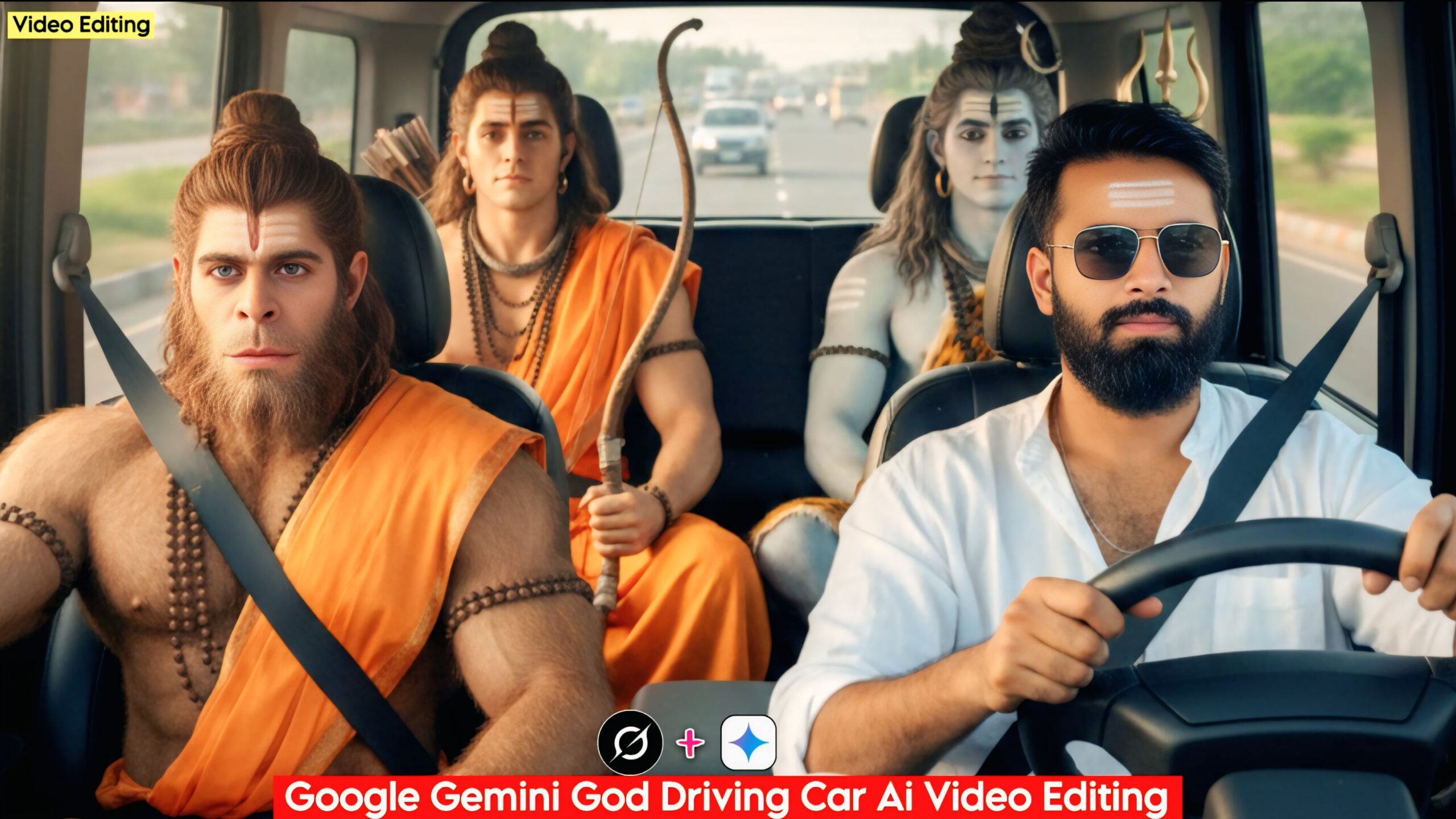
Google Gemini God Driving Car AI Video Editing: Friends, in today’s article, I’m going to tell you how you can create videos of gods using this AI prompt. This is the only AI prompt that will convert your photos into videos. You just need to copy this prompt from here and you’ll also need an app, the link for which we’ve provided below. You can use it to create your videos and share them on Instagram and Facebook to go viral. It’s very easy to create and it’s done in just one click. It looks really cool and kids especially love it.
These days, everyone you see is creating photos and videos of themselves with God on their Instagram and Facebook accounts, all with the help of AI prompts. Now you can create them too! We’ve provided the AI prompts below. Simply download Google Gemini on your phone and paste these AI prompts along with your photo into it. Google Gemini will generate the image for you. You’ll also need another app; we’ve provided the link to download it as well.
UNLIMITED AI PROMPTS CLICK AND USE
Google Gemini God Driving Car AI Video Editing: How to create it
Friends, we have provided two AI prompts here, one for a photo and the other for a video. You will need two apps for this, the links to which we have provided. Simply copy the AI prompt for the photo from here, then go to Google Gemini. There, upload your photo and generate the image. Then, copy the AI prompt for the video. After that, go to the Grok app, download it, and log in. The entire process is explained below; you will understand it. In Grok, go to the video option, then add your photo there, and the video will be ready.
Google Gemini God Driving Car Ai Video Editing 2026
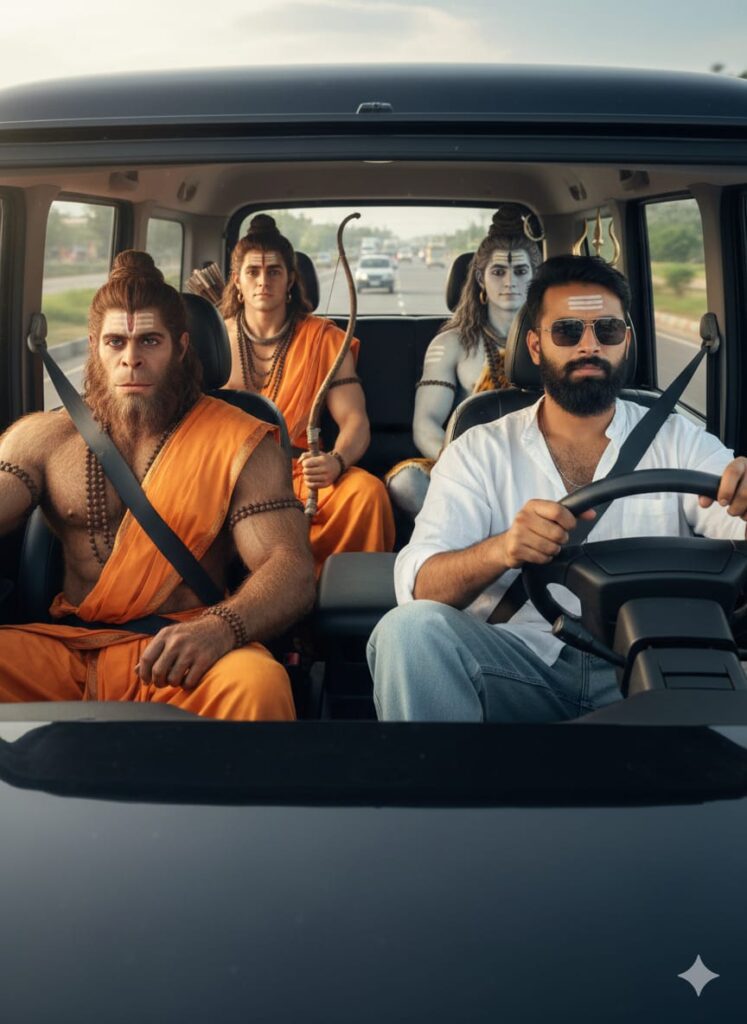
PHOTO PROMPTS –
Ultra-realistic cinematic 3:4 portrait, front view. A stylish young man with a clear, highly detailed face wearing baggy jeans, a casual outfit, and sunglasses, sitting in the front passenger seat of a closed Black Mahindra Thar. The vehicle is being driven by Lord Hanuman. In the back seat, Lord Ram in saffron (gerua) robes and Lord Shiva are sitting gracefully. The car is on a main road with natural sunlight and cinematic lighting. The scene is hyper-realistic, 8k resolution, Ultra HD, with intricate details on the faces and the car's interior, captured from a straight-on camera angle.
VIDEO PROMPTS –
Ultra-realistic cinematic 4K video: A black Mahindra Thar driving down a scenic highway lined with lush green trees. Inside the SUV, Lord Hanuman is at the steering wheel driving with a calm and focused expression. In the front passenger seat sits a stylish young man wearing baggy jeans, a casual t-shirt, and trendy sunglasses. In the spacious back seat, Lord Ram in traditional saffron (gerua) robes and Lord Shiva are sitting gracefully. The vehicle is fully enclosed with glass windows. The camera is positioned directly in front of the car, capturing a head-on view of the interior and the road ahead. The lighting is golden-hour cinematic, with natural sunlight filtering through the trees, creating realistic reflections on the car’s polished black surface. Every face is rendered in Ultra HD detail, capturing a joyful and divine atmosphere.
Most Important Note –
You can enter all your details here. Sometimes the AI prompts don’t work, so you don’t need to worry. Just open a new page, go to Google Gemini, and upload your photo again. It will be created again on the new page.
How to Use Google Gemini God Driving Car AI Video Editing
Let me explain how to use this. These are the AI prompts so you don’t have to face any difficulties. To use this, you first need to download Google Gemini. Now, Google Gemini is available on almost everyone’s mobile phone. You can find any AI photo on my website that you like. Below it, you will find the best AI prompts. Copy them, then paste them into Google Gemini God Driving Car AI Video Editing and post it. It’s very easy. Then you will have to wait for 1 to 2 minutes. Your photo will be created. If you want to make it even clearer, you can use Remini.
Conclusion
Friends, in this article, I have provided you with information on Google Gemini God Driving Car AI Video Editing, and I have also explained how to use it. So please do use it, and if you liked it, you can let me know by leaving a nice comment. I have explained every step in detail, and if you didn’t understand anything, please let me know, and I will explain it to you.