
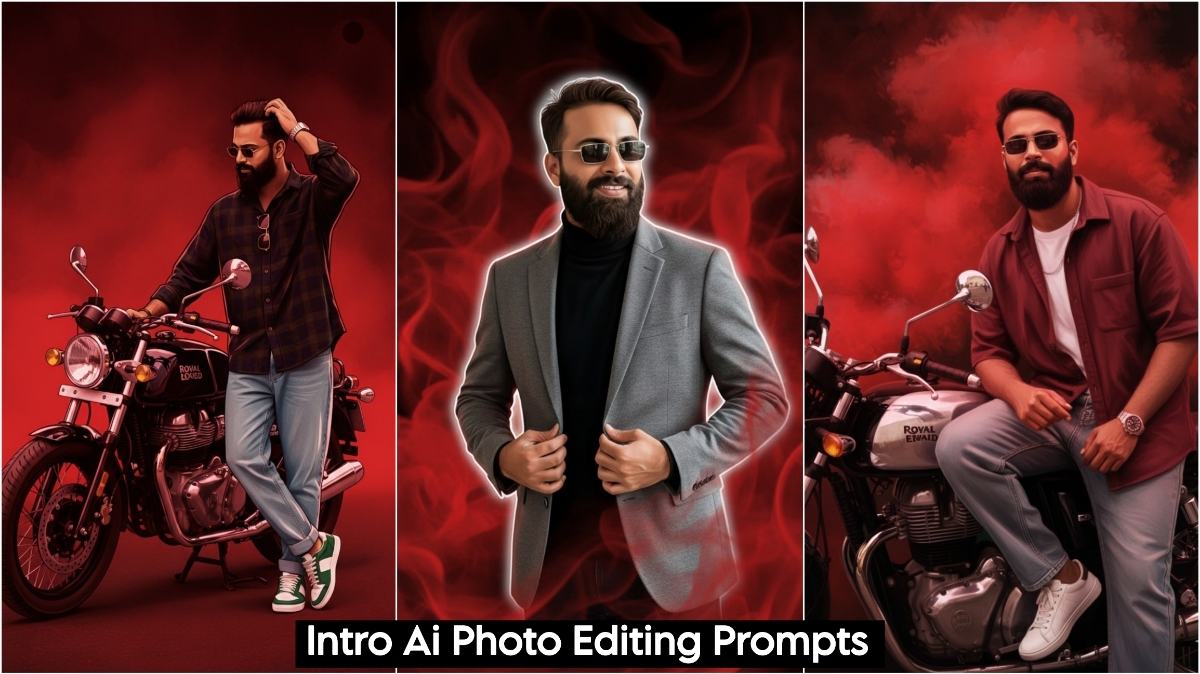
Google Gemini Create Intro AI Photo Editing Prompts are going viral on Instagram these days, and people are creating their photos and reels with them, making them incredibly popular. These intro videos are easy to create, just as easy as creating a regular photo. Simply copy the AI prompts you like from here and paste them into Google Gemini along with the photo you want to use. It will be ready in just a few moments. It will add red smoke, black shadows, and completely change the background, which is what people are currently creating using CapCut.
To create this, you will need two apps: CapCut and Google Gemini. You can create your video using CapCut, and then use Google Gemini to create your intro photo. For the intro video, simply record a short video clip on your phone, either on your rooftop or somewhere outside. Then, go to CapCut, add your video, and cut it according to your music. After that, create your intro photo using Google Gemini and add it to the video. Your video will then be ready, and you can post it on Instagram, Facebook, or anywhere else.
Google Gemini Create Intro Ai Photo Editing Prompts
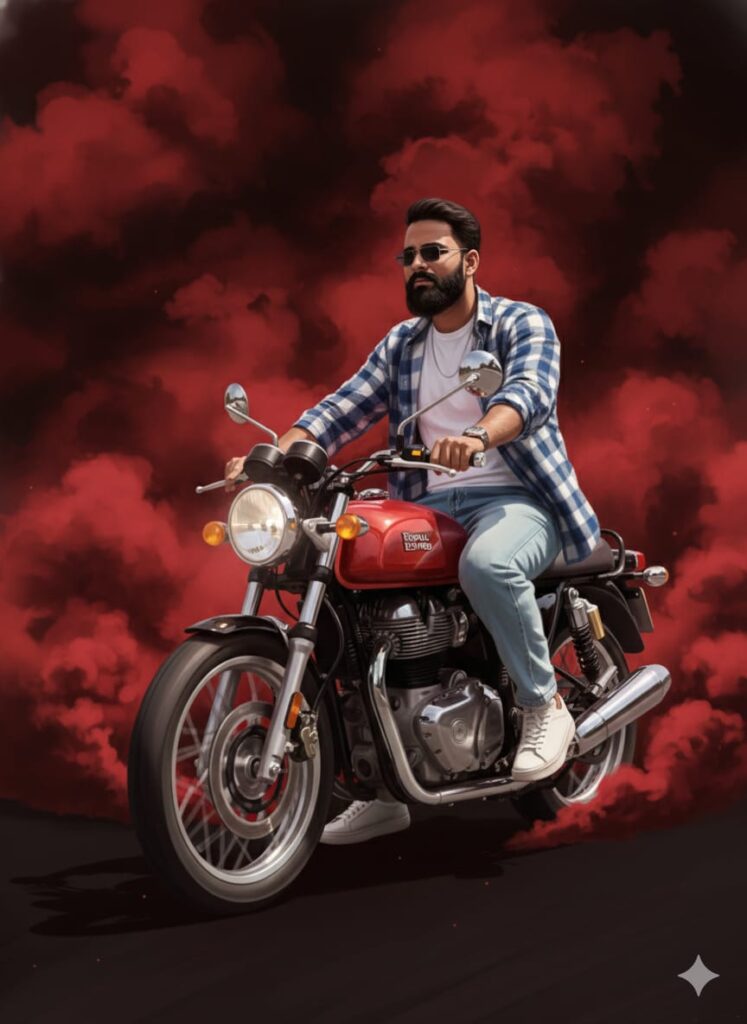
"A high-quality digital illustration of the person from the original image, transformed into a stylized drawing art style. Keep the person's features and pose exactly the same. The background should be dramatic with thick swirling red smoke and deep black shadows. Apply a cinematic texture with professional lighting and sharp digital brushstrokes for a modern, artistic look."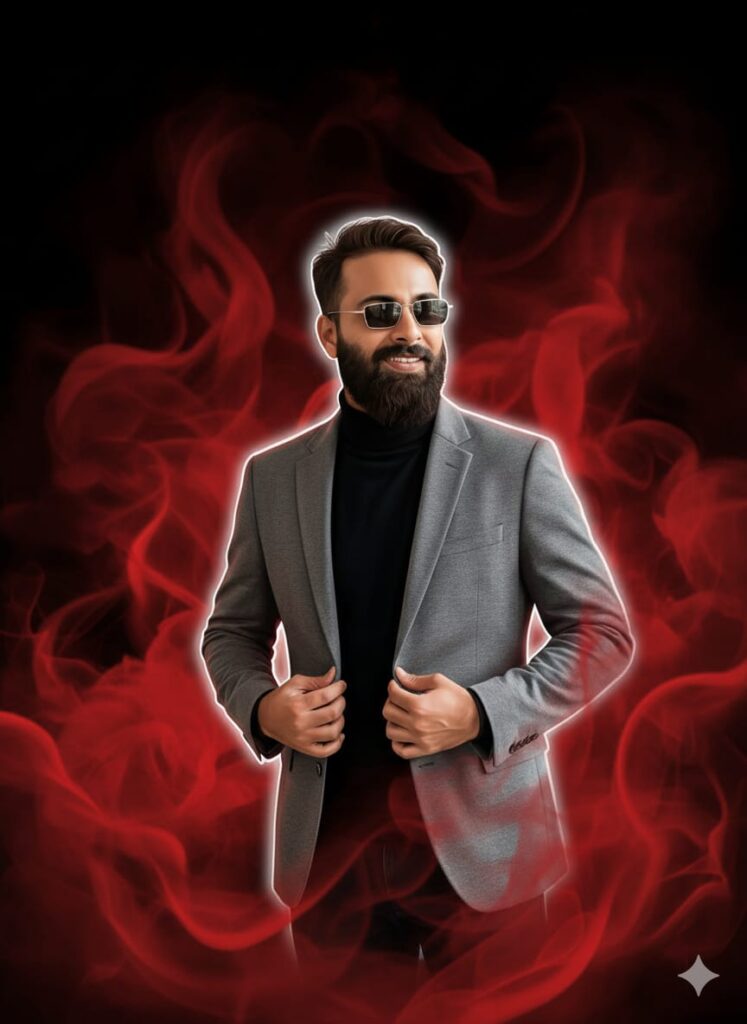
"A digital illustration in a cinematic drawing art style, featuring the subject exactly as they appear but rendered with sharp, clean lines. The subject is outlined with a thin, glowing white stroke along the edges of the body. The background is filled with thick, swirling red smoke and deep black shadows. The image should have a high-quality cinematic texture, bold lighting, and the polished look of professional digital concept art." Don't change faces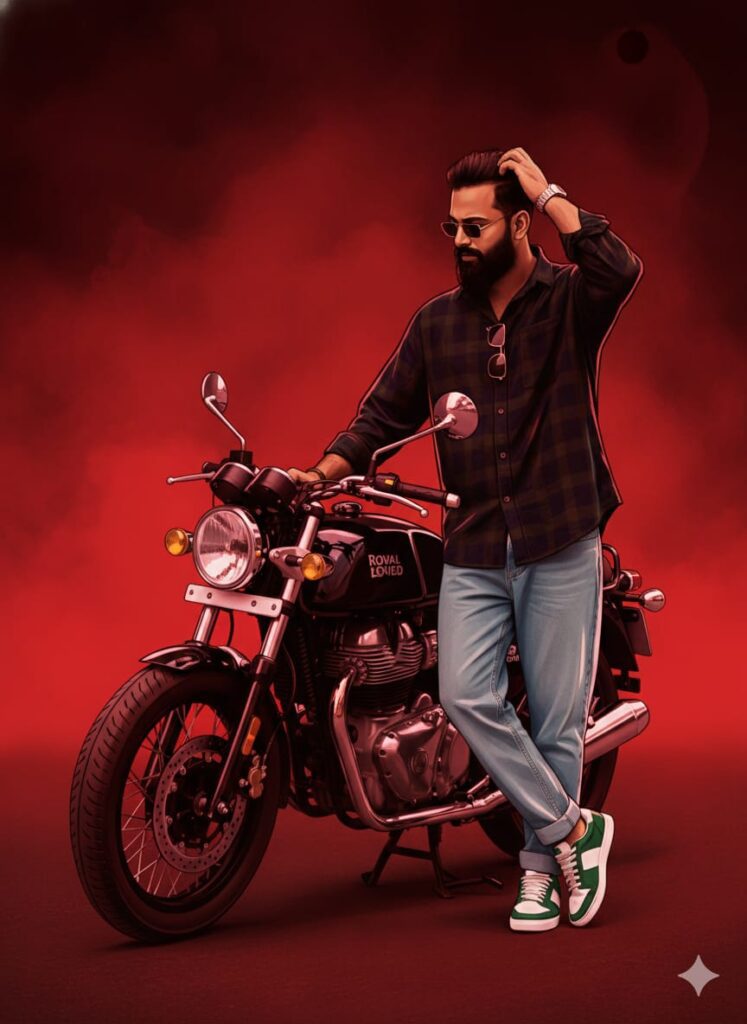
Create a cinematic digital illustration of the person in the reference photo Maintain the exact face identity hairstyle, expression skin tone and pose with zero distortion Transform the entire scene into a deep red high contrast Replace the background with red gradients smoky atmosphere and subtle textures. Add bold comic book shading thick outlines, strong black shadows and glossy highlights on the skin and clothes. Stylize the outfit with richer tones clean folds and dynamic lighting while keeping the original clothing design Add intense highlights to the jawline cheekbones and edges of the body. Maintain the original pose and attitude Create a gritty powerful cinematic mood with dramatic lighting and high contrast Ultra-detailed sharp lines vibrant red atmosphere action movie poster energy, 4K illustration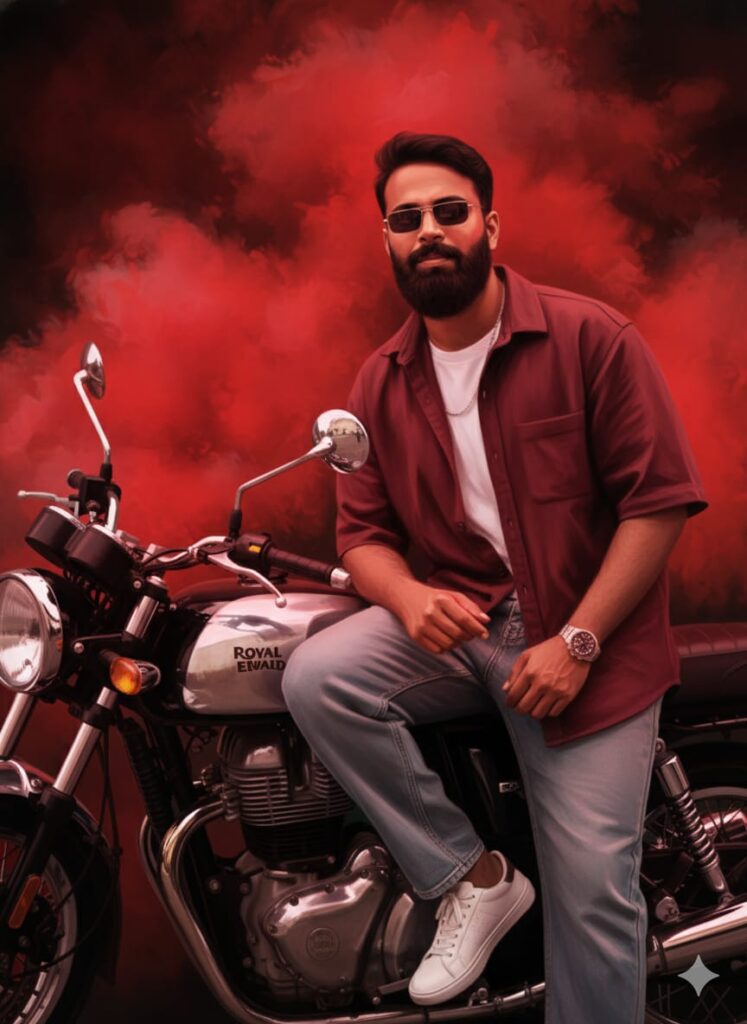
"A high-quality digital illustration in a cinematic painting style with a 3:4 aspect ratio. Maintain the original person's likeness and clothing exactly. The background is filled with swirling, atmospheric red smoke and deep, dramatic black shadows. Subtle red highlights and shadow textures are reflected onto the body and clothes to integrate the subject into the scene. The overall aesthetic should be a vibrant, colorful digital art piece with rich textures, sharp details, and a professional 'concept art' drawing finish." Don't change faces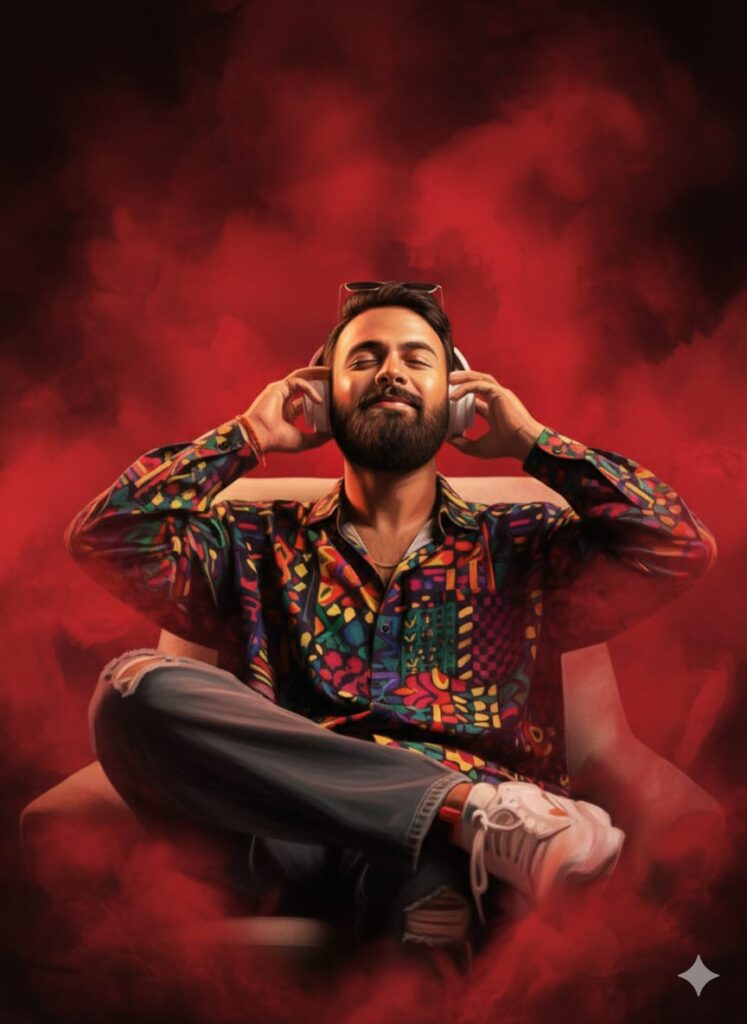
A high-quality digital illustration and artistic painting of the subject in a 3:4 aspect ratio. The person’s face features a cinematic, colorful texture with ultra-clear details. The background is filled with dramatic red smoke and deep black shadows that bleed onto the body and clothing as a stylistic effect. The overall style is a blend of digital art and fine oil painting. Ultra-HD, sharp focus, vibrant color grading, and professional lighting. Don't change facesOverall
Friends, I have provided you with Google Gemini Create Intro AI Photo Editing Prompts and explained how to use them. Please try them out, and if you liked it, leave a nice comment. I have explained every step, but if you have any questions, please let me know, and I will help you.
Capcut Pro Download



Nice