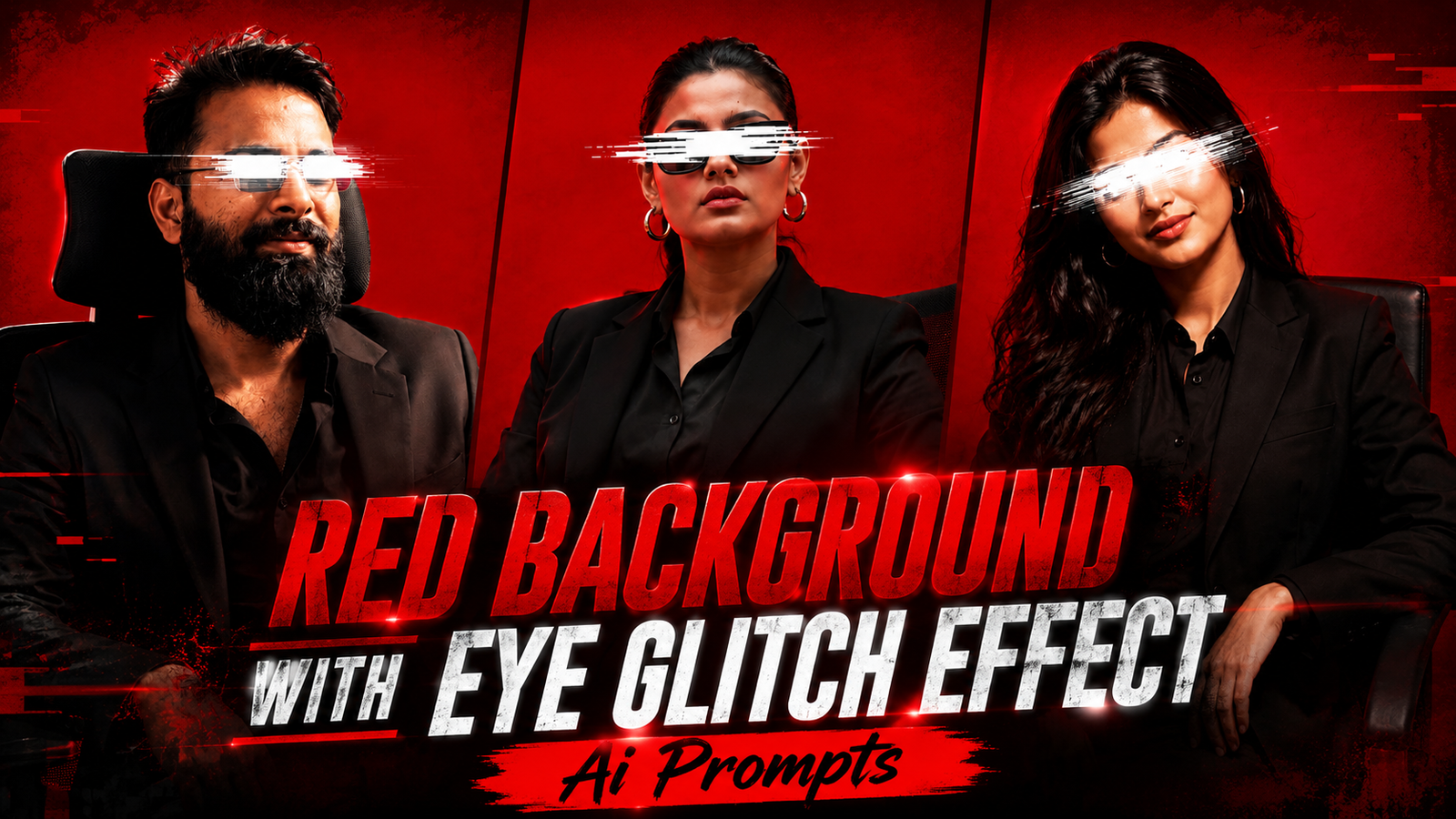
Red Background With Eye Glitch Effect Ai Prompts: In this article, I’m sharing the trending, viral photo style and CapCut template that everyone is currently creating. You can make this too with just a single click. I have provided both the photo prompts and the template link; simply copy the prompt for the style you like, paste it into ChatGPT along with your own photo, and your image will be ready. Anyone—guys or girls—can create this. Give it a try quickly and go viral; those creating these photos or videos are seeing both their images and Reels go viral.
Everyone is using AI these days, making it incredibly easy to create photos and videos exactly the way you want. I have provided links to both prompts and templates for you to use. Simply click the link below to generate a photo with a red background, download it, and then click the CapCut link to create your video.
How to Use AI Prompts for a Red Background with an Eye Glitch Effect
To do this, you will need ChatGPT—which is easily available on the Play Store. Download the app, log in using any Gmail account, and upload a photo from your gallery. Then, simply copy a prompt you like from our website, paste it along with your photo, and your image will be ready; it is very easy to do.
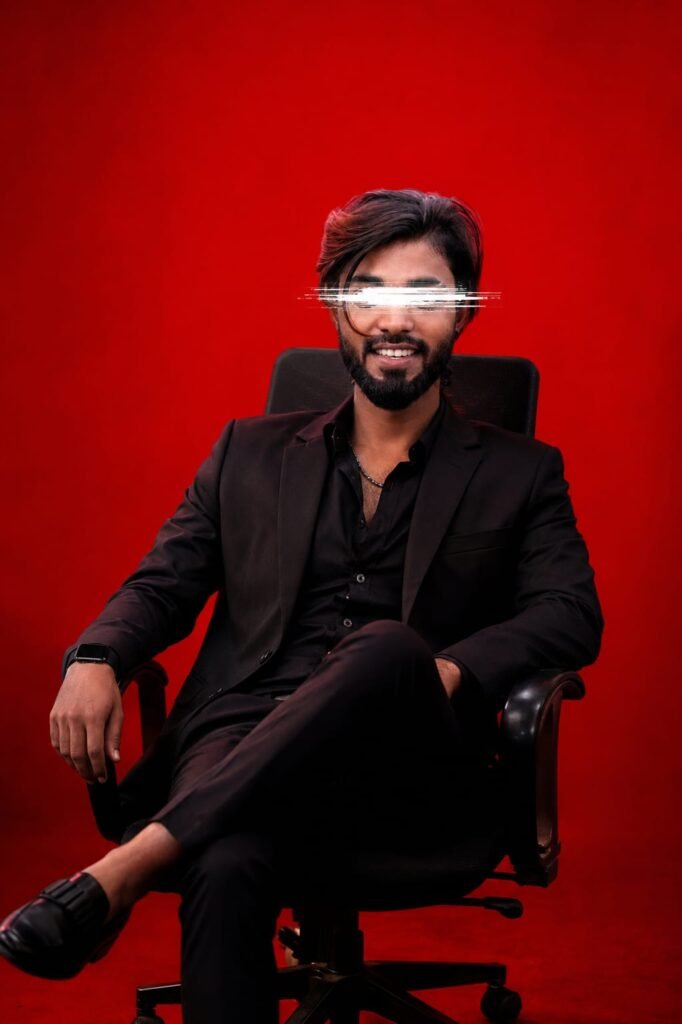
A medium-full portrait of a young South Asian man with a lean build and dark hair, positioned slightly to the right of center, seated in a modern black office chair. He is wearing a sharp, all-black suit jacket and shirt. His expression is calm and composed. A striking white digital glitch effect, resembling horizontal lines, obscures his eyes, adding a mysterious, contemporary aesthetic. The background is a solid, vibrant crimson red, creating a monochromatic and intense visual atmosphere. The lighting is focused and cinematic, emphasizing the contrast between the dark attire of the subject and the bright, saturated red backdrop. The composition is structured and minimalist, emphasizing the sharp lines of the chair and the subject's relaxed but poised posture. The overall style is edgy, fashionable, and stylized, reminiscent of high-end editorial photography with a digital art twist. Don't change face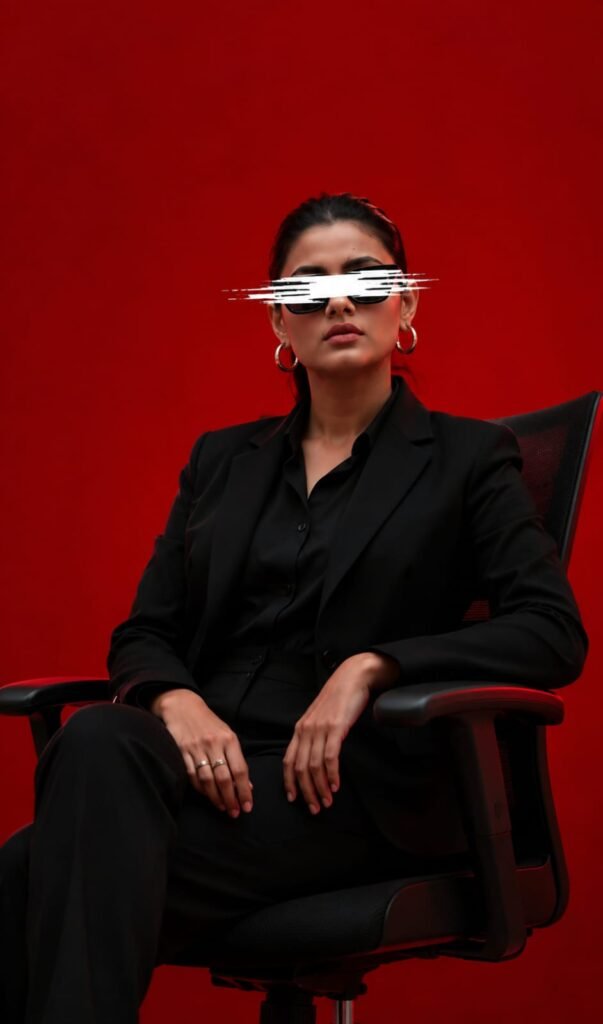
A medium-full portrait of a young South Asian girl with a lean build and dark hair, positioned slightly to the right of center, seated in a modern black office chair. He is wearing a sharp, all-black suit jacket and shirt. His expression is calm and composed. A striking white digital glitch effect, resembling horizontal lines, obscures his eyes, adding a mysterious, contemporary aesthetic. The background is a solid, vibrant crimson red, creating a monochromatic and intense visual atmosphere. The lighting is focused and cinematic, emphasizing the contrast between the dark attire of the subject and the bright, saturated red backdrop. The composition is structured and minimalist, emphasizing the sharp lines of the chair and the subject's relaxed but poised posture. The overall style is edgy, fashionable, and stylized, reminiscent of high-end editorial photography with a digital art twist. Don't change faceHow to use the CapCut template:
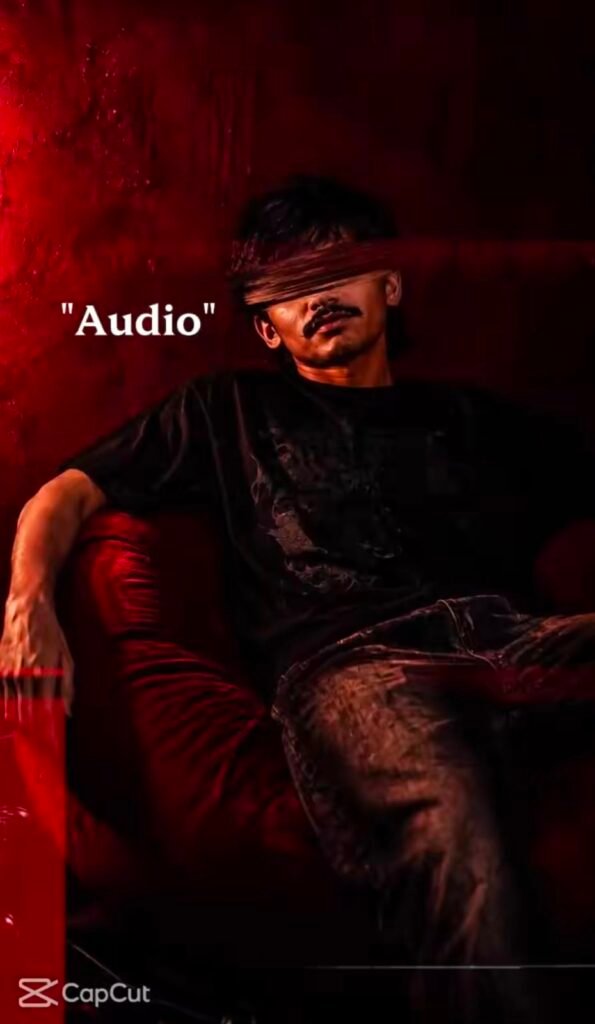
To use it, first download a VPN from the Play Store and connect to it. Then, click the link we’ve provided to go directly to the template; simply add your photo, and your video will be created instantly—then just download it.

Final Thoughts
We have provided you with a step-by-step guide covering all the details. This includes two types of AI prompts—featuring a boy and a girl—as well as CapCut templates. You can find an unlimited collection of trending, viral AI prompts on our website, techppindia, along with various editing tips and tricks.