Best Poses and Snowfall AI Photo Editing Prompts: Friends, in today’s article, I’m going to give you some amazing and unique AI prompts. You won’t find such unique AI prompts anywhere else. Everyone is using these for editing these days, and it’s also the perfect season for it. So now you too can use these prompts to create stunning photos. Simply upload any photo of yourself, copy these prompts, and in just a few moments, your photo will be transformed. Try it out and show your friends! If you use these AI prompts, your photo or video is 100% guaranteed to go viral.
These days, everyone, young and old, is using a phone. Seeing this, we’ve provided you with an AI prompt, especially for winter, that everyone will love. Now you too can use it to create amazing photos. It works for both girls and boys; you just need to make a few adjustments. You can easily modify and create your own unique images. All you need is an app called Google Gemini. Yes, with the help of Google Gemini, you can give your photos a great and unique look that everyone will appreciate.

Learn about the best poses and AI photo editing prompts for snowfall photos.
This set of prompts provides you with a total of 10 different prompts for various places and poses. These AI prompts will generate ultra-HD photos. You can also modify them according to your preferences. To use them, simply copy the prompt you like from here, then download Google Gemini on your phone (if you don’t already have it). Copy the desired prompt and paste it along with your photo. Your image will be ready in a short time. If you need any other type of prompt, you can comment below.
Best Poses And Snowfall Ai Photo Editing Prompts 2026
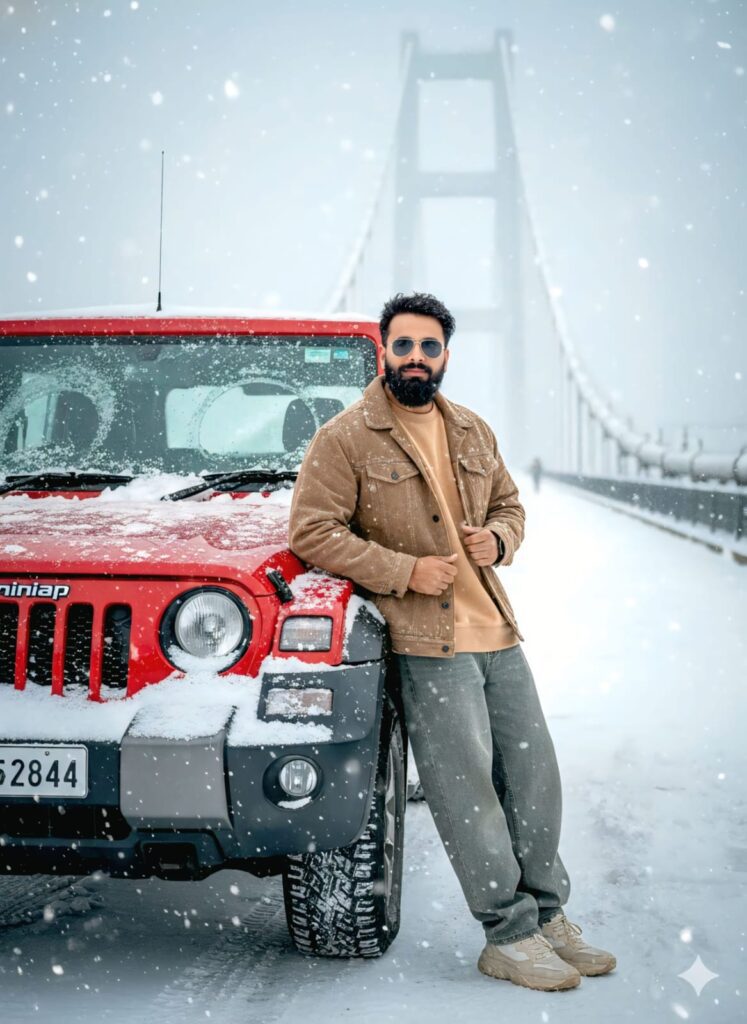
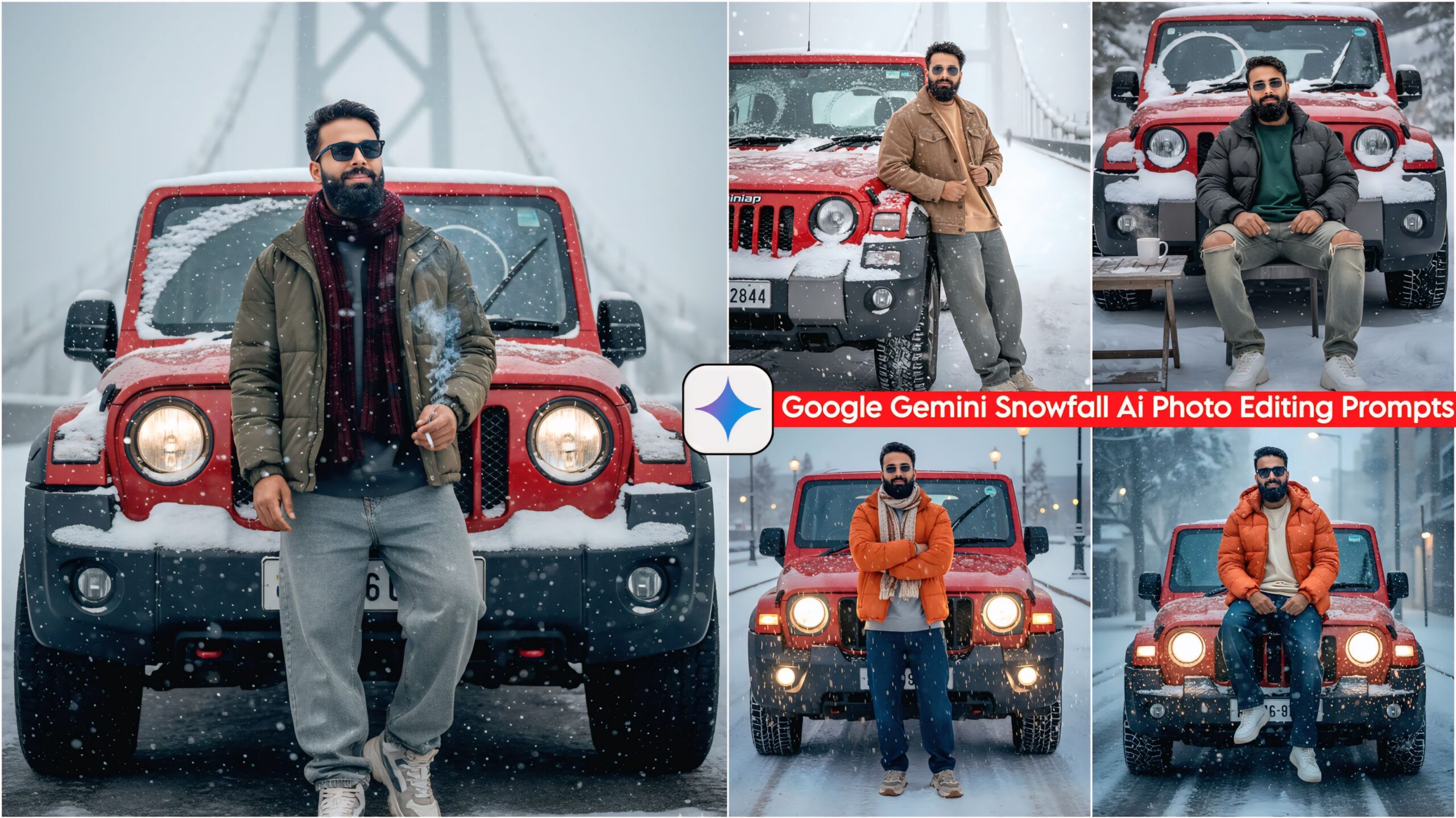
Ultra-realistic 8k cinematic portrait of a handsome young man with a clear, highly detailed face, leaning against a red Mahindra Thar. The man is looking directly at the camera with a subtle, gentle smile. He is wearing a trendy casual outfit: an oversized baggy sweatshirt, a stylish jacket, free-size baggy jeans, premium sneakers, and sleek sunglasses. Snowflakes are lightly resting on his hair. The red Thar behind him is heavily covered in thick snow, with windshield wipers actively clearing a path on the glass. The setting is a frozen winter wonderland with a massive bridge visible in the hazy background. Soft hail (ola) is falling from the sky. The lighting is cinematic and dramatic, capturing every texture of the snow and fabric. High-resolution, hyper-detailed, 3:4 aspect ratio. Don't change faces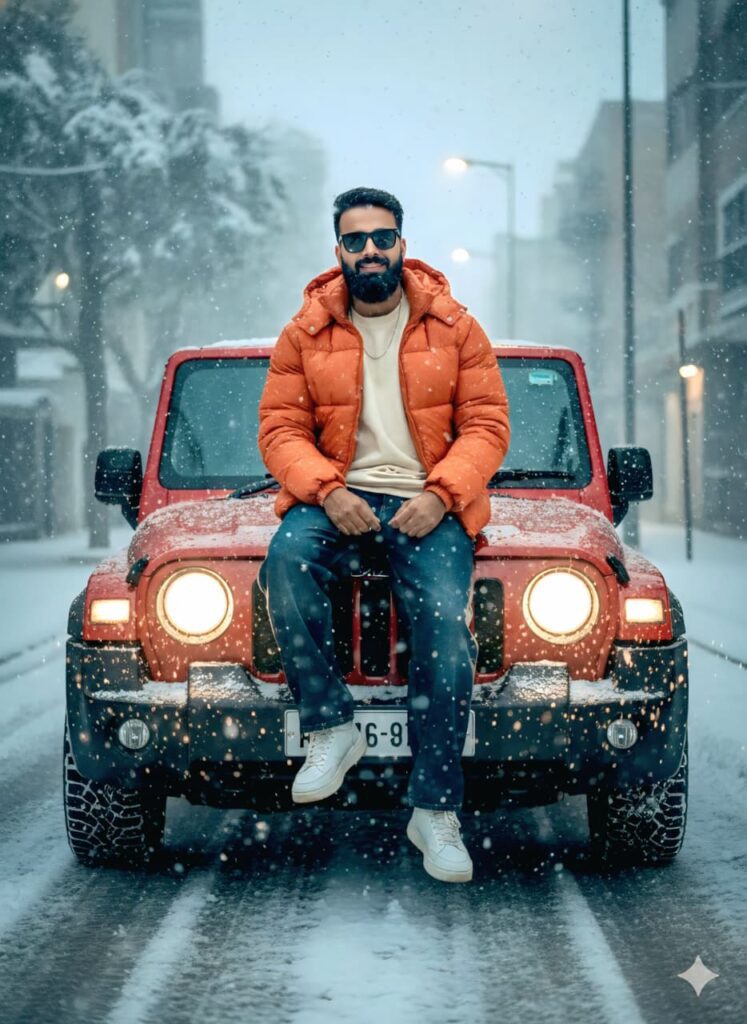
A hyper-realistic cinematic portrait of a handsome young man with a clear, detailed face and a gentle smile, looking directly at the camera. He is wearing a baggy streetwear outfit: an oversized sweatshirt, loose baggy jeans, a vibrant orange puffer jacket, stylish sneakers, and dark sunglasses.
He is sitting casually on the front bonnet of a red Mahindra Thar with his legs hanging down. The scene is set on a main road during a heavy snowfall/hailstorm (ola), with visible ice particles resting on his hair. The road is lined with glowing streetlights, and the entire landscape is covered in deep white snow.
The red Thar has its headlights turned on, casting a bright glow, and the windshield wipers are in motion clearing the snow. The background features moody, cinematic lighting with a cold winter atmosphere. Ultra-HD, 8k resolution, highly detailed textures, 3:4 aspect ratio. Don't change faces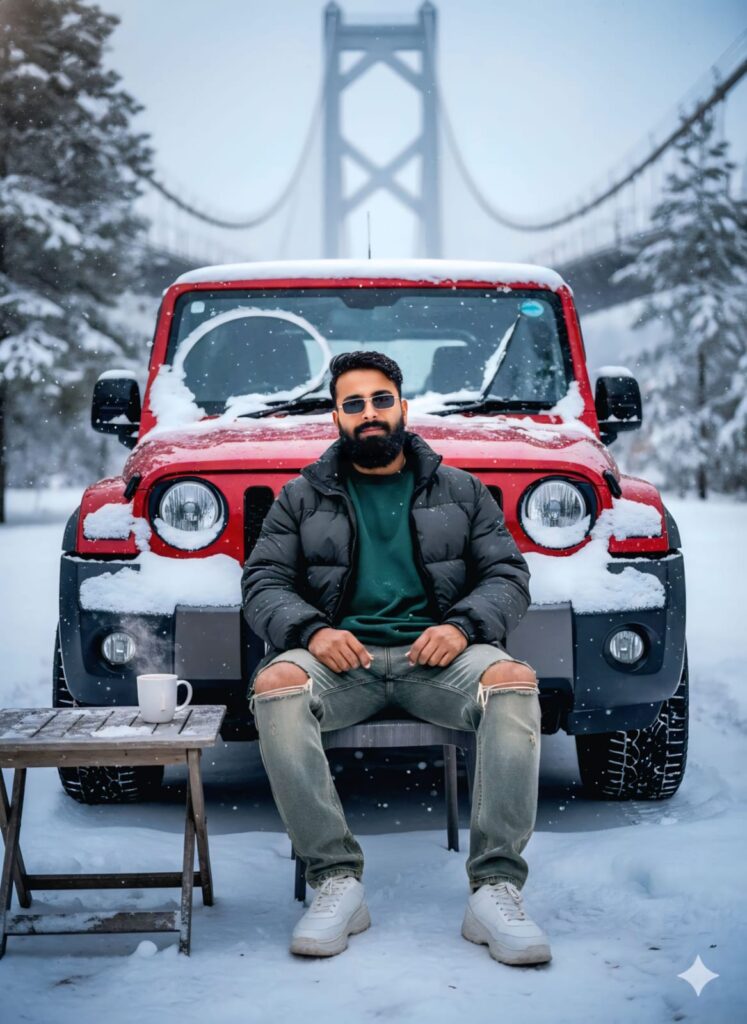
A hyper-realistic, ultra-HD portrait of a handsome young man sitting on a chair in front of a Red Mahindra Thar. The man is looking directly at the camera with a subtle, charming smile. He is wearing a stylish casual outfit: an oversized baggy sweatshirt, a layered jacket, loose-fit baggy jeans, trendy sneakers, and dark sunglasses.
The Red Thar behind him is heavily covered in thick white snow, with the windshield wipers actively clearing a path on the glass. The setting is a frozen winter wonderland with a massive bridge visible in the background. Soft hailstones (ola) are falling, with visible ice crystals resting on the man's hair and clothes.
In front of him is a small table with a steaming cup of tea. The lighting is cinematic and moody, capturing every detail of his face with extreme clarity. 8k resolution, photorealistic, winter atmosphere, 3:4 aspect ratio. Don't change faces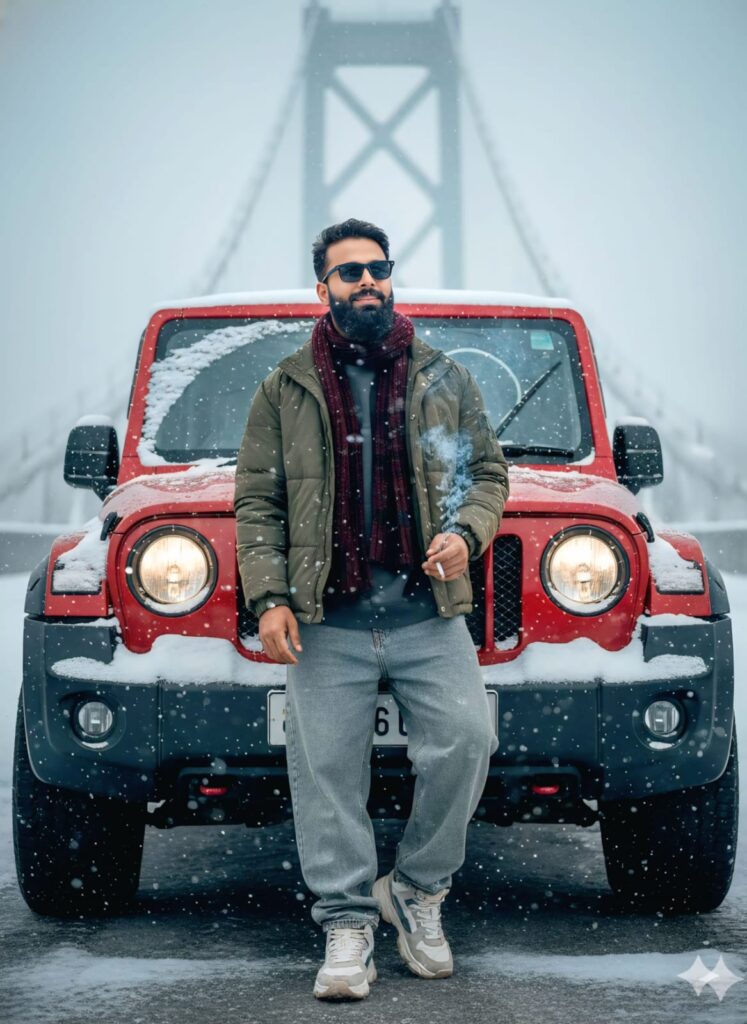
Ultra-realistic 8k cinematic shot of a stylish young man standing next to a red Mahindra Thar in a heavy snowfall. The man has a clear, highly detailed face with a subtle smile, wearing black sunglasses, a baggy free-size sweatshirt under a stylish jacket, loose-fit baggy jeans, and sneakers. He has a wool stall/scarf wrapped around his neck. He is holding a cigarette with smoke swirling in the freezing air. Small snowflakes (hail) are visible on his hair. The red Thar behind him is almost entirely covered in thick white snow, with windshield wipers actively clearing a path on the glass. In the background, a massive bridge is visible through the dense falling snow and hail. The lighting is cinematic and moody, capturing every texture in 3:4 aspect ratio, hyper-detailed, photorealistic. Don't change faces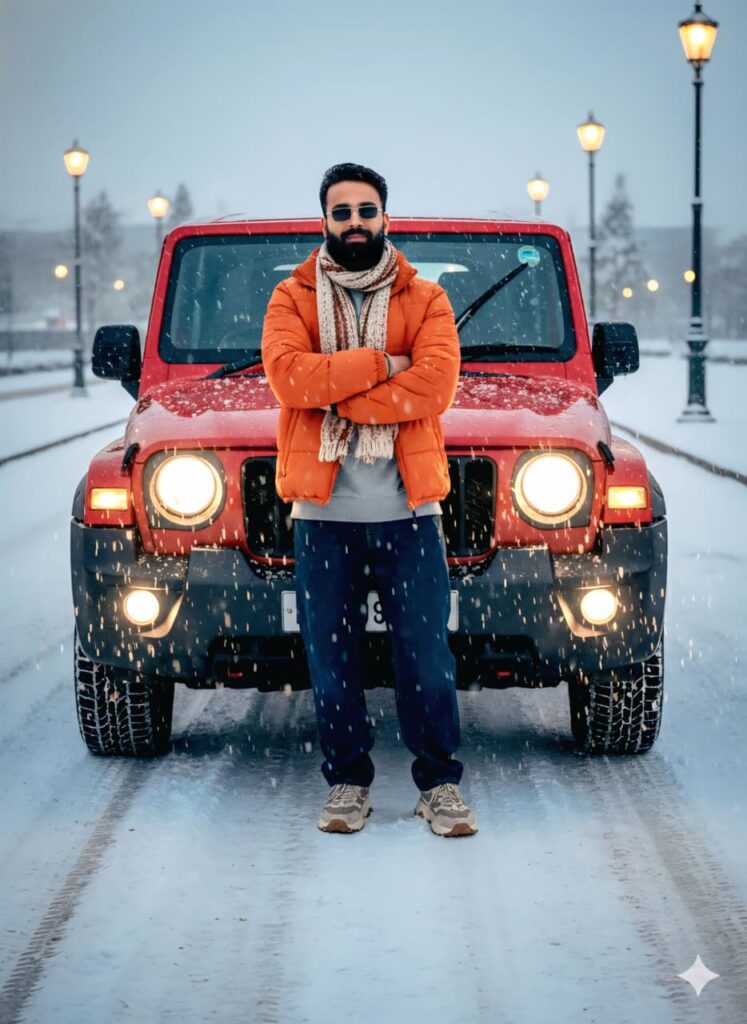
Hyper-realistic 8K cinematic shot of a handsome young man standing in front of a red Mahindra Thar on a snow-covered main road. He is facing the camera with a subtle, confident smile, arms folded across his chest. He is wearing a stylish casual outfit: a free-size oversized sweatshirt, an orange puffer jacket, baggy jeans, trendy sneakers, and dark sunglasses, with a cozy scarf (stole) draped around his neck. Soft snowflakes and hailstones (ola) are visible, resting on his hair and jacket.
The red Thar behind him has its bright headlights on, illuminating the falling snow; the windshield wipers are in motion. The street is lined with glowing streetlights, and the entire landscape is buried under thick white snow. The lighting is dramatic and cinematic, with ultra-high-definition details on the man's face and clothing textures. Aspect ratio 3:4, photorealistic, UHDR. Don't change faces
Note –
Please enter all your details here. Sometimes, AI prompts don’t work, but don’t worry. Just open a new page, go to Google Gemini, and upload your photo again. It will be created on the new page.
How to Use Best Poses And Snowfall AI Photo Editing Prompts
Let me explain how to use it so you don’t have any trouble. First, you need to download Google Gemini. Google Gemini is now available on almost everyone’s mobile phone. Just find any AI photo you like on my website, and below it, you’ll find the best “Best Poses And Snowfall AI Photo Editing Prompts.” Copy that prompt. Then, paste the prompt you copied into your AI tool and submit it. It’s very easy. You’ll then have to wait 1 to 2 minutes. Your photo will be generated. If you want to make it even clearer, you can use Remini.
Conclusion
Friends, Ai Prompts in this article, I have provided you with the best poses and AI photo editing prompts for snowfall effects. I have also explained how to use them, so please try them out. If you liked it, you can leave a nice comment. I have explained every step in detail, and if you have any questions or don’t understand anything, please let me know, and I will help you.