
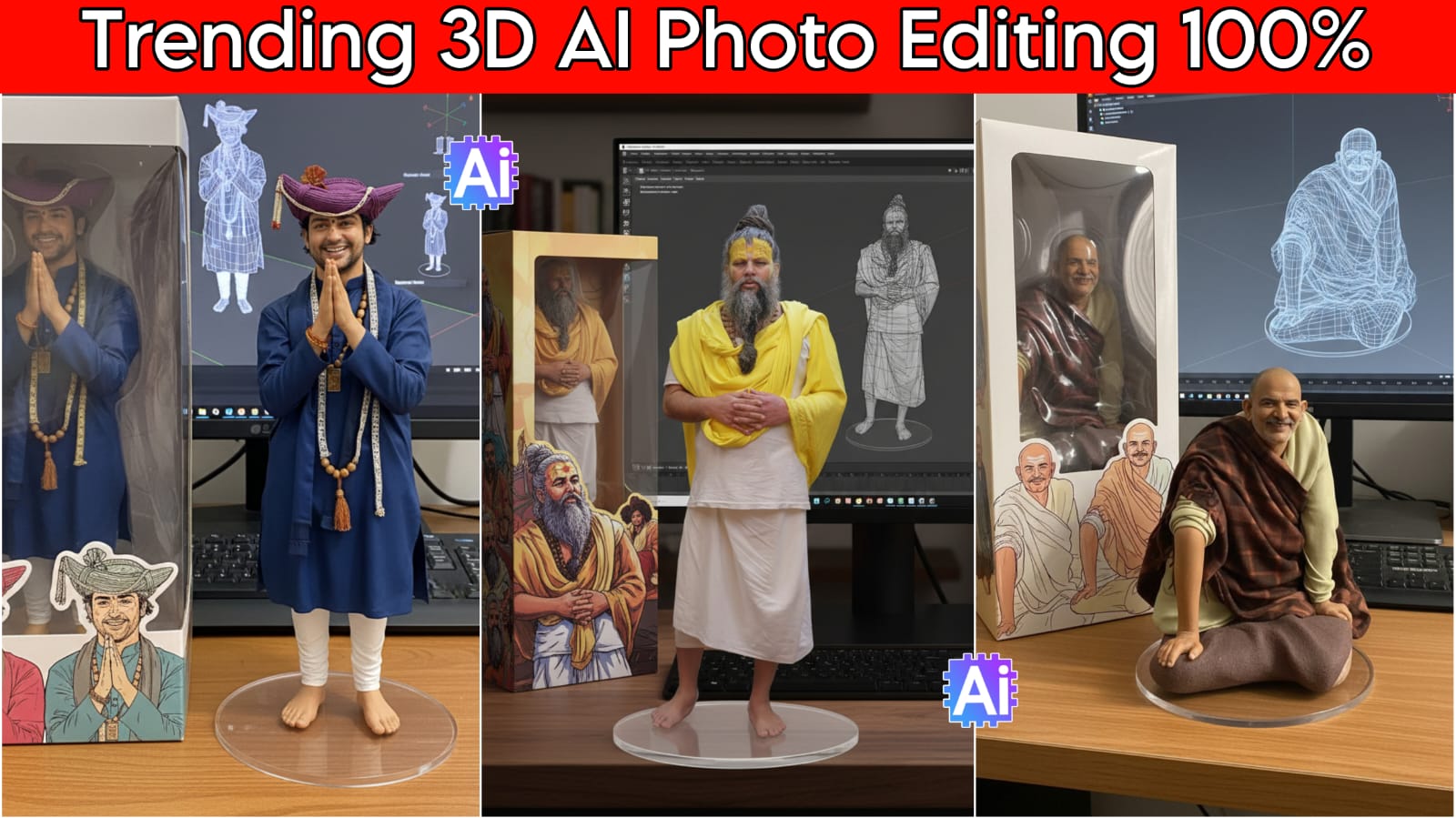
3D Al Photo Editing, today I have brought for you people Google Gemini Prompts which is very popular these days, so you should also try it, you can also post it on your Instagram and Facebook, we will tell you from where and how to get it.
My name is Manish, welcome to my website dmeditz. Today’s world is the era of AI, everyone is making it, you can make any kind of picture.
Moreover you can also edit the photo of anyone in your family. Use these 3D AI Photo Editing Prompts and your photo will be edited in less time.
About Google Gemini 3D Ai Photo Editing
Google Gemini is an advanced AI app which is also similar to ChatGPT. Google Gemini is a Google app. With this app also you can edit your photos. Just like you use ChatGPT, in this also prompts are used to create photos. You can also search whatever you want with it. It will answer your questions in every way.
Google Gemini: If we look at it these days, Chatgpt is also one of them. With the help of Google Gemini, you can post on your Instagram and Facebook. In this, you can edit the photos using nano banana and with this, you can also make videos.
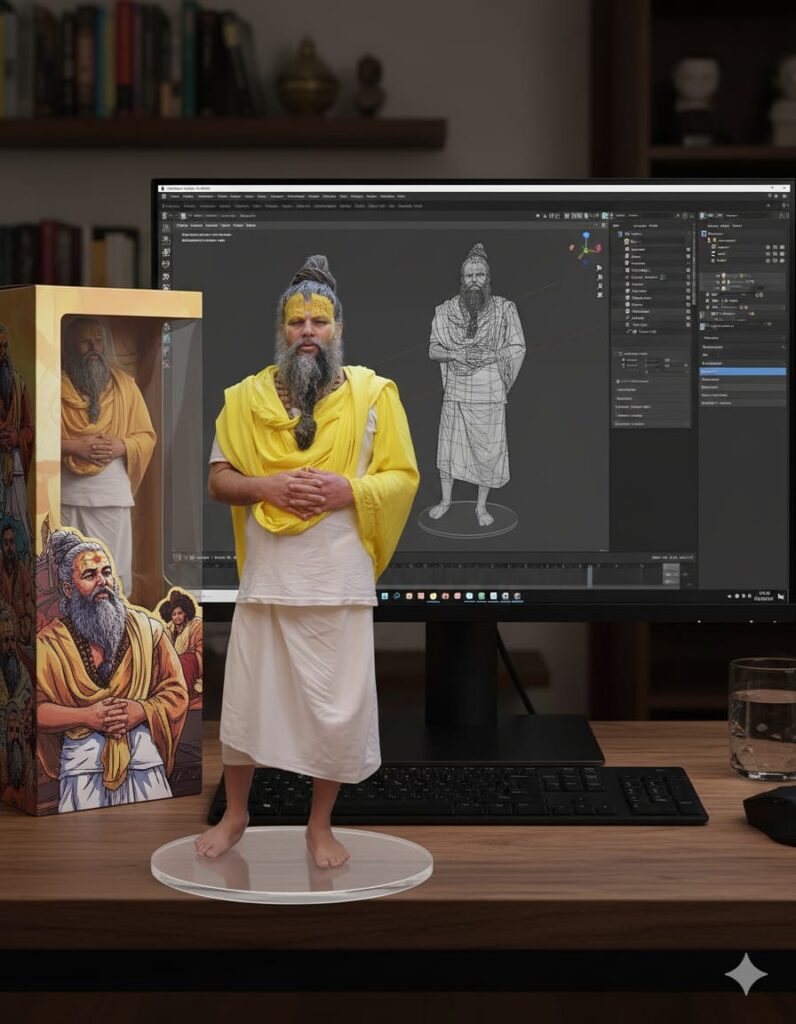
Create a 1/7 scale commercialized figurine of the characters in the picture, in a realistic style, in a real environment. The figurine is placed on a computer desk. The figurine has a round transparent acrylic base, with no text on the base. The content on the computer screen is a 3D modeling process of this figurine. Next to the computer screen is a toy packaging box, designed in a style reminiscent of high-quality collectible figures, printed with original artwork. The packaging features two-dimensional flat illustrations.How To Use 3D Ai Photo Editing
We are telling you how to use these prompts, you will understand by looking at them step by step. Google Gemini is being used all over the world. Everyone is doing this 3D AI photo editing. It is visible everywhere. Now you should also do it and share it with your friends so that everyone can do it.everywhere, now you should also do it
- You can use Google Gemini directly from Google or you can also use it by downloading it from Play Store.
- You have to download Google Gemini and you all have to install it.
- After installation, you have to login to your Gmail account.
- After logging in, you have to go down and add your photo
- After adding, copy and paste the prompts.
3D Ai Video Editing Prompts
You should use these prompts when the photo in the app is edited in 3D, then the next time you put the same photo in Google Gemini and paste these prompts and the video will be created.
The human hand picks up this 3D modelHOW TO DOWNLOAD GOOGLE GEMINI
To download the GOOGLE Gemini app, you will have to click on this red icon. As soon as you click, it will take you directly to Google Play store, from where you can download and use it.

OTHER AI PHOTO EDITING PROMPTS
Conclusion
In this blog I have told you how to use 3D Al Photo Editing Prompts and how to copy paste the prompts and how to use it. You can also try it now. If you are facing any problem or trouble then you can tell us in the comment. I will definitely reply and give you a blog. See you in the next blog.