Google Gemini Horses Riding Ai Photo Editing Prompts: Friends, in today’s article, I have given you some amazing and unique AI prompts that you can use to create your photos. Nowadays, everyone is using AI prompts to create their photos, and with the help of these AI prompts, you too can create stunning images and post them on your Instagram and Facebook. Everyone wants their photos to look good and impressive, something that people will like. Keeping that in mind, we have provided you with a horse riding AI prompt that you can use.
It seems like everyone is using AI prompts these days. Ever since people started using AI, everyone is creating their own photos. Previously, people used to pay to have photos created or used various different apps, but now they can create them with just one click. Since these AI prompts became available, people can create photos in just one click. We have provided these AI prompts along with example photos. You can copy the ones you like and simply paste them into Google Gemini along with your own photo. Your image will be ready in no time.

Google Gemini Horses Riding AI Photo Editing Prompts: Complete Information
Friends, you can modify the AI prompts provided here according to your preferences, such as changing the color of the clothes, the horse’s color, or the pose. If you don’t want to change anything, you can simply copy and paste. We have already created these images in different poses and locations, so you don’t necessarily need to change anything. Friends, you won’t find such AI prompts anywhere else. The prompts we provide always have 100% face matching, so you should definitely try them out.
Google Gemini Horses Riding Ai Photo Editing Prompts 100% Real Face
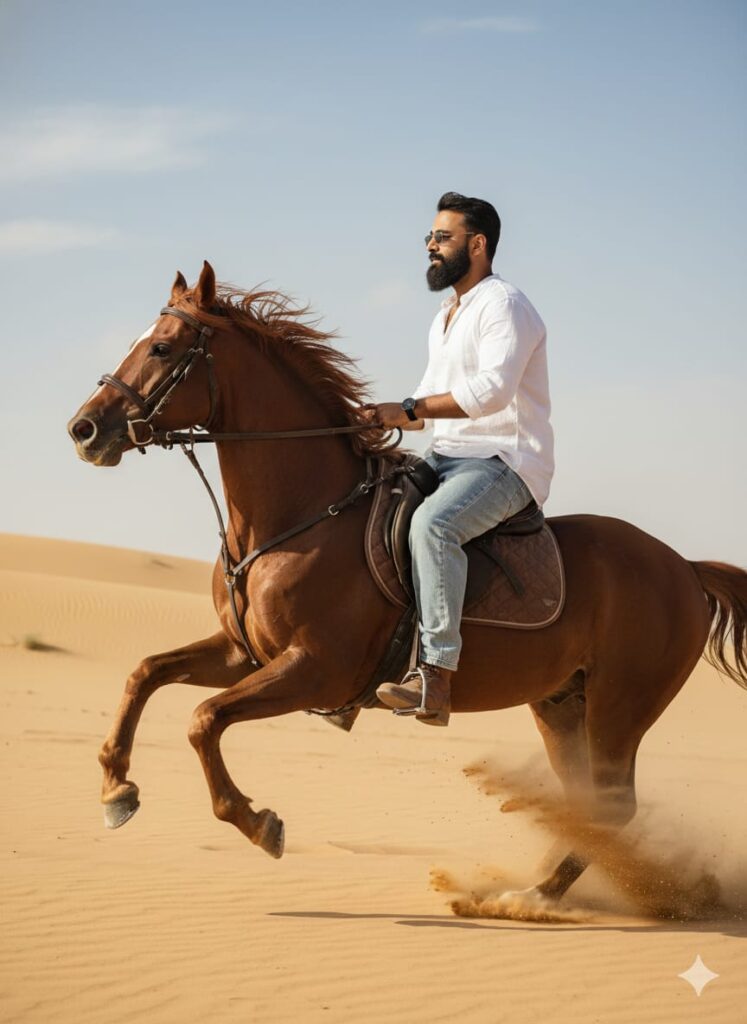
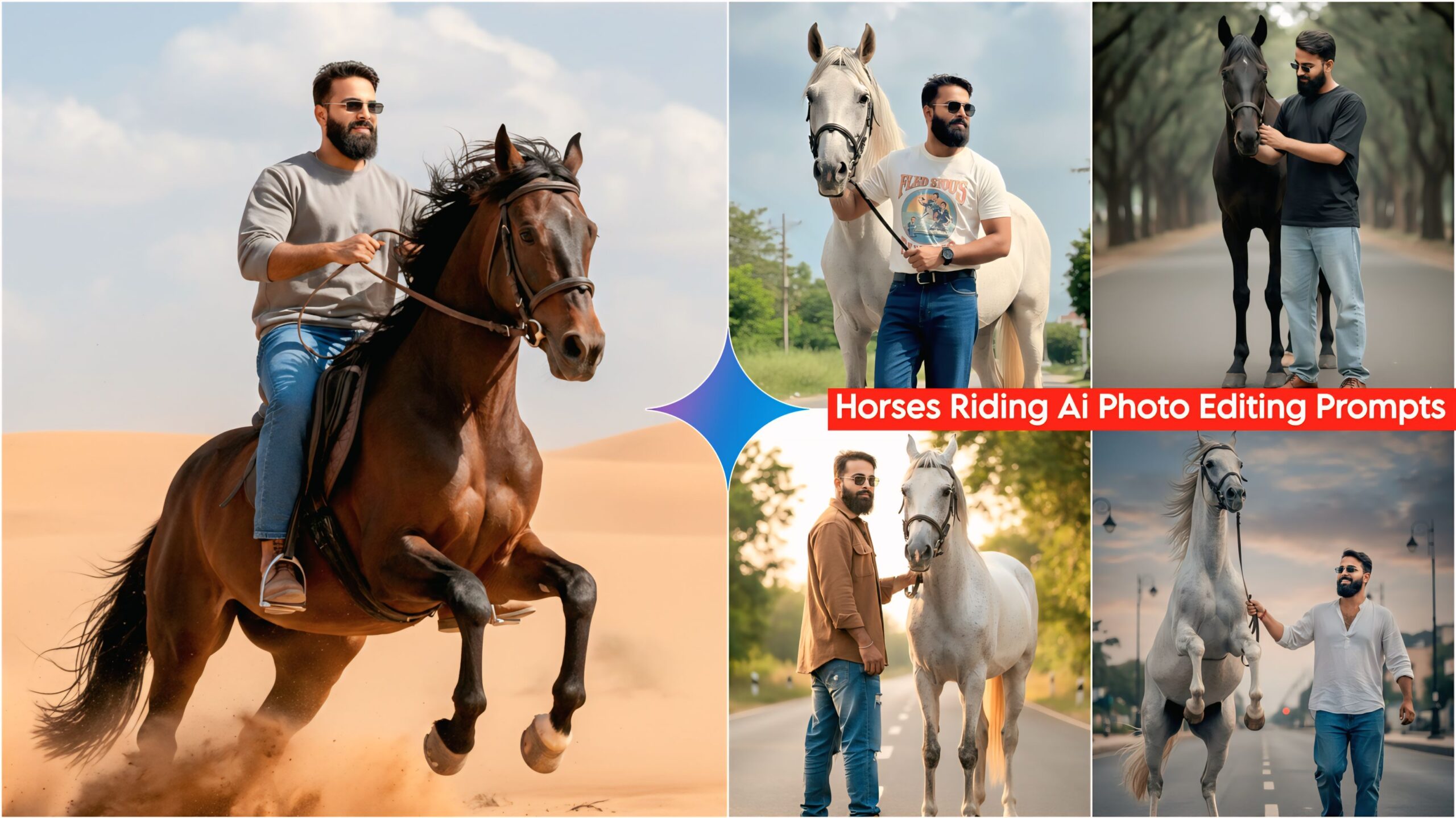
A young man with a realistic, subtly different face, wearing baggy jeans, a free-size shirt, shoes, and sunglasses, and giving a slight smile, is riding a horse. The horse is mid-gallop, with both front legs raised, kicking up a trail of dust behind it. The background is a vast sand desert. Cinematic lighting, clear face, HD quality, side view. Don't change faces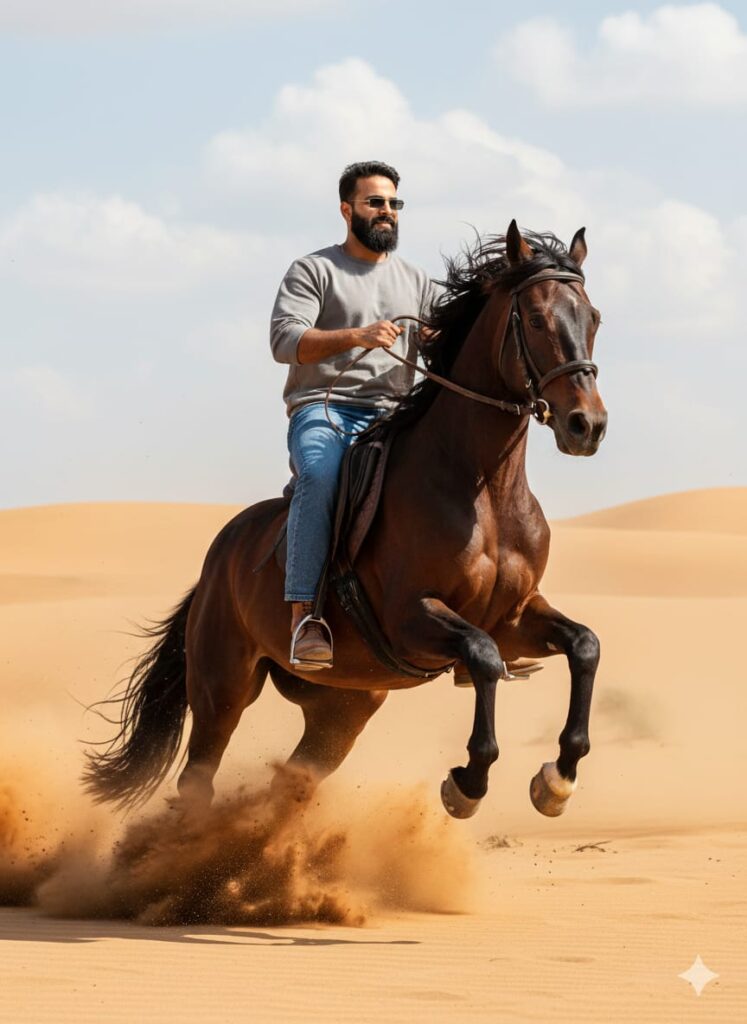
A young man with a subtly smiling, clear and realistic face, wearing casual attire: baggy jeans, a free-size shirt, and shoes. He is also wearing sunglasses.

He is seated on a powerful horse that is captured mid-leap, both front legs lifted high off the ground. The man is pulling the reins taut.

Behind the horse, a dramatic cloud of dust is kicking up from the desert ground. The background is an expansive, endless expanse of sand and dunes.

*Cinematic lighting, high-definition (HD) quality, ultra-realistic, hyper-detailed, photo taken with a professional camera (e.g., Hasselblad or Canon 5D Mark IV), 8K resolution.* Don't change faces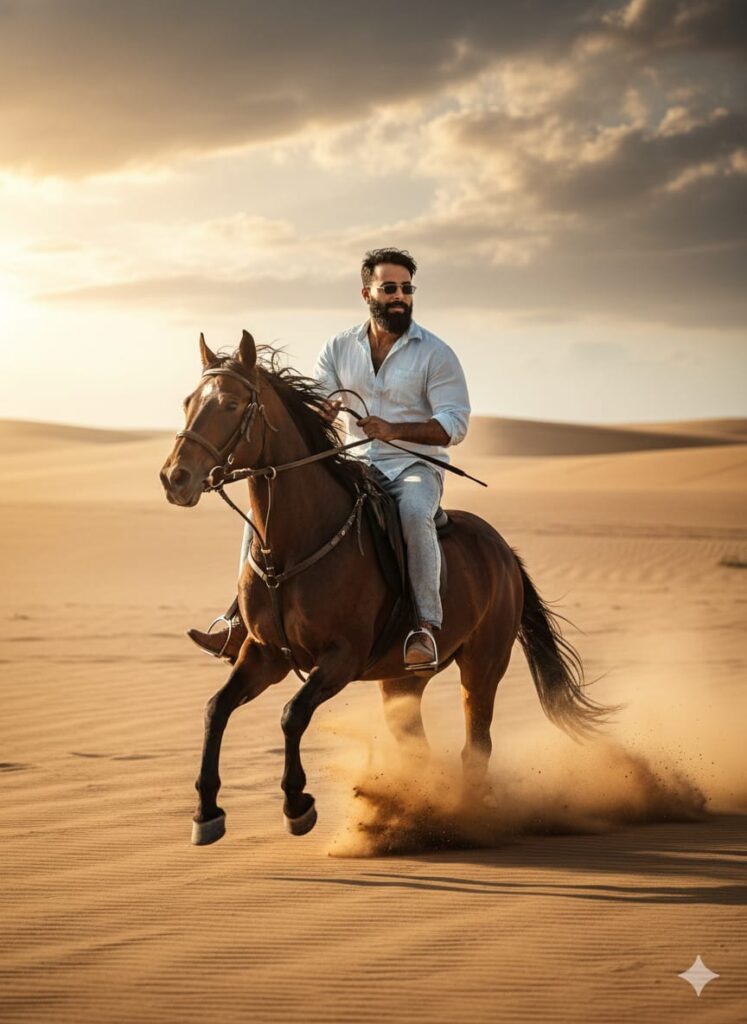
*Hyper-Realistic Cinematic Photograph* of a *young man* with a *changed face, ensuring it looks **absolutely real and believable*.

The man is captured mid-action, wearing *casual attire*: light-wash jeans, a free-size, slightly oversized shirt, and fashionable shoes, complemented by stylish sunglasses.

He is dynamically *mounting a horse while it is galloping* (or taking its first stride into a gallop). He is holding the reins, with *both feet lifted off the ground*, in the process of swinging himself up onto the horse's back.

*Setting:* A vast, endless *sand desert* (all sand).

*Action/Atmosphere:* The horse's movement kicks up a dramatic cloud of *dust and sand* directly behind them.

*Lighting/Quality:* *Cinematic lighting* (dramatic contrast, rich shadows, and highlights). The *face must be clear and in focus. **Ultra-high definition (UHD) quality, 8k, extremely detailed, photorealistic.* Don't change faces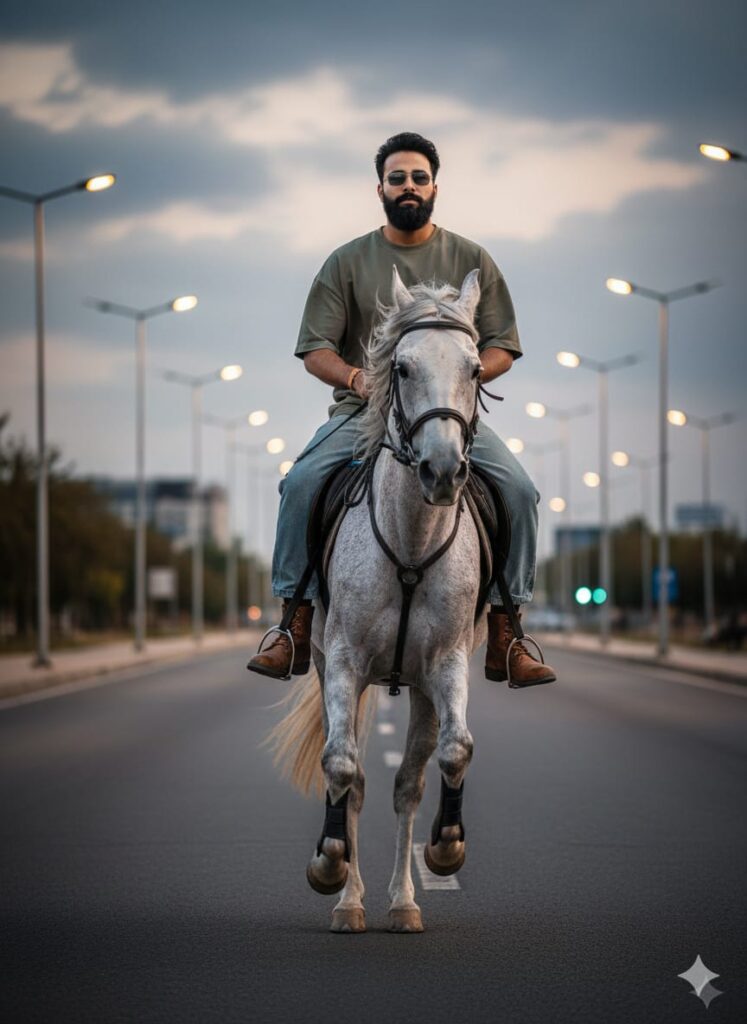
A realistic, high-definition photo of a young man with a mild, subtle smile, whose face appears slightly altered or morphed in a believable, hyper-real way (like a subtle face-swap or change, maintaining a realistic appearance). He is dressed in casual attire: baggy jeans, an oversized/free-size shirt, and shoes, wearing sunglasses. He is seated on a white and grey horse that is captured mid-gallop with both front legs lifted high off the ground. The man is holding the horse's reins. The background features a main road with street lights. The image should have cinematic lighting and crystal-clear face details (HD quality). Don't change faces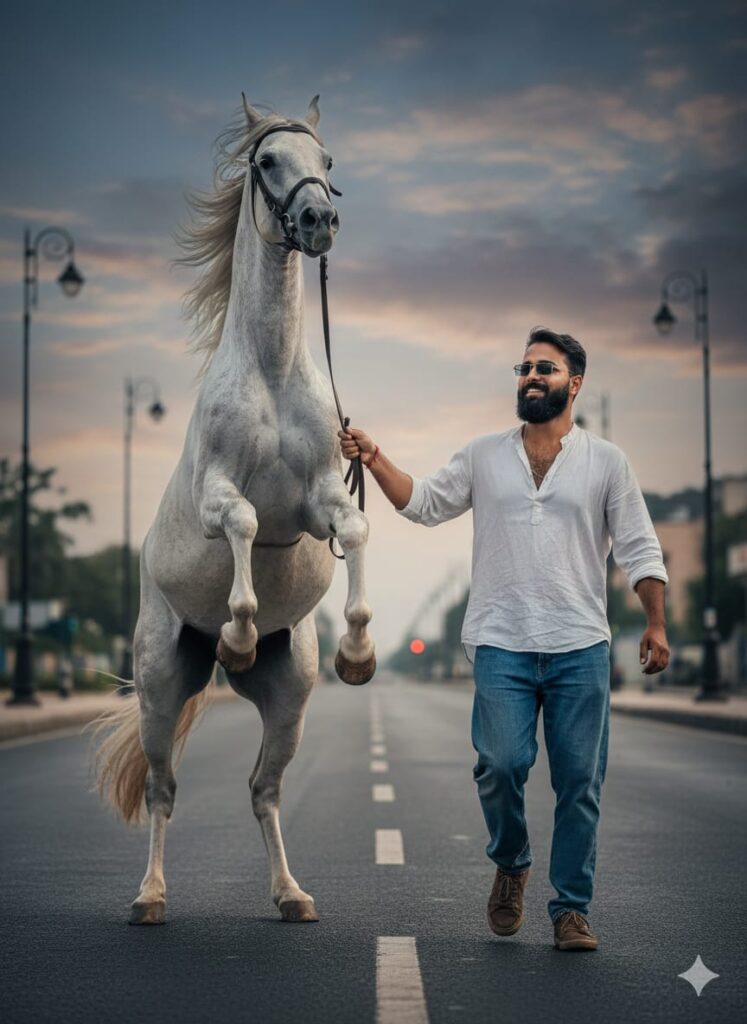
A realistic and cinematic high-definition (HD) quality image of a young man leading a white and gray horse.
The young man has a subtly smiling expression and is dressed in casual attire: baggy jeans, a free-size shirt, and shoes, completed with sunglasses. He is walking on foot, holding the reins of the horse.
The horse is dynamically captured, appearing as if it is galloping or rearing, with both front legs lifted in the air.
Setting: The scene is set on a main road with street lights visible in the background.
Lighting: Use cinematic lighting to create depth and drama, ensuring a clear and detailed rendition of the man's face (realistic face change/enhancement applied) and the entire composition. Don't change faces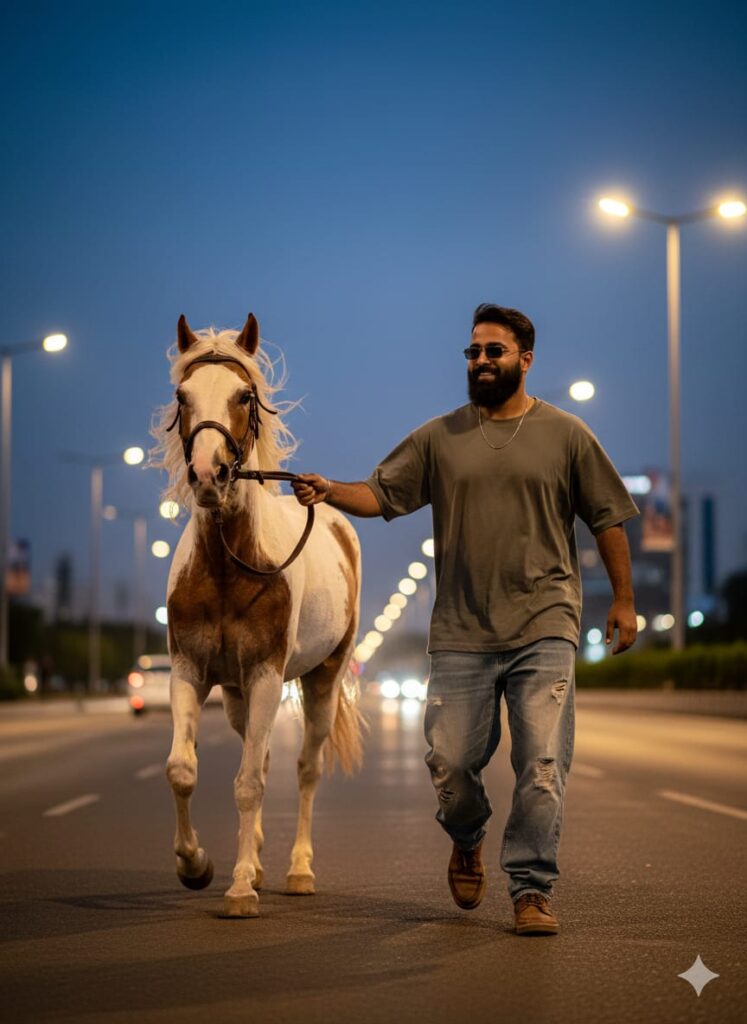
A young man with a realistic and transformed (changed) face is lightly smiling. He is dressed casually in baggy jeans, a free-size shirt, and is wearing shoes and sunglasses. He is holding the reins of a horse, walking beside it on foot. The horse is running and is white and brown in color. In the background, there is a main road with streetlights. Cinematic lighting, clear face, HD quality. Don't change faces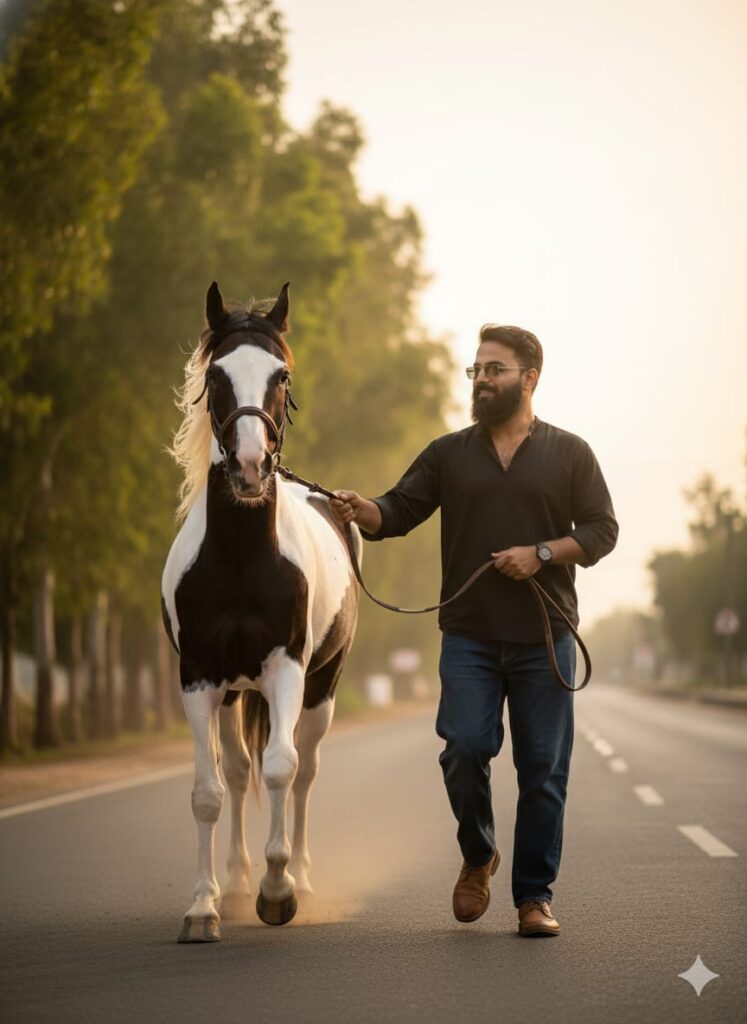
A realistic and high-quality photograph of a *young man* with a *subtle, gentle smile. His face should appear **clear and detailed (HD quality), captured with **cinematic lighting*.

*Subject Details:*
* *Attire:* Casual wear, including *baggy jeans, a **free-size Balck shirt, and **shoes. He is wearing **sunglasses*.
* *Pose:* Standing, holding the *reins* (tack) of the horse.

*Setting Details:*
* *Horse:* A majestic horse that is *white and black* (piebald/skewbald), captured in a *running/dynamic pose* behind or next to the man, giving the impression of movement.
* *Background:* A *main road* lined on one side with *green trees*.

*Style/Quality:*
* *Style:* Realistic, Photorealistic, High Detail, Cinematic.
* *Lighting:* Cinematic Lighting, Golden Hour (optional, for warmer tone), Sharp Focus on the man and horse. Don't change faces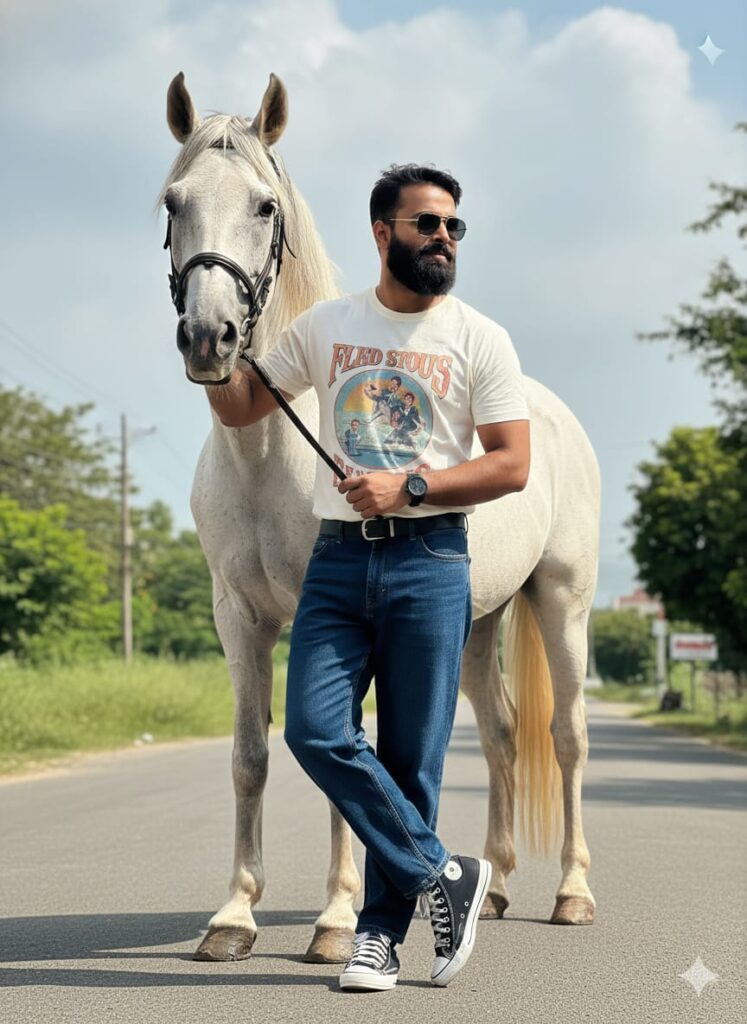
A professional-grade, ultra-realistic photograph of a stylish young man with a distinctive, photorealistic face, maintaining a gentle smile. He is wearing dark wash baggy jeans, a vintage graphic free-size T-shirt, high-top shoes, and aviator sunglasses. He's posing next to a striking white and black horse, with a sun-dappled main road and green foliage in the background. Dramatic cinematic lighting, extreme clarity, and 4K resolution. Pose: Leaning casually against the horse, one foot crossed over the other. Don't change faces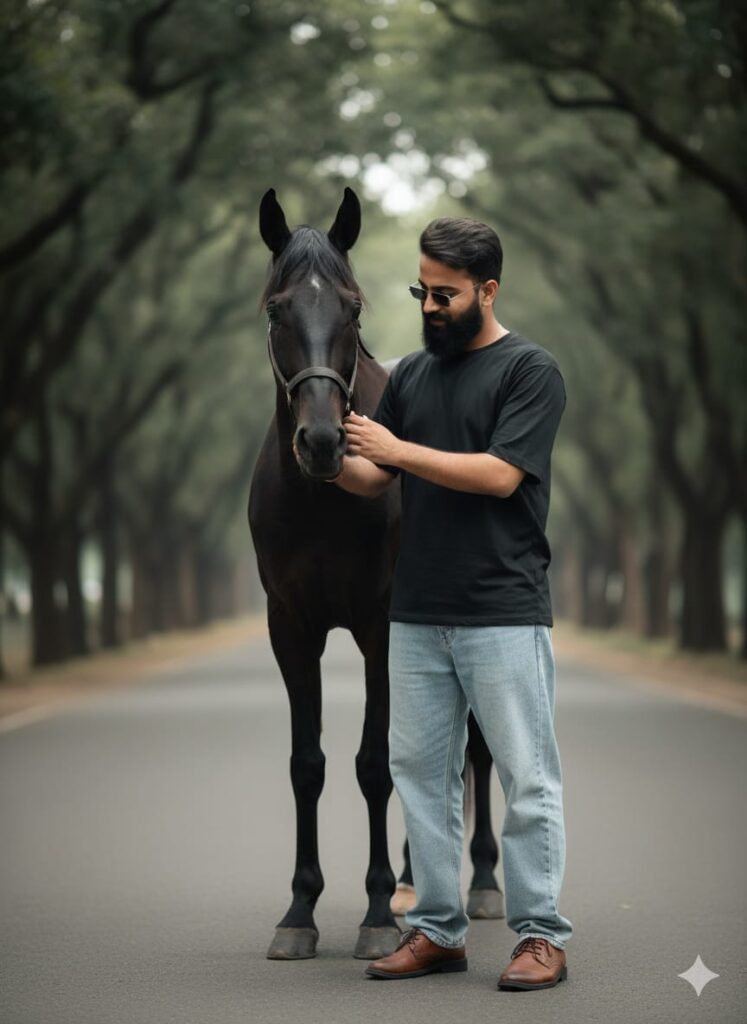
A close, detailed realistic shot of a young man with a convincingly altered, real-world face, offering a faint smile. His outfit includes light-wash baggy jeans, a simple plain free-size black shirt, and classic leather shoes, accessorized with reflective sunglasses. The image focuses on the interaction between him and the black horse, set against the blurred background of a tree-lined main road. Soft cinematic lighting, shallow depth of field, HD clear face. Pose: Standing close, looking down at the horse's muzzle while gently petting it. Don't change faces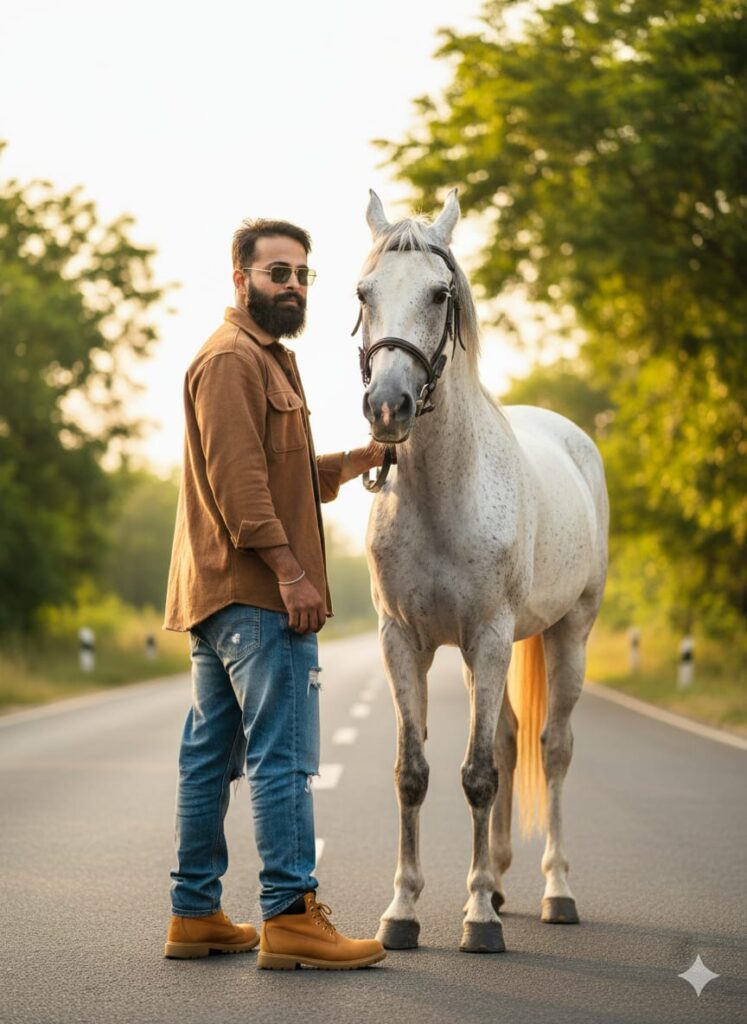
A highly realistic and compelling photograph of a young man with a natural and unique facial expression (subtle smile). He is dressed in ripped baggy jeans, a heavy-texture free-size overshirt, work boots, and classic sunglasses. The scene is on a main road bordered by green trees, with the white and black horse standing prominently beside him. Golden-hour cinematic lighting, sharp detail. Pose: Standing with his back partially to the camera, head turned over his shoulder, looking towards the lens. Don't change facesNote –
Please enter all your details here. Sometimes, AI prompts don’t work, but don’t worry. Just open a new page, go to Google Gemini, and upload your photo again. It will be created on the new page.
How to use Google Gemini Horse Riding AI Photo Editing Prompts
Let me explain how to use it so you don’t have any trouble. First, you need to download Google Gemini. Google Gemini is now available on almost everyone’s mobile phone. Just find any AI photo you like on my website, and below it, you’ll find the best Google Gemini Horse Riding AI Photo Editing Prompts. Copy it, then paste the copied prompt into your AI tool and submit it. It’s very easy. Then you’ll have to wait 1 to 2 minutes. Your photo will be generated. If you want to make it even clearer, you can use Remini.
Conclusion
Friends, in this article, I have provided you with Google Gemini Horse Riding AI Photo Editing Prompts and explained how to use them. So please use them, and if you liked it, you can let me know by leaving a nice comment. I have explained every step in detail, and if you didn’t understand anything, please let me know, and I will explain it to you.