
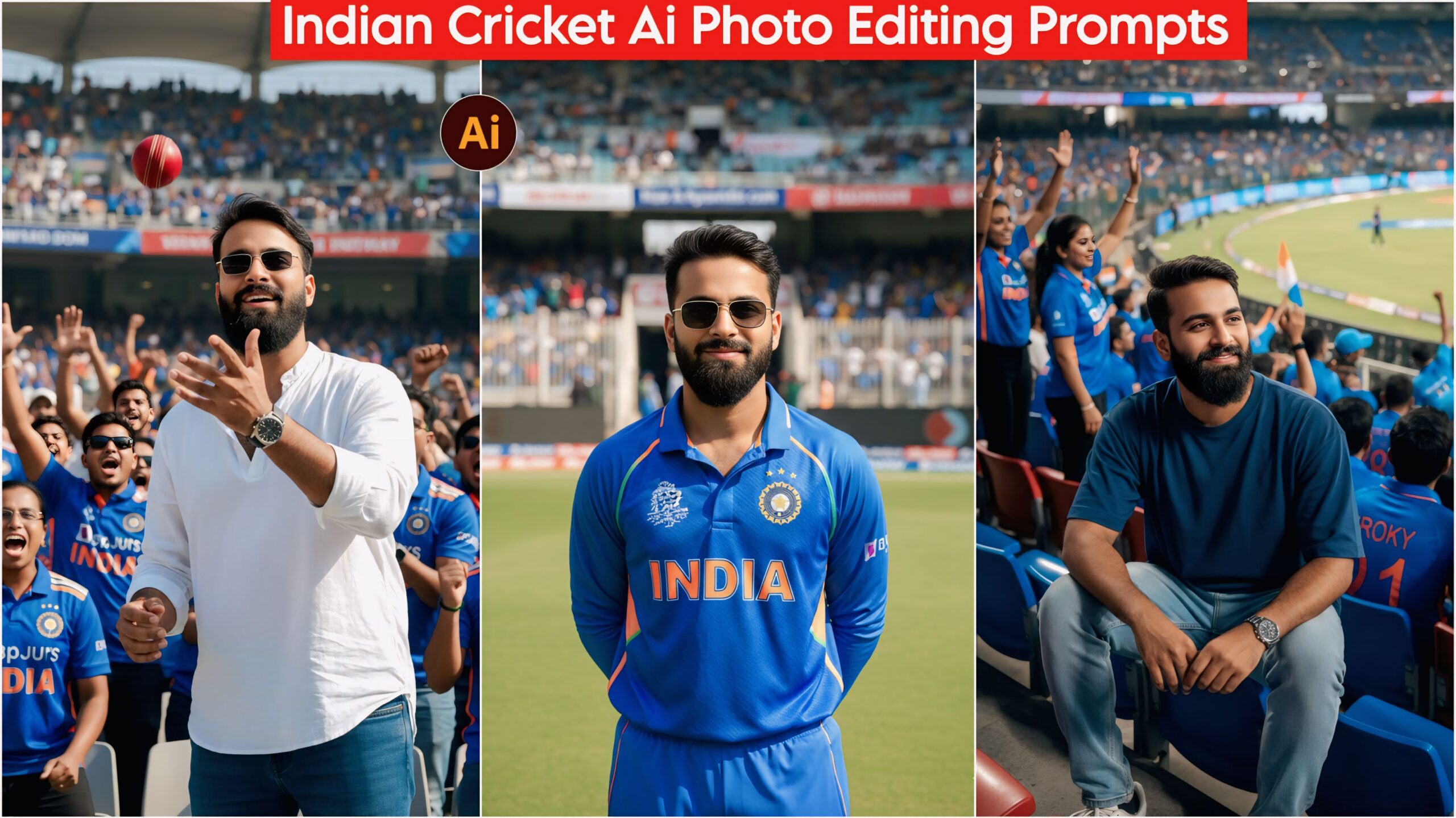
Google Gemini India Cricket AI Photo Editing Prompts: Friends, in today’s article, I’ve brought you some amazing and unique AI photo editing prompts for Indian cricket jerseys and stadium backgrounds. You can easily use these prompts to give your photos a fantastic look. As you know, the world is crazy about cricket, and these prompts have been specially created for our users and fans. Please try them out and leave a comment!
These days, everyone wants their photos to look good and unique, and the whole world is crazy about cricket. Everyone watches cricket, and each team has its own set of fans. Keeping this in mind, we’ve created a prompt that allows fans to create amazing photos and share them on Instagram and Facebook. People will love it, so share it with your friends too so everyone can create their own unique photos!
About Google Gemini India Cricket AI Photo Editing Prompts
Friends, this contains some amazing prompts, all created with different poses and locations so you can create whatever you want. With these prompts, you can create these images with just one click using your phone and an app called Google Gemini, which is mentioned at the end. In today’s world, everyone wants to create a great photo quickly and easily. Now you too can create photos in this Indian cricket uniform! Everyone wants to wear this Indian cricket uniform and everyone wants to go watch the match, but many can’t. So, keeping that in mind, we’ve created these India Cricket AI Photo Editing Prompts using Google Gemini. Now everyone can create their own!
Google Gemini India Cricket Ai Photo Editing Prompt, 100% Face Matching
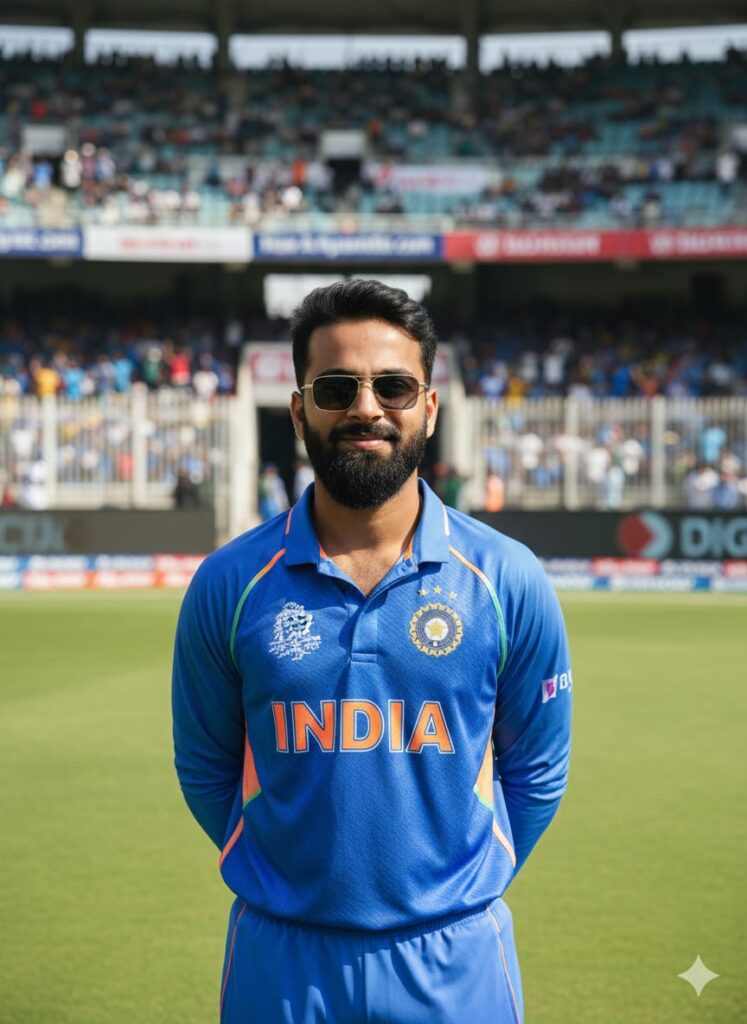
A young man whose face is realistically changed to look completely real. He is smiling slightly and looking straight ahead. He is wearing the Indian cricket team uniform and is standing inside the gate of a cricket stadium. In the background, many people are sitting and watching the match. The image should have cinematic lighting, a natural look, and HD quality with a clear face. Don't change faces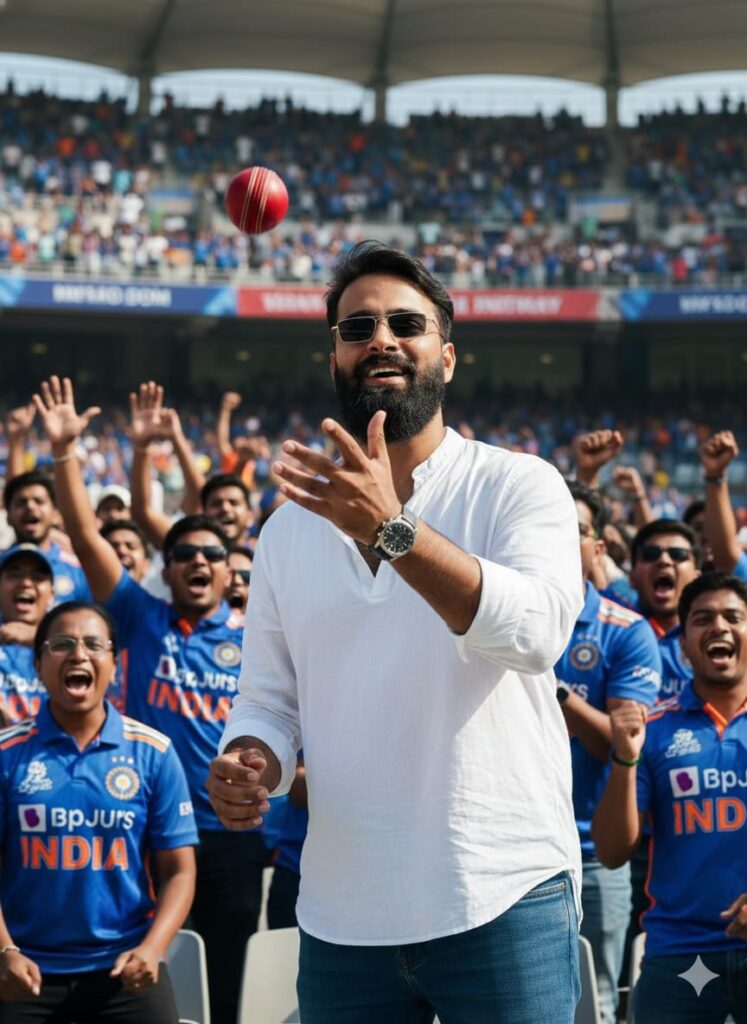
"Photorealistic, cinematic portrait of a young man with a slightly surprised, smiling, and highly detailed face (as if his expression just changed) catching a cricket ball in a stadium auditorium. He is wearing jeans, an oversized shirt, and a watch. He is standing amongst a crowd of spectators in Indian cricket jerseys, some cheering loudly in the background. Ultra-detailed, HD quality, dramatic cinematic lighting." Don't change faces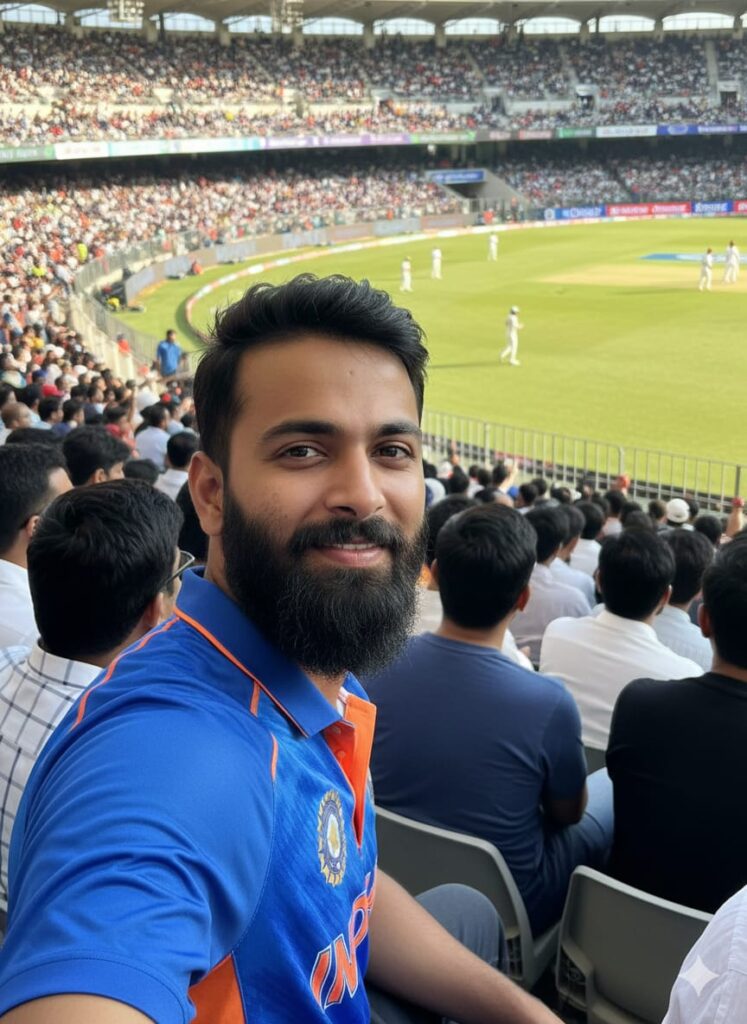
A hyper-realistic, high-definition (HD) photograph of a young Indian man with a completely changed, realistic, and detailed face. He is lightly smiling and looking directly at the viewer. He is wearing the Indian Cricket Team uniform. He is sitting in the stands of a large, packed cricket stadium, surrounded by other spectators, intently watching a match. In the background, Indian cricket players are visible playing on the field. Cinematic lighting, natural light, real-life photography style. Don't change faces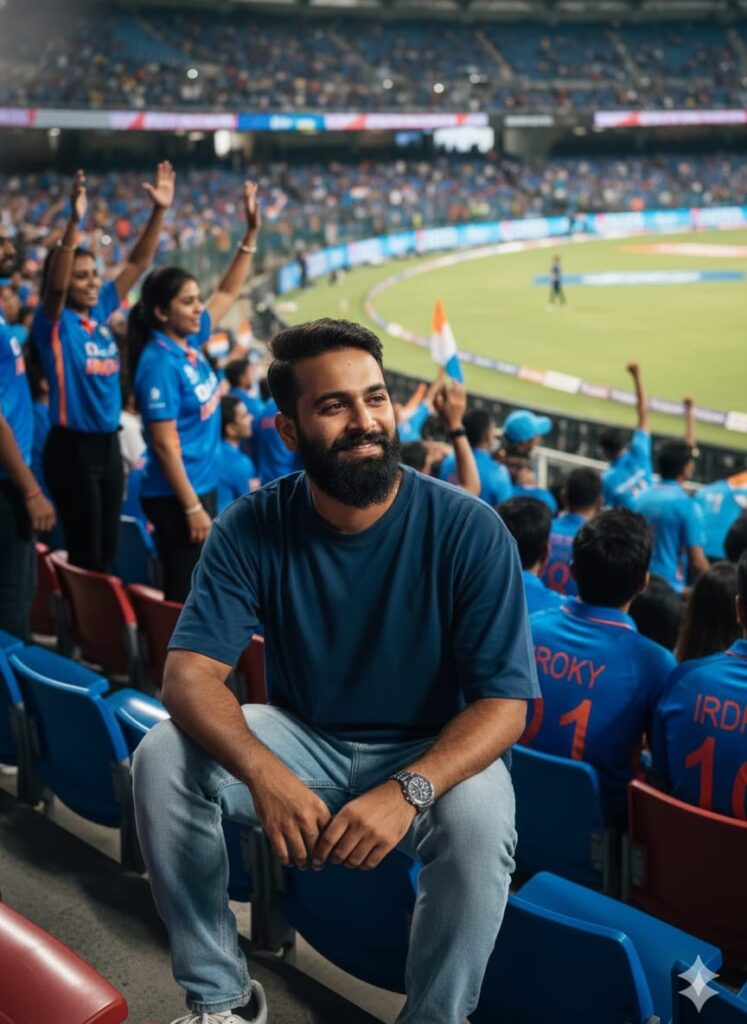
A photorealistic image of a young man with a distinct, expressive face sitting in the auditorium section of a large cricket stadium. He is casually dressed in jeans, an oversized t-shirt, and sneakers, wearing a watch. He is captured in a slight, subtle smile. In the background, other spectators wearing Indian cricket team jerseys are cheering and watching the match. The scene should have dramatic, cinematic lighting, focusing a clear, high-definition light on his face. Don't change faces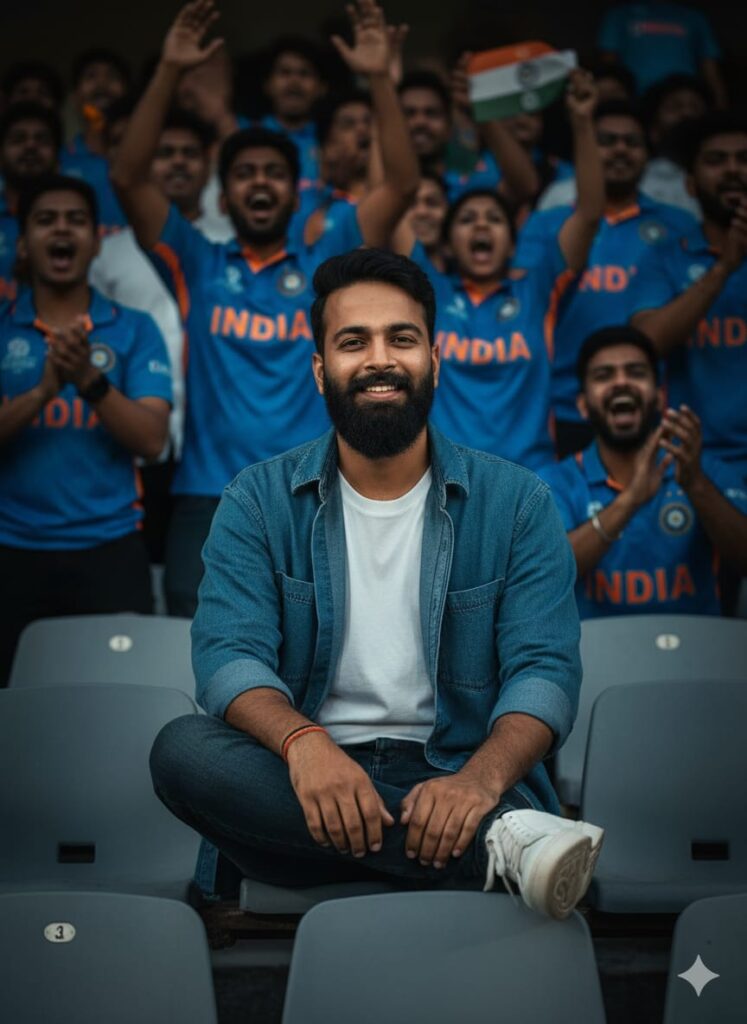
A high-resolution, realistic image of a young man watching a cricket match from the stadium stands. His unique, prominent face is turned slightly towards the camera, illuminated by a dramatic, cinematic spotlight, and he has a genuine, mild smile. He is dressed simply in casual wear (jeans, oversized shirt, and shoes). The background is a vibrant blur of activity—other fans in Indian cricket team jerseys are cheering enthusiastically behind him, giving a sense of the electric atmosphere. Professional color grading, hyper-detailed, sharp focus on the face. Don't change facesNote –
Please enter all your details here. Sometimes the prompts don’t work, but don’t worry. Just open a new page, go to Google Gemini, and upload your photo again. It will be created on the new page.
How to Use Google Gemini India Cricket AI Photo Editing Prompts
I’ll explain how to use it so you don’t have any trouble. First, you need to download Google Gemini. Since Google Gemini is now available on almost everyone’s mobile phone, you can find any AI photo you like on my website. Below the photo you choose, you’ll find the best Google Gemini India Cricket AI Photo Editing Prompts. Copy those prompts and then paste them into your Google Gemini app. It’s very easy! Then you’ll have to wait 1 to 2 minutes. Your photo will be generated. If you want to make it even clearer, you can use Remini.
Conclusion
Friends, in this article, I have provided you with Google Gemini India Cricket AI Photo Editing Prompts and explained how to use them. So please use them, and if you liked it, you can let me know by leaving a nice comment. I have explained every step in detail, and if you didn’t understand anything, please let me know, and I will explain it to you.
Google Gemini Link Click And Use