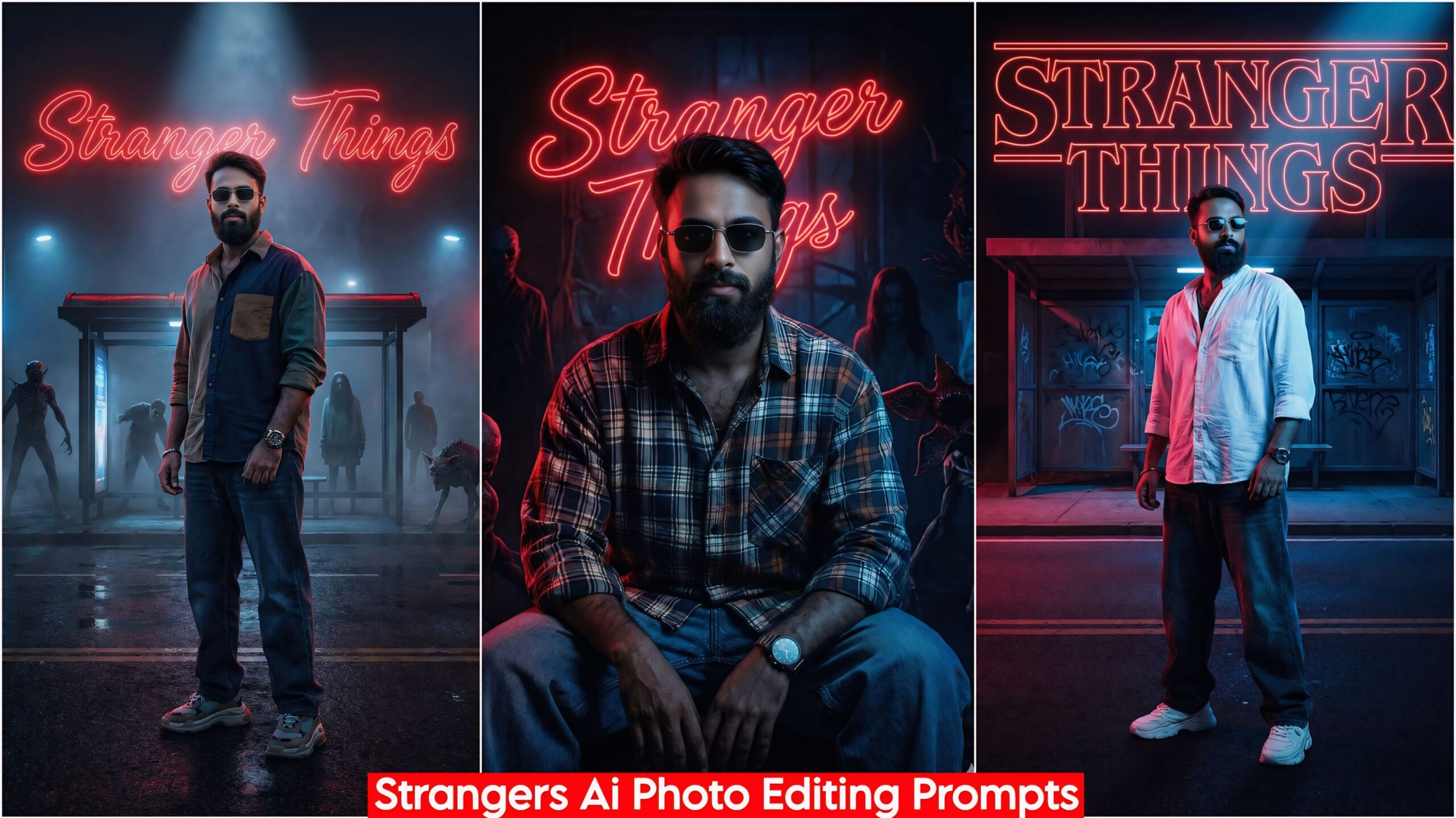
How To Create Stranger Things Ai Photo Editing, in today’s article I have created a wonderful prompt for you guys which is going viral these days, everyone is creating it and posting it on their social media. Some people are not able to create it, some people have not given good prompts, but the prompts that I have given you will work 100%. If you use these prompts, you will like it a lot, its name is stranger things AI prompts which everyone is creating.
How To Create Stranger Things About Ai Photo Editing
In this we have given you total 5 Prompts which are very amazing and unique, you can see them below and can also use them, you have to create it in Google Gemini, it will be used only in Google Gemini and in this you have been made in dark color and horror scene, if we talk about the light then it is absolutely real and unique, the side light is a mix of red, green and some places have also been changed, whatever you like after seeing it, you have to copy it and go to your Google Gemini and paste it with your photo and send it.
Important:
Sometimes the prompts don’t work. So, don’t worry. Just open a new page of Google Earth and add your photo. It will be created again. If you have any other issues, please comment.
How To Create Stranger Things Ai Photo Editing, Google Gemini 100% Working

"A photorealistic cinematic portrait of a young man with a confident, bold expression, wearing stylish sunglasses. He stands firmly on a dark, wet main road at night. Behind him is a creepy, deserted bus stop. He is dressed in oversized casual streetwear: baggy jeans, a loose 'free size' shirt, chunky sneakers, and a wristwatch. The atmosphere is a dark horror scene, heavily bathed in dramatic volumetric dual-tone neon lighting, mixing deep reds and electric blues. Large, glowing, cursive neon script spelling "STRANGER THINGS" dominates the background wall. A sharp beam of light focuses specifically on his face and sunglasses, highlighting the details. 8k resolution, hyper-detailed, film grain." Don't change faces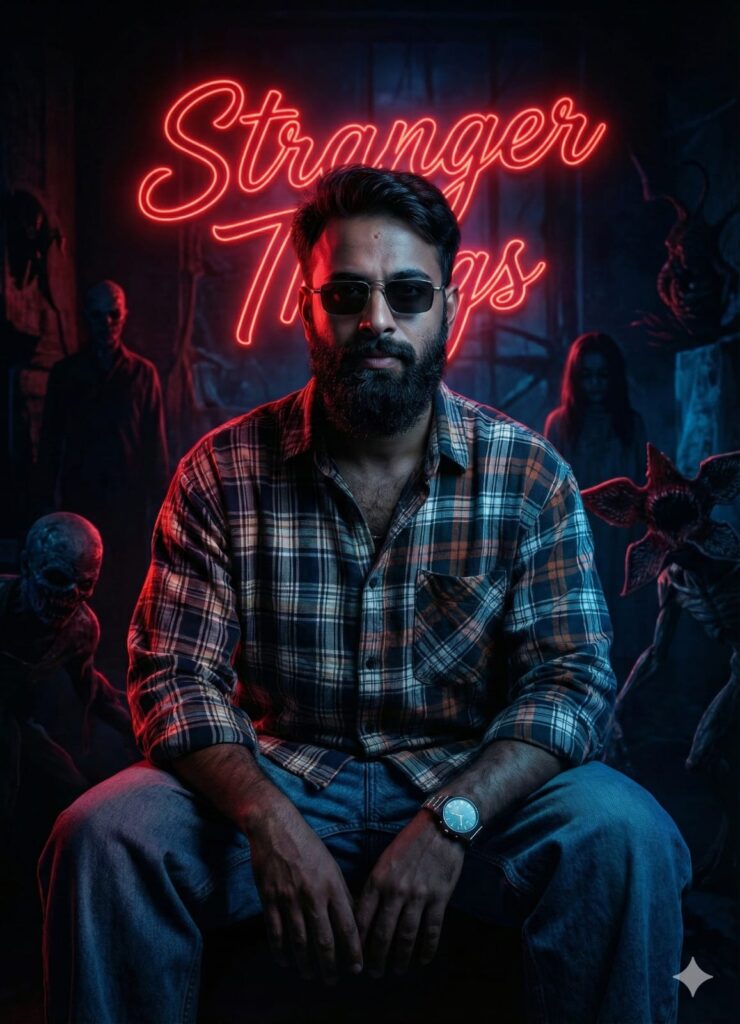
A photorealistic, cinematic portrait of a confident young man sitting inside a dark, gloomy room. He is looking directly at the camera, wearing sunglasses, a wristwatch, oversized baggy jeans, and a baggy mixed-color shirt. The scene is heavily illuminated by intense, contrasting red and blue neon lights, creating a dramatic "Stranger Things" aesthetic. A sharp spotlight focuses specifically on his clear, realistic face, highlighting distinct features. In the background shadows, large glowing cursive text reads "Stranger Things". The background is also filled with eerie horror elements, shadowy people, and strange creatures lurking in the dark. 8k resolution, highly detailed texture. Don't change faces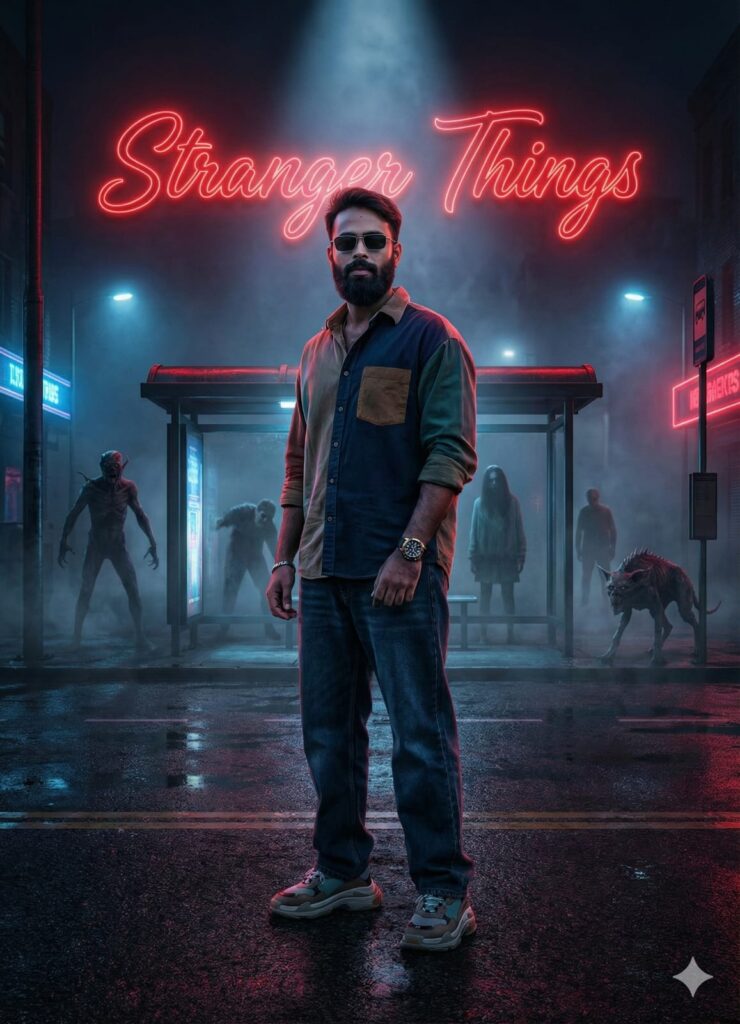
A hyper-realistic, cinematic shot of a confident young man standing on a dark main road with a bus stop in the background. He is wearing a baggy multi-colored shirt, free-size jeans, stylish sunglasses, a wristwatch, and sneakers. The lighting is dramatic, featuring a mix of red and blue neon lights (Stranger Things aesthetic) with a sharp spotlight focused on his clear, realistic face. In the background, large glowing cursive text reads "Stranger Things". The background also contains shadowy horror figures, creepy people, and strange animals lurking in the mist. 8k resolution, highly detailed, photorealistic texture. Don't change faces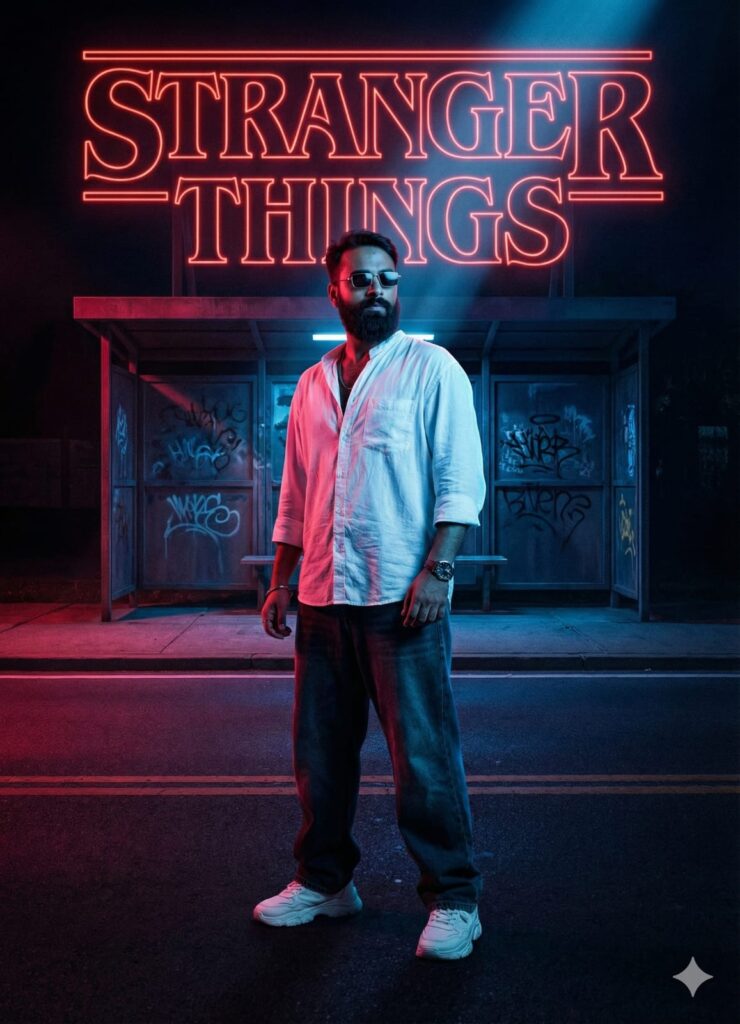
"A photorealistic cinematic portrait of a young man with a confident, cool expression, wearing stylish sunglasses. He stands firmly on a dark main road at night. Behind him is a deserted bus stop. He is dressed in trendy oversized streetwear: baggy jeans, a loose 'free size' shirt, chunky sneakers, and a wristwatch. The entire scene is bathed in dramatic 'Stranger Things' style dual-tone neon lighting, mixing deep reds and electric blues. Large, glowing cursive neon script spelling "STRANGER THINGS" dominates the background signage. A sharp beam of light focuses specifically on his face and sunglasses. 8k resolution, hyper-detailed, film grain." Don't change faces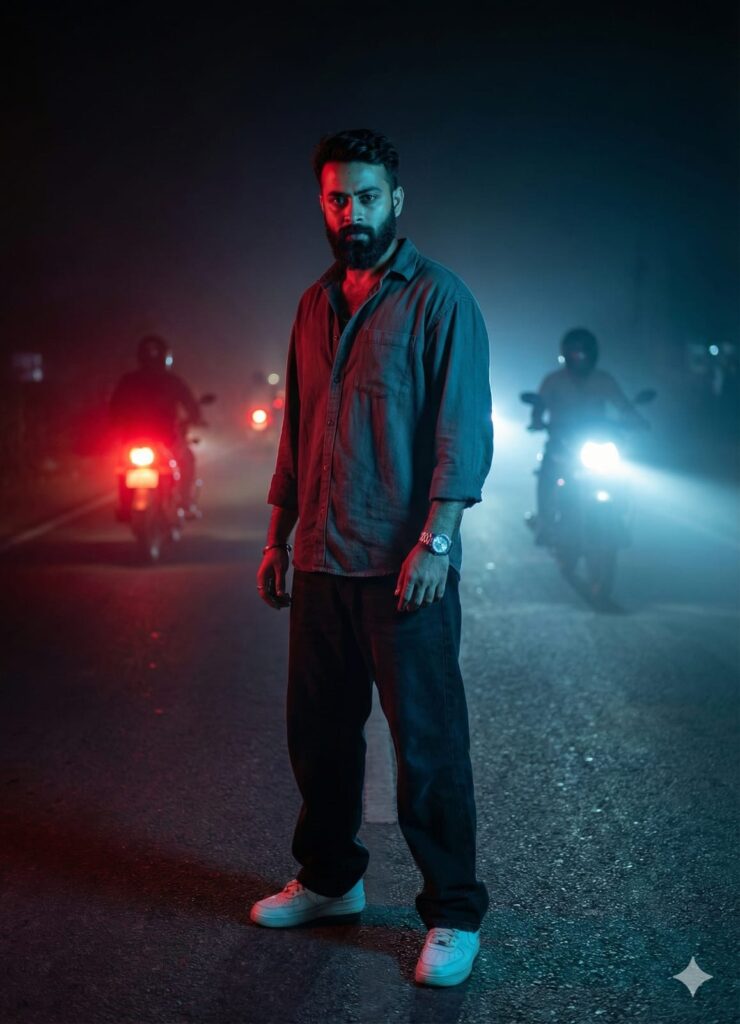
"A hyper-realistic cinematic shot of a handsome young man standing in the middle of a dark main road at night. He has a serious, intense expression and is looking directly into the camera. He is wearing stylish casual streetwear: an oversized loose shirt, baggy jeans, sneakers, and a wristwatch. In the background, motorcycles are approaching from behind with their headlights glowing. The scene has a 'Stranger Things' aesthetic with dramatic dual-tone lighting: a mix of ominous red and neon blue fog lights surrounding him. The lighting is focused sharply on his face, highlighting his features. 8k resolution, highly detailed, photorealistic." Don't change facesHow to Use How To Create Stranger Things AI Photo Editing
I’ll tell you how to use it so you don’t have to worry too much. To use it, you first need to download your Google Gemini. Now Google Gemini is in everyone’s mobile, so you just have to look at any photo from my website that you like. Below that, you’ll find the best How To Create Stranger Things Ai Photo Editing.
Copy it, then paste it into your Google Gemini AI Prompts, and post it. It’s very easy, and you’ll have to wait 1-2 minutes. If your photo looks like a bomb, you can use Remini to clear it up a bit.
Conclusion
Friends, I have given you How To Create Stranger Things Ai Photo Editing, in this I have shown you how to use it, so you must use it and if you liked it then you can tell us by leaving a nice comment. In this you have been told about each and every step and wherever you did not understand, please do let us know.
Google Gemini Link Click And Use

Thank You Visit My Website Dmeditz.com