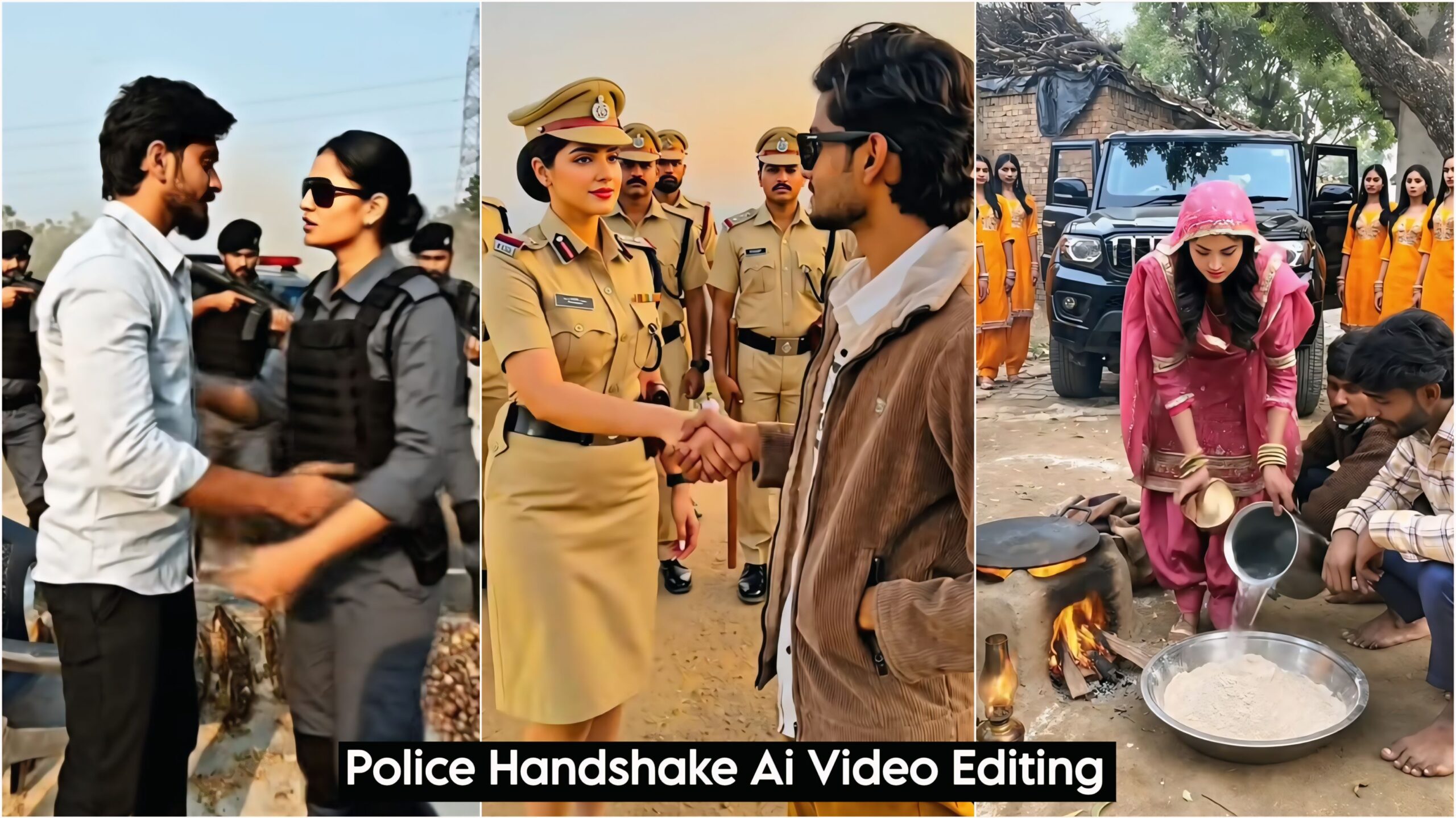
Instagram Viral Police Handshake AI Video Editing: Hello friends, welcome to my website dmeditz. In today’s article, I’m going to tell you about a fantastic AI video editing technique that is currently going viral on Instagram. People are using it to create videos and gain a lot of followers and views. Now you can also create these videos with just one click! It’s very easy to make. To create it, you’ll only need prompts and your photo. It will be ready in just a few moments, and you can create as many as you want; it’s unlimited. Nowadays, everyone is saving time by using AI. Even young children are using AI and doing AI editing alongside their studies.
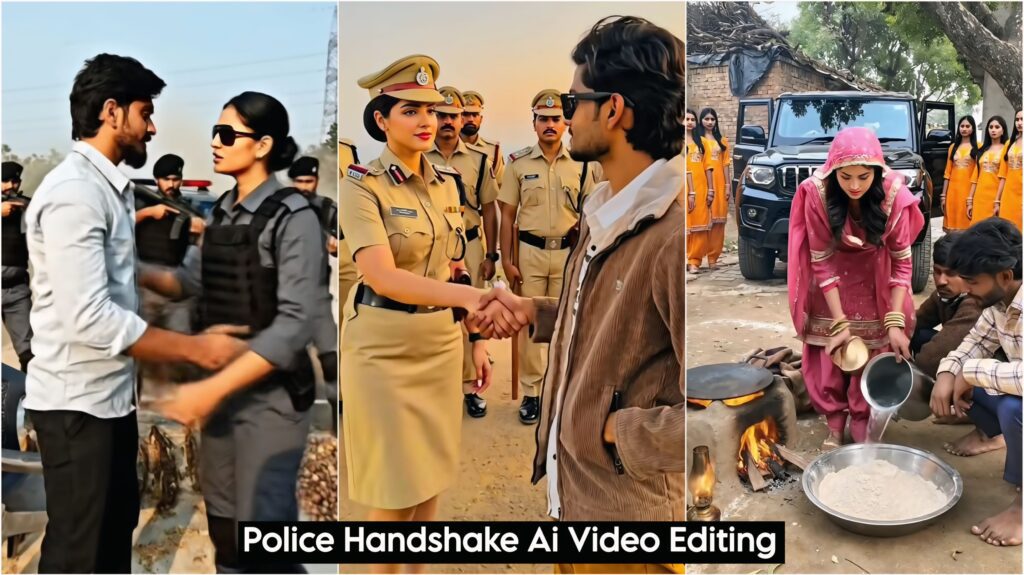
You might have seen this on Instagram: people are sitting somewhere, and suddenly a large number of police officers appear behind them, surrounding them from all sides like a force, and someone even comes and shakes their hand. We call this “Police Handshake AI Editing.” I’m going to tell you how to create this. To make it, you need to take a picture of yourself or the person you want to use, and then click on the link provided below. After that, copy the prompts given there and paste them along with your photo. With the advent of AI, things have become easier for everyone. People can easily understand anything better, and AI can even explain things clearly through speech.
About Police Handshake AI Video Editing:
You don’t need to add anything to this; however, if you still want to make changes, you can. Simply copy and paste the provided prompts. Everything is already included, from the lighting to the actions. Your model can be sitting, standing, or doing something else, and the entire police force will arrive with their vehicles, and the first thing they’ll do is shake your hand and hug you. This video is approximately 8 seconds long. If you want a longer video, you’ll need to add more elements.
Video Prompts
Transform the reference image into a high-drama cinematic scene. Keep full focus on the man sitting in front - sharp face, deep focus, natural skin tones. In the background, a force/police SUV arrives at high speed, dust flying. As the vehicle stops, 3 men and 2 women step out wearing force uniforms. One woman walks forward, shakes hands with the man, then warmly hugs him. At the same moment, 2-3 police personnel from nearby vehicles run toward the scene. Cinematic lighting, dramatic mood, ultra-realistic, 4K quality, film look, motion blur, shallow depth of field."How to Use the Flow App Police Handshake AI Video Editing
Flow is also a Google Gemini product; it’s connected to it. You can create both high-quality photos and videos with it. It offers many options, such as:
- Text to Video – In this, you simply send text, and it will create a video exactly as you wrote it. This works only for text.
- Frames to Video – This is the most widely used option for creating videos. You can use any model or your own photo, add the text you want, and it will create the video for you.
- Ingredients to Video – This is also an option for creating videos. You can create videos using prompts, such as for different brands.
- Create Image – With this, you can create ultra HD high-quality images by writing text or using prompts. You can create anyone’s photo with just one click. It creates ultra HD images, even better than Google Gemini.
Overall
On my website dmeditz, you will find trending photo editing and video editing tutorials, along with AI prompts. Friends, I’ve provided an Instagram Viral Police Handshake AI Video Editing tutorial here, and I’ve explained how to use it. So please try it out, and if you like it, leave a nice comment. I’ve explained every step in detail, and if you have any questions or don’t understand something, Police Handshake AI Video Editing please let me know, and I’ll help you.
Google Flow Link Click And Use