
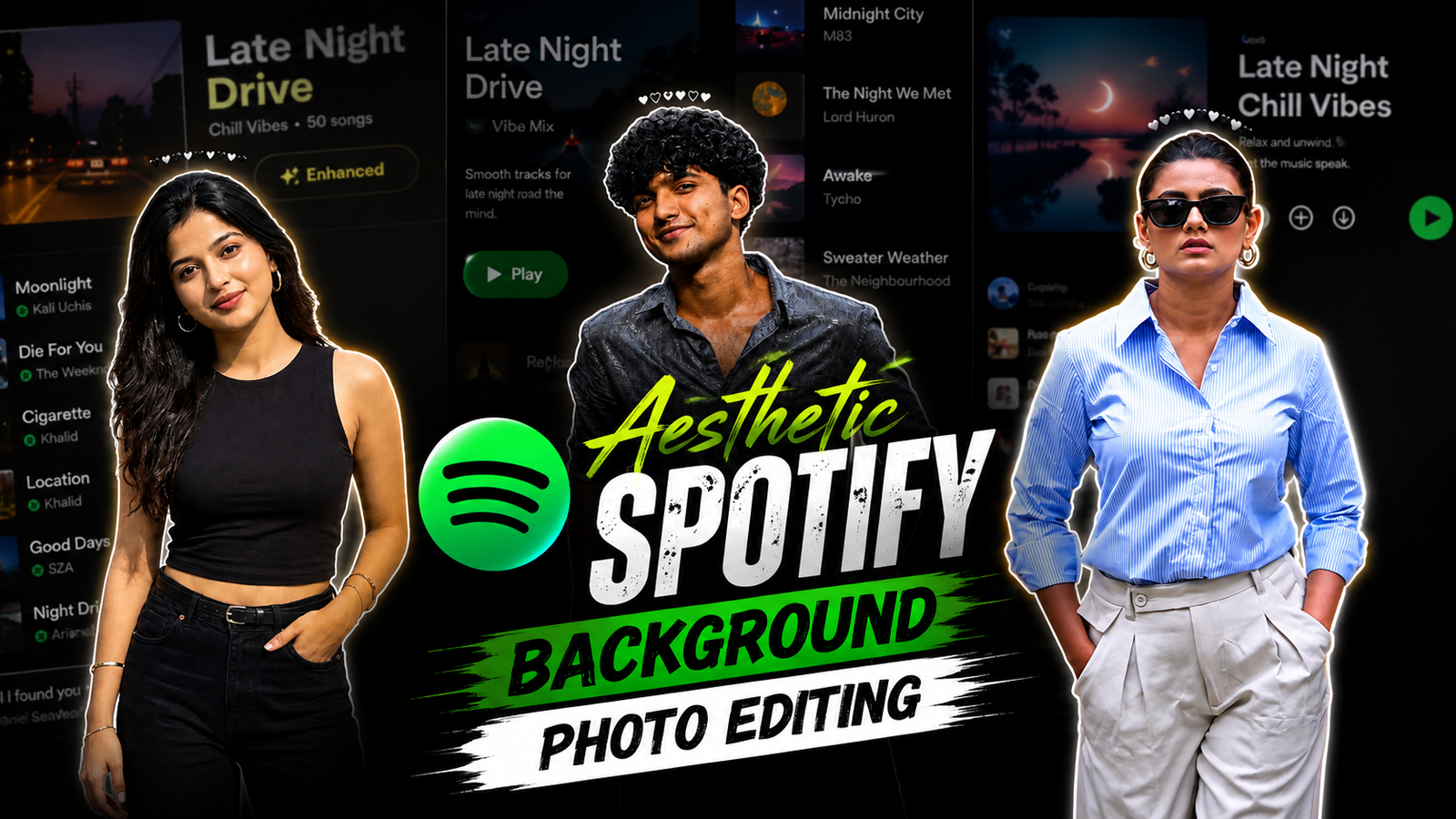
Aesthetic Spotify Background Photo Editing Prompts: This style of photo editing is currently going viral, and people are creating these unique, stylish “Aesthetic Spotify” images with just a single click using specific prompts. You can easily create one on your phone by simply copy-pasting a code via ChatGPT. These images look fantastic and can be shared across all social media platforms—including Instagram, Facebook, TikTok, and WhatsApp. Anyone—guys or girls—can create and use them. After all, everyone wants to upload a stunning, unique, and stylish photo to social media.
Regarding the prompts, if you wish to feature the name of your favorite song, you can edit that detail and even change the color of the outfit. In this way, you can use various prompts to give your photos distinct looks, as people are currently creating unique images using AI. Content creators, in particular, are leveraging this technology for YouTube, Facebook, and Instagram—using it for everything from photos and titles to descriptions. You can find all such trending templates and images on our website, dmeditz.com.
TRENDING AI PHOTO EDITING PROMPTS
About Aesthetic Spotify Background Photo Editing Prompts
In this article, I am sharing unique and stylish AI prompts that produce incredibly realistic and natural-looking images—all achievable with just a single click. These Spotify-themed background photos are currently trending; music lovers—both guys and girls—can easily create them. You can share these images on platforms like Instagram (Reels, posts, and profiles) and TikTok, where they are sure to be a hit. I have designed prompts featuring various poses and settings suitable for both boys and girls, and you can even customize the song choice simply by changing a few words in the prompt.
Aesthetic Spotify Background Photo Editing Prompts
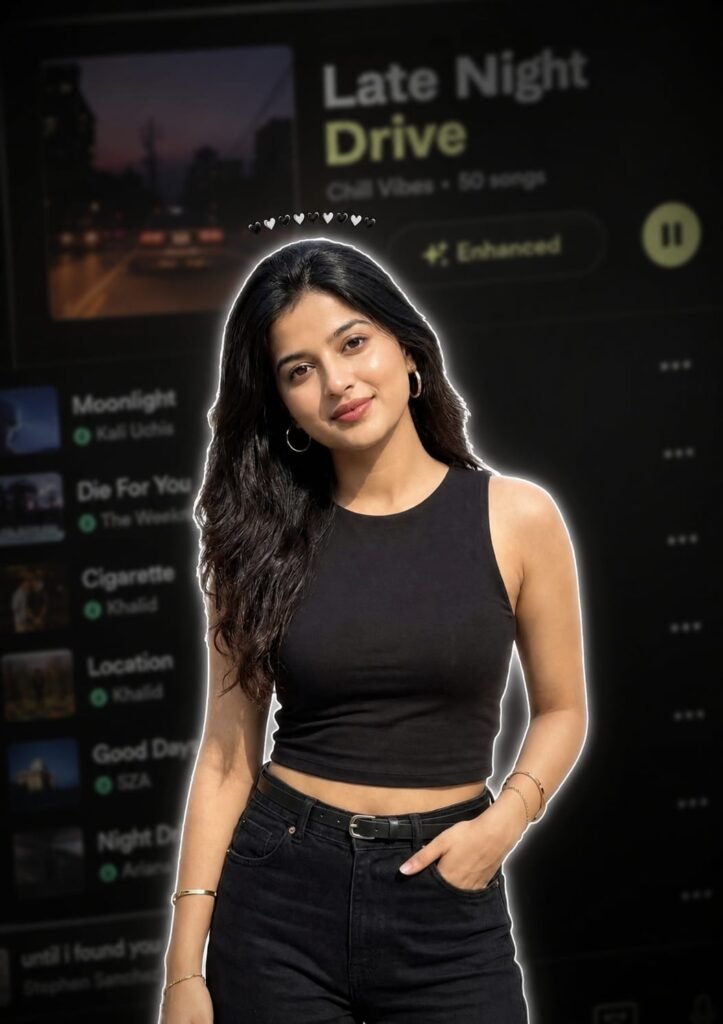
Use the uploaded image as the ONLY identity reference. Keep the subject's gender, face, facial structure, hairstyle, skin tone, age, clothing, body proportions, original pose, expression, hand position, camera angle, framing and perspective exactly unchanged.
Create a premium Instagram Feed Post (1080x1350, 4:5) with a thin white sticker outline and soft white glow. Add one tiny compact emoji crown (10-12 emojis ♥️♡♥️) centered in a very tight curved arc, floating just above the hair with a clear small gap, about 15-20 px above the highest point of the hair, matching the reference. Keep the emojis small, closely packed, subtle, and never touching or overlapping the hair, forehead, face, or white outline. Never make the crown wide, oversized or scattered. Use the same clothing, hairstyle and pose. Background: heavily blurred dark-mode mobile music streaming app playlist with a premium cinematic look. Don't change face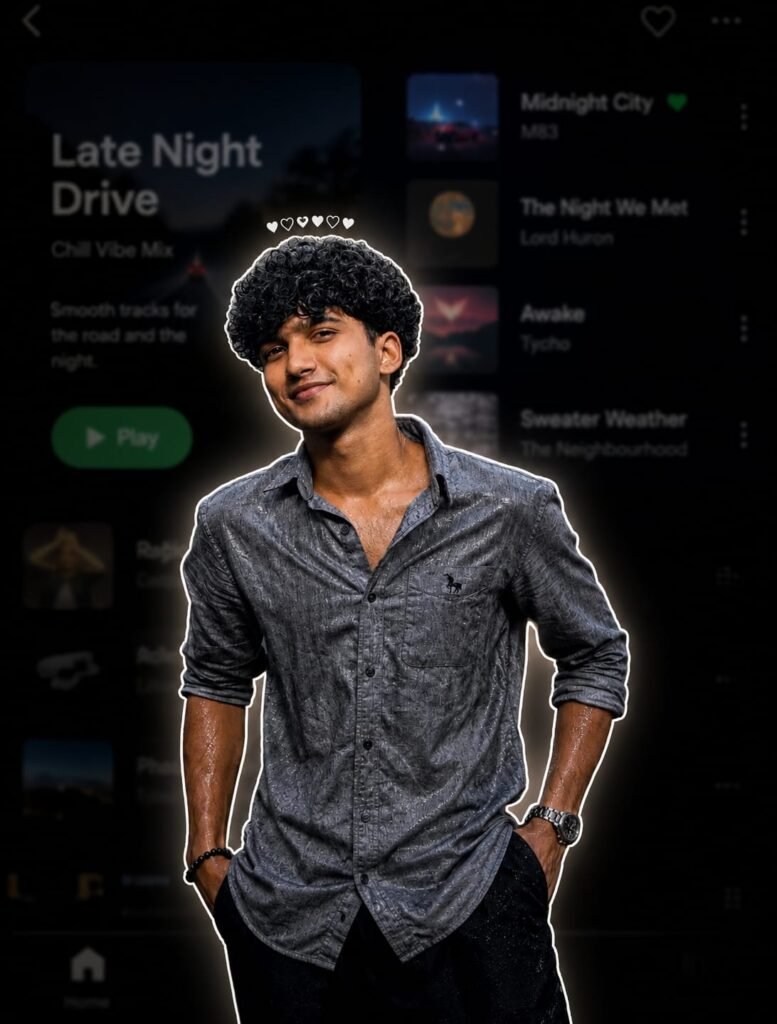
Use the uploaded image as the ONLY identity reference. Keep the subject's gender, face, facial structure, hairstyle, skin tone, age, clothing, body proportions, original pose, expression, hand position, camera angle, framing and perspective exactly unchanged. Create a premium Instagram Feed Post (1080x1350, 4:5) with a thin white sticker outline and soft white glow. Add one tiny compact emoji crown (10-12 emojis ♥️♡♥️) centered in a very tight curved arc, floating just above the hair with a clear small gap, about 15-20 px above the highest point of the hair, matching the reference. Keep the emojis small, closely packed, subtle, and never touching or overlapping the hair, forehead, face, or white outline. Never make the crown wide, oversized or scattered. Use the same clothing, hairstyle and pose. Background: heavily blurred dark-mode mobile music streaming app playlist with a premium cinematic look. Don't change face
How To Use Aesthetic Spotify Background Photo Editing Prompts
I have also explained how to use ChatGPT, so please read carefully. To get started, go to the Play Store on your phone and download the ChatGPT app. Once downloaded, open the app and log in using your Gmail account. After logging in, copy the prompts you like from my website, click the ‘+’ icon in ChatGPT to add a photo, paste the copied prompt, and submit it; your image will be ready in just a short while.
Conclusion
You will find all kinds of prompts for ‘Trading Viral’ on our website, dmeditz.com. We have provided step-by-step instructions; simply read the articles I have written, and you won’t face any issues. However, if you do encounter any problems, feel free to leave a comment, and we will provide full assistance. You are also welcome to ask anything related to editing—we are here to help you completely.
Super photo iditig