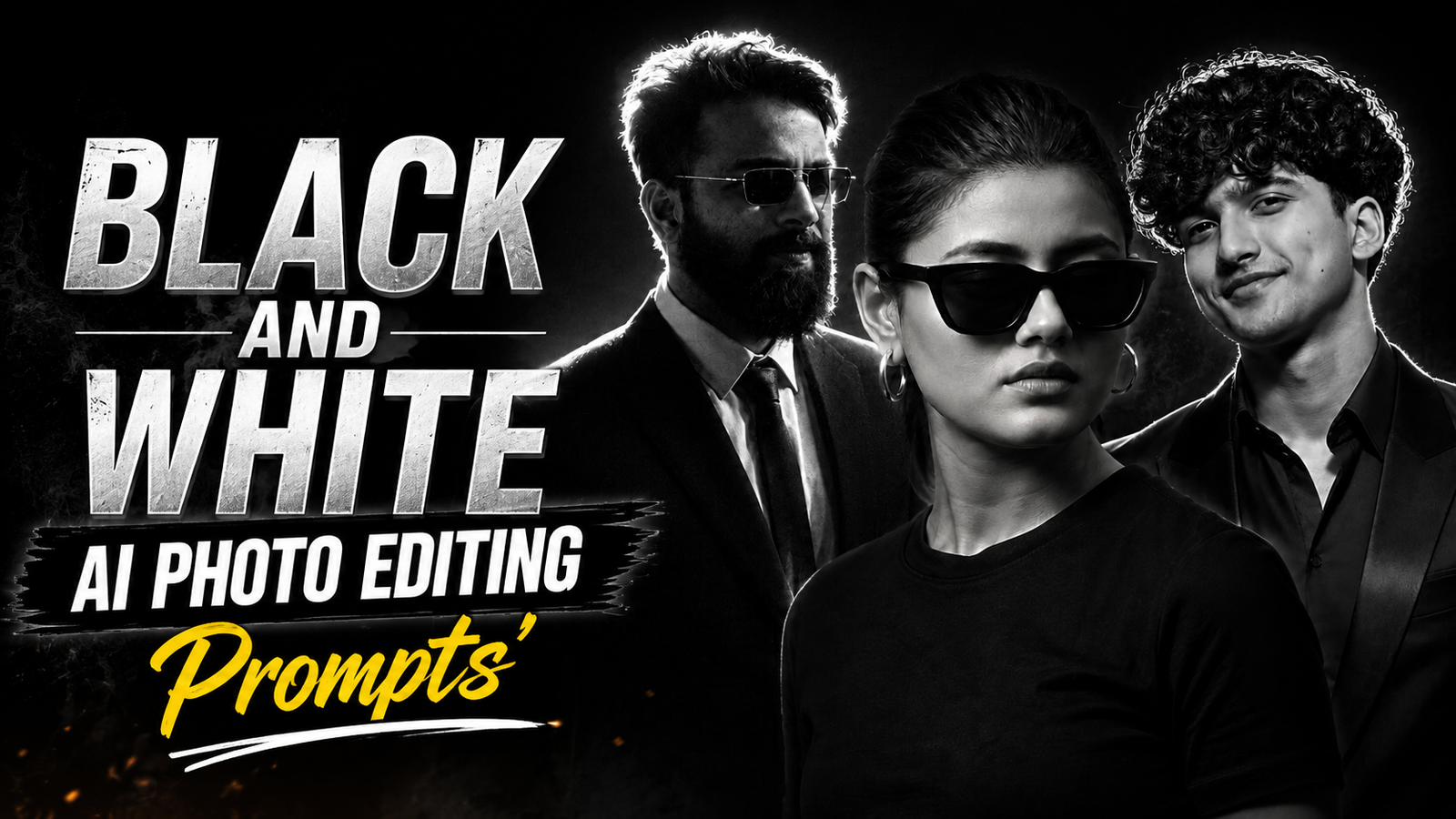
Black and White AI Photo Editing Prompts: This style of photo editing is currently going viral, and everyone is creating these images—you can do it too with just a single click. I will guide you through the entire process so you can create them easily. Anyone can make them—guys, girls, husbands, wives, couples, boyfriends, or girlfriends—and share the results on Instagram, Facebook, and other social media platforms. You should definitely give this a try; I have provided an AI prompt that will transform your photo into a highly realistic and natural-looking image. To use it, you will only need one app.
Let me tell you that you can find all kinds of AI prompts on our website—specifically, the trending and viral ones—at Dmeditz.com. Simply subscribe to our site and turn on notifications so you’ll be the first to know whenever we post new trending AI prompts. You can create black-and-white style photos with just a single click; there’s no need for the hassle involved in the past, when people had to use multiple apps to achieve this kind of editing. Now, thanks to AI, it takes just one click.
Here, you are provided with AI photo editing prompts for black-and-white images that are very easy to use; you can create these with just a single click using ChatGPT. As previously mentioned, you can apply these prompts to any photo to easily recreate the exact same look.
Black And White AI Photo Editing Prompts
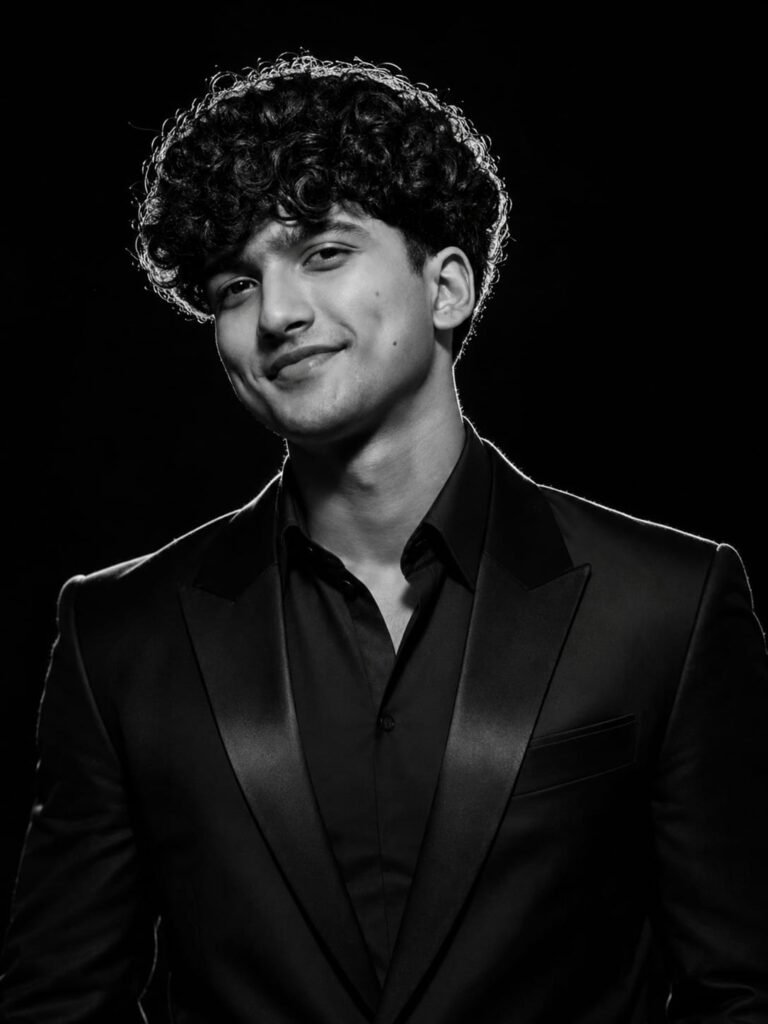
Preserve the exact face, hairstyle, skin tone, facial features, and expression. Create an ultra-realistic black-and-white studio portrait with the exact same angle and framing as the reference CEO portrait:

straight-on, centered, symmetrical chest-up composition, head slightly tilted downward, direct camera facing. Dress her in a luxurious structured black gown or fitted long dress with minimal jewelry.

Dramatic high-contrast lighting, bright rim light around hair and shoulders, pure black background, deep shadows, luxury editorial CEO aesthetic, Canon EOS R5, 85mm, f/1.8, HDR, razor-sharp skin texture, 8K RAW, photorealistic, no text, no watermark. Don't change face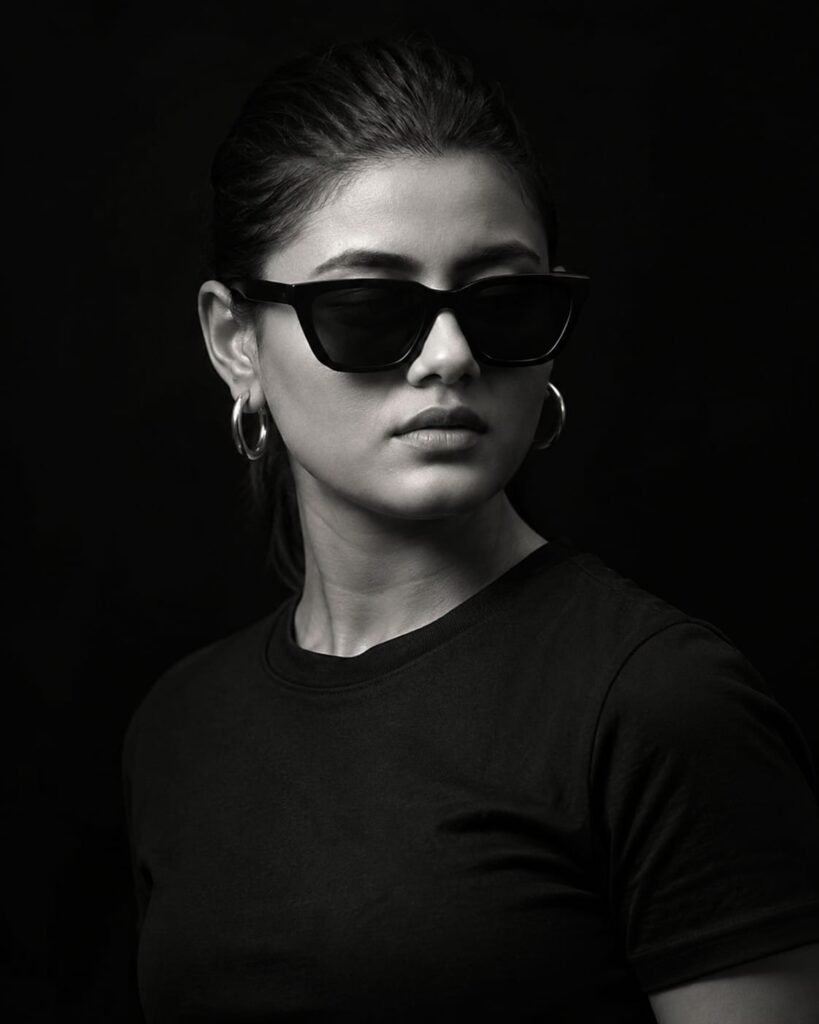
Ultra-realistic cinematic black-and-white portrait of a young woman wearing a plain black crew-neck T-shirt, minimalist fine-art editorial style, deep matte black seamless background with no visible texture, dramatic low-key studio lighting, a single large soft key light positioned approximately 45° to the subject's front-right and slightly above eye level, creating smooth light falloff across the face and neck, strong shadow on the opposite side, subtle edge separation from the background, soft feathered transitions, high contrast without clipped highlights, rich blacks, natural grayscale tonal range, moody atmosphere, clean studio environment. Camera & Composition: Tight head-and-shoulders portrait. Vertical 4:5 composition. Subject turned approximately 35-45° to the right. Eyes directed slightly downward rather than into the camera. Shoulders naturally angled. Head centered with a slight offset following the rule of thirds. Camera positioned at approximately eye level. Medium-close. Don't change face
How To Use Black And White AI Photo Editing Prompts
Let me explain how to use this. First, you will need an AI app called ChatGPT; these prompts are specifically designed for it. You can download ChatGPT from the Play Store or use it directly via Chrome. After downloading, log in using your Gmail account. Then, click the ‘+’ icon to upload a photo of your face. Next, copy the prompt you like and paste it into ChatGPT; your result will be ready in just a short while.
Details of Black and White
In this post, I have covered everything related to Black and White AI photo editing prompts, including the prompts themselves and a step-by-step guide on how to use them. If you have any further questions or want to know anything else, please feel free to leave a comment; I will be happy to assist you. You can also let me know if you need any other types of AI prompts.