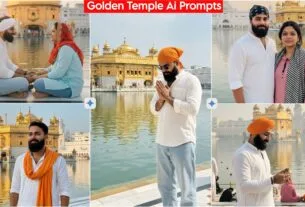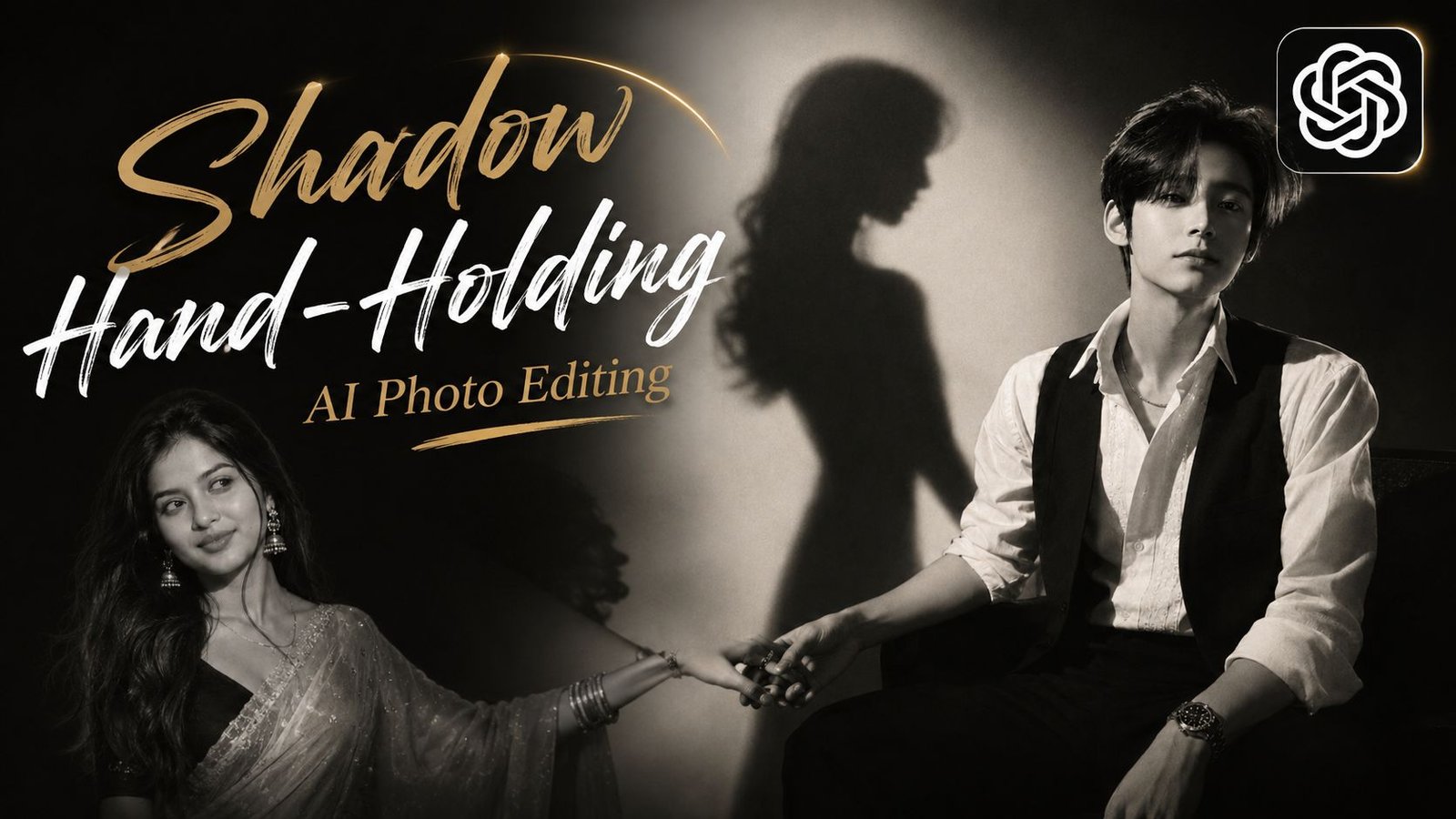
Shadow Hand-Holding AI Photo Editing, As you know, people love photography and are constantly capturing photos to preserve their memories. However, we are now in the age of AI, where anyone can edit their photos exactly the way they want with just a single click on their phone. Keeping this trend in mind, we are bringing you this viral AI photo editing style—specifically the “Shadow Hand-Holding” effect—which is currently taking social media by storm. It is suitable for both men and women, so give it a try and give your photos a fantastic new look.
AI is being used not just by the general public but also by content creators—for instance, to design YouTube thumbnails or posters for Reels. With the help of prompts, you can enhance the look of your photos, resize them, and even smooth or clarify images. You can also perform tasks involving coding. Furthermore, you can use AI websites to learn about virtually anything, as they provide clear and detailed explanations.
About Shadow Hand-Holding AI Photo Editing
Here, we have provided various AI prompts for “shadow hand-holding” images featuring a cinematic black-and-white style—perfect for posting on Instagram or Facebook. These prompts create photos where the subjects (a boy and a girl) feature a black-and-white aesthetic combined with a golden effect on their bodies and hair, resulting in a truly unique and striking look. Creating these images is easy; simply copy and paste the prompts to generate your photo. You can also share these prompts with your friends; they offer a magnificent effect characterized by cinematic lighting and golden hues.
Create Shadow Hand-Holding AI Photo Editing From ChatGPT
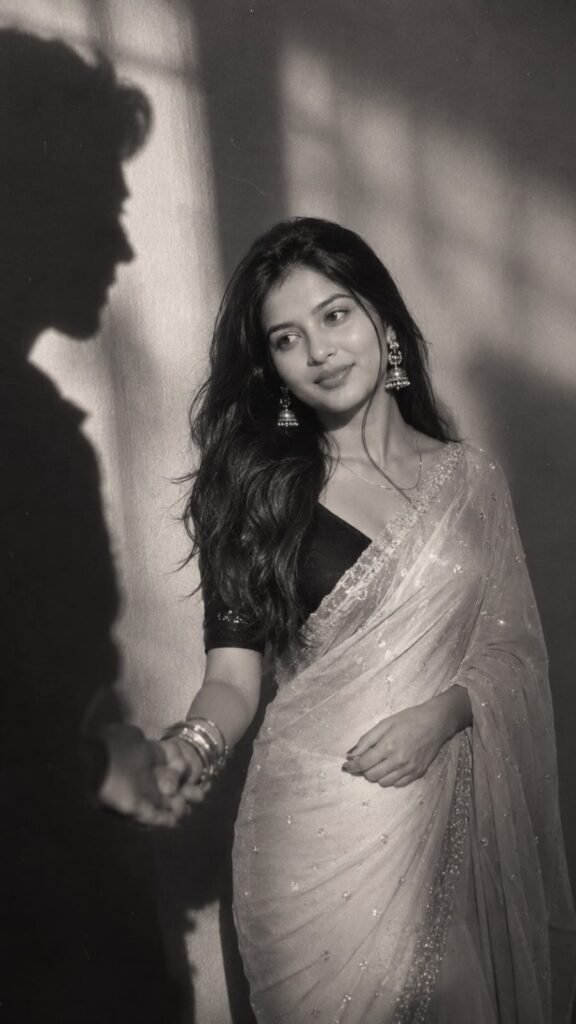
A cinematic, moody black and white editorial photograph of the girl in uploaded 1st picture with dark styled hair, long dark hair, loosely wavy with a few sleek strands falling across the front, wearing white sare with stone work & a matching black half sleeve blouse. Add matching silver oxidise earring, oxidise bangles & a thin sinver chain. The scene features high-contrast lighting with a soft, ethereal glow and halation around the highlights. On the wall behind her, sharp, of silhouetted figures are projected, creating a mysterious and artistic atmosphere. The image has a dreamy, soft-focus quality reminiscent of 90s fashion photography and film noir, complete with subtle film grain." 100% my face same, I need this prompt picture, man shadow hand taking this girl hand, and girl looking her man shadow emotionally with a normal face, don't change my face. Follow for more! Don't change face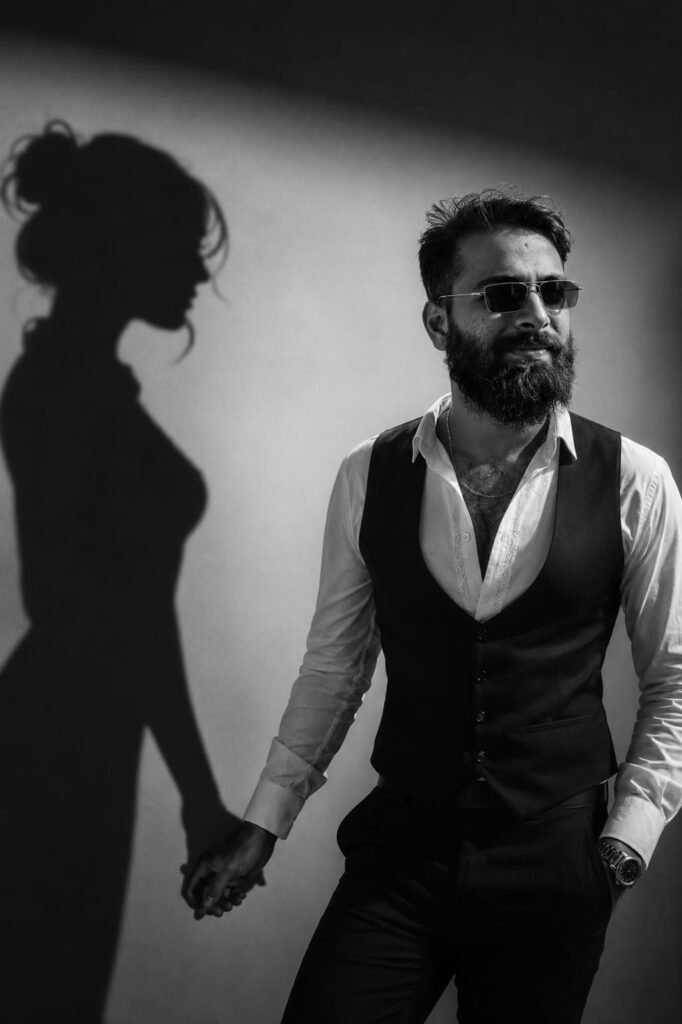
A cinematic, moody black-and-white editorial photograph of the SAME boy from the uploaded reference image. Preserve the face with 100% identity accuracy-keep the exact facial structure, eyes, eyebrows, nose, lips, jawline, skin tone, hairstyle, expression, beard (if any), and natural features unchanged. Do not beautify, reshape, or reinterpret the face in any way. He has neatly styled dark hair with a soft textured finish and a few natural strands falling across the forehead. He is wearing a crisp white shirt with subtle embroidery, a tailored black waistcoat, black trousers, and a classic silver wristwatch, along with a thin silver chain and a simple silver ring. The scene features dramatic high-contrast lighting with a soft ethereal glow and delicate halation around the highlights, creating a luxurious 90s fashion editorial and film noir aesthetic. Behind him, a large silhouette of a woman is projected onto the wall. The woman's shadow reaches out and gently holds his hand. Don't change face
How To Use Viral Cinematic Portrait Ai Photo Editing Prompts
To use this, click the link below, log in with your Gmail account, and tap the ‘+’ icon to add your photo. Then, select a photo you like, copy the associated prompt, and apply it to a photo of your face. Your image will be generated shortly; once it is ready, simply download it. If you wish to enhance or retouch the image, you can use apps like PicsArt, Remini, Lightroom, or various others.
Conclusion
In this article, we have explained step-by-step how to use AI prompts and how anyone—whether a boy or a girl—can easily create these images. You simply need to read the article, and you won’t face any issues; however, if you do encounter any problems, feel free to leave a comment, and we will provide full assistance. You are also welcome to ask any questions related to editing.