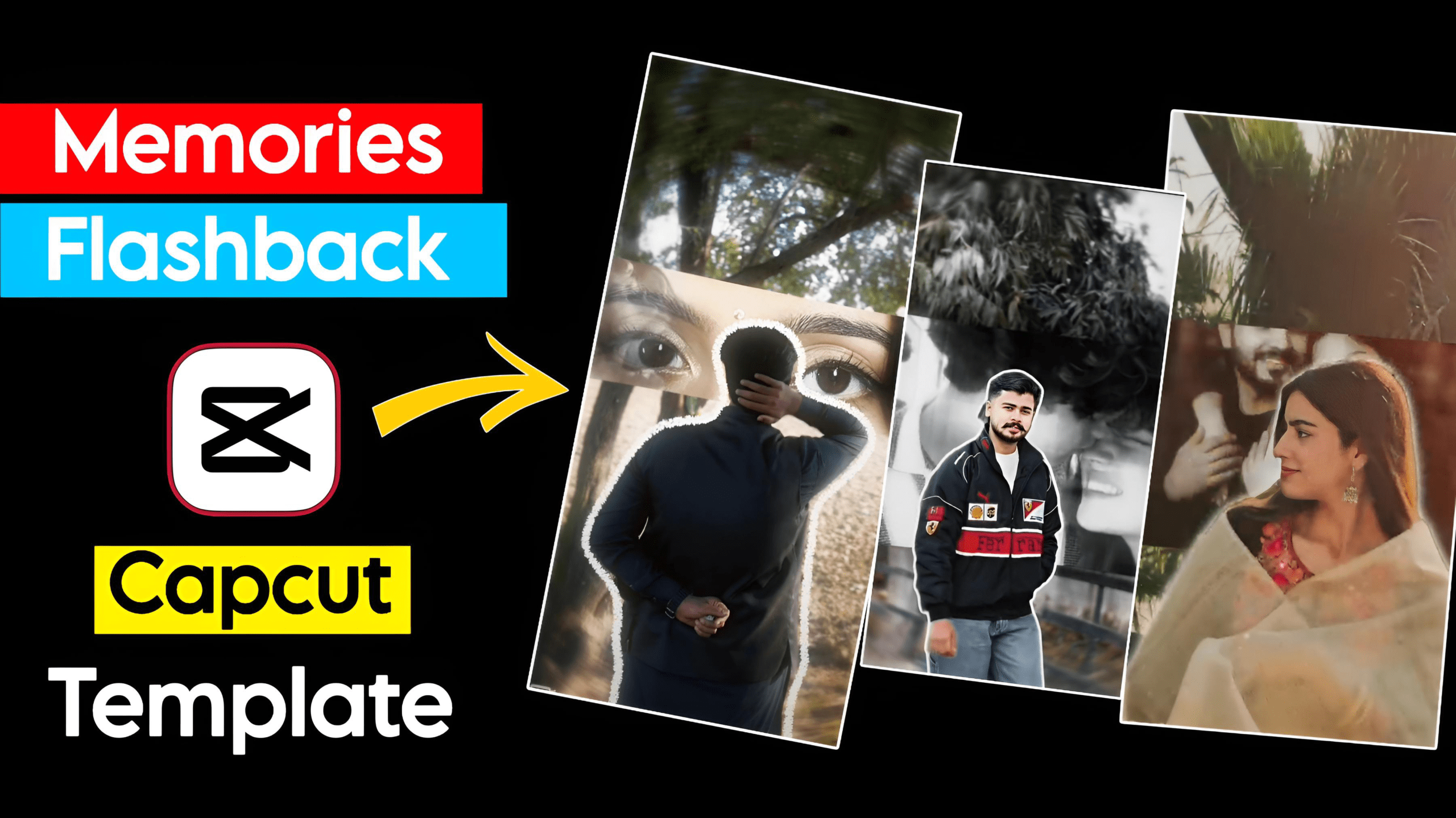
Viral Memories Flashback CapCut Template: Friends, let us tell you that nowadays, everyone wants to create high-quality videos in the shortest possible time. However, this task typically requires a professional editor—someone who knows how to utilize CapCut effectively. We have provided this viral template for you here; you can simply click on it to start using it. To use this “Memories Flashback” template, you will need a VPN. You can find a suitable VPN on the Play Store; simply open it and establish a connection first, after which you will be able to use this—or any other—template.
A VPN is essential for this; by connecting one, you will be able to utilize the advanced features. As soon as you access CapCut, all the features will become available. This is because CapCut is not officially available in India—it is designed for use in other countries—which is precisely why a VPN is required.
Unlimited Ai Photo Editing Prompts
About the Viral Memories Flashback CapCut Template
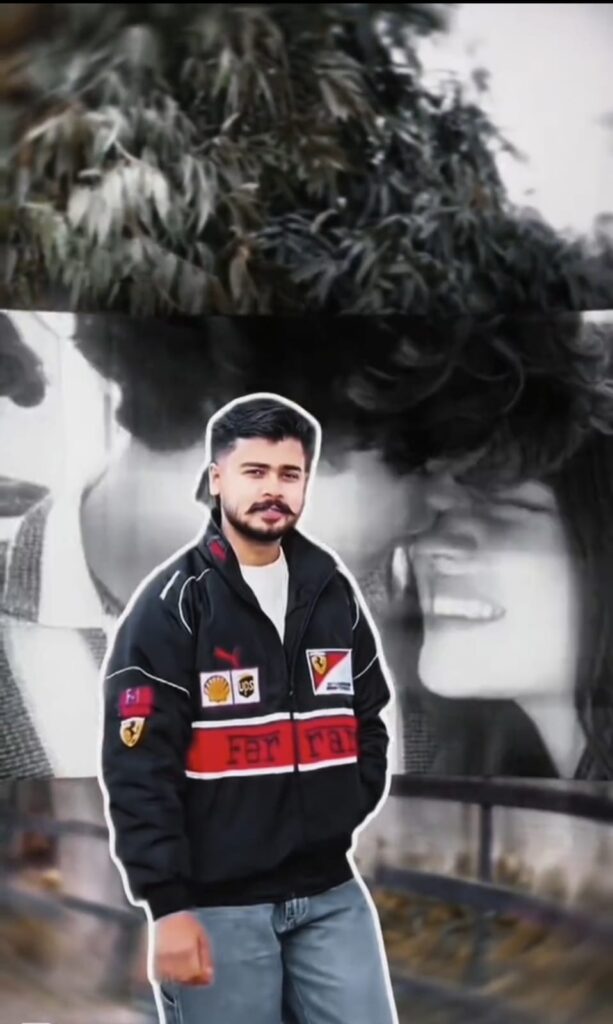
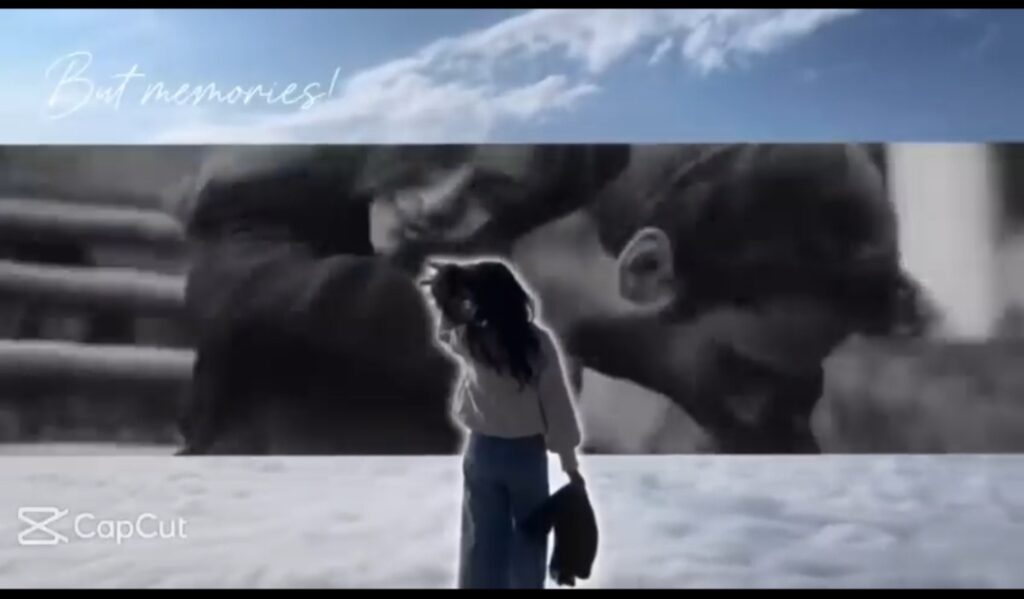
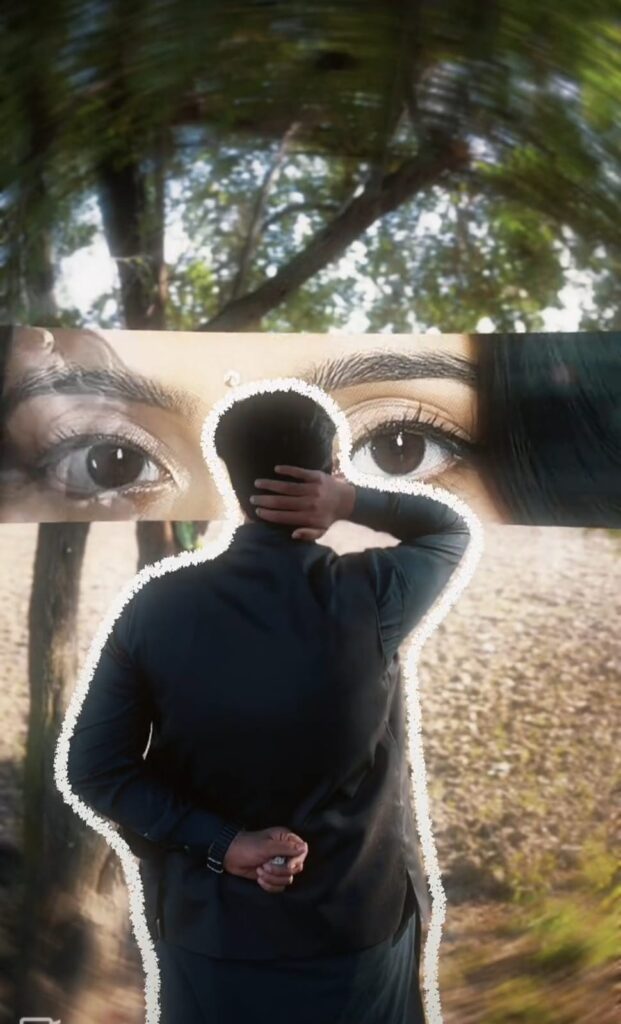
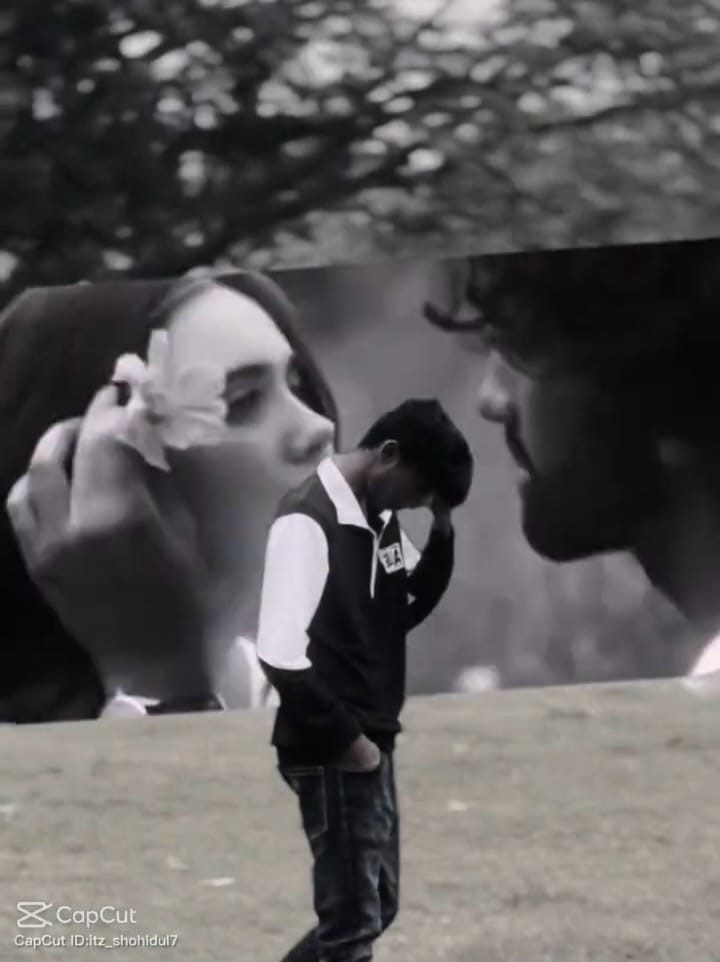
The “Memories Flashback” template is currently trending across Instagram, with users creating videos that blend their memories in a unique way: a short video clip plays for a few seconds, after which the video freezes, and a “Memories Flashback” sequence begins playing in the background. We have provided this template here to make it easy for everyone to create such videos. While you certainly have the option to create this effect manually yourself, doing so may take some extra time and requires a proficient understanding of how to use CapCut. These are all brand-new, trending templates; you can find all the latest updates and AI Prompt templates right here on our website.
Viral Memories Flashback Capcut Template



How To Use Viral Memories Flashback Capcut Template
As mentioned in the paragraph above, you will need two apps to use this feature. To proceed, you must first connect to a VPN; without doing so, the tool will not function. Therefore, begin by downloading a VPN, opening it, and connecting to a server in a different country. Next, visit my website—dmeditz—and select the template you prefer from the available options. Clicking on “Use Template” will redirect you directly to the CapCut app. Once there, simply add your pre-recorded video clip.
After adding the clip, review it carefully to ensure everything looks right, and then save it. You do not need to perform any additional steps; simply insert your video clip, and the template will automatically apply the necessary effects and edits.
Conclusion: Memories Flashback Template
Regarding the “Girls and Boys” CapCut templates—which are currently going viral on social media—I have provided you with a detailed, step-by-step guide covering exactly what they are, how to use them, and how to create these “Memories Flashback” templates. Please read this guide through to the end to ensure you can utilize them effectively. If you encounter any difficulties while using these templates, please let us know in the comments section, and we will be happy to provide you with full assistance. Furthermore, if you require any other assistance with video editing, AI prompts, CapCut templates, or any other form of photo editing, please do not hesitate to let us know.