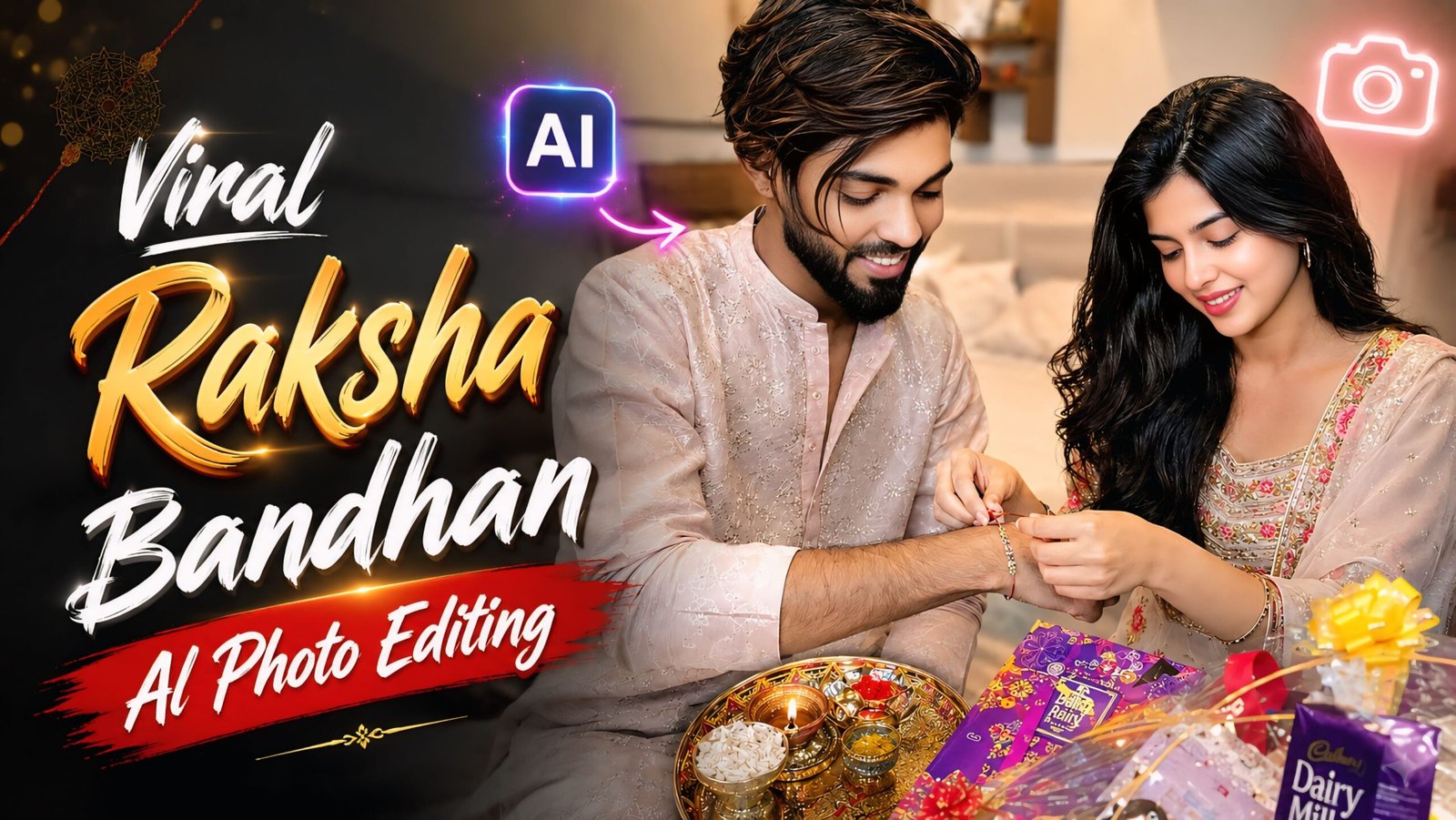
Viral Raksha Bandhan Photo Editing Prompts: The festival of Raksha Bandhan is just around the corner, and everyone is creating special photos with their siblings. You too can delight your brother or sister by creating a Raksha Bandhan-themed photo—which you can generate with just a single click and share on social media. To help you with this, I have provided prompts below for creating photos in various poses and settings; you can generate these easily using just your phone. All you need is a photo of your sibling’s face and the prompts I’ve shared—simply copy and paste the prompt, and your photo will be ready instantly.
Photo editing has become incredibly easy these days, and anyone can create stunning images with just a single click and a prompt. Since the advent of AI, everything has become simpler for everyone—from children to adults—allowing them to easily create photos and videos. I want to let you know that you won’t find these specific prompts anywhere else; they are available exclusively on my website, Dm Editz.
Viral Raksha Bandhan Photo Editing Prompts
I provide all kinds of prompts so that you can easily create your photos; otherwise, people often search around and leave comments asking for prompts without success. However, you can visit my website and get unlimited prompts.
ChatGPT
You can think of ChatGPT as an all-rounder AI assistant—highly useful for tasks involving storytelling, YouTube content, prompts, writing, brainstorming, coding, and image-related work.
Google Gemini
Gemini’s major strength lies in the Google ecosystem. If your work is heavily integrated with Gmail, Google Docs, Drive, Search, etc., Gemini can be very convenient.
Viral Raksha Bandhan Photo Editing Prompts 2026
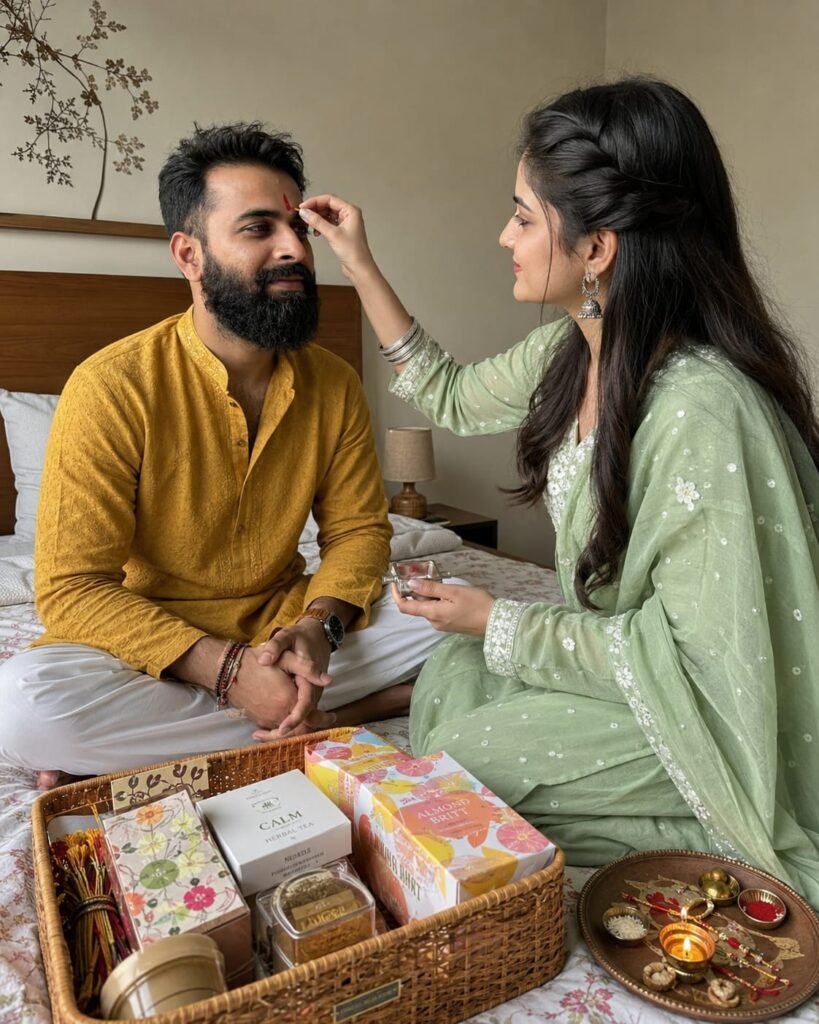
A unique slightly high-angle lifestyle photo shot on iPhone of a Raksha Bandhan ritual. The sister is gently applying a red tilak on her brother's forehead. They are sitting cross-legged on a beautifully made bed in a minimalist Indian bedroom. The sister is wearing a mint green ethnic suit and the brother is in a mustard yellow kurta. Sharp medium close-up focusing on the tilak moment, showing detailed facial expressions, real skin pores, and natural indoor shadows. A premium gift hamper and a wooden Rakhi platter sit in front of them. Unedited, organic smartphone capture.4:5 ratio. Don't change face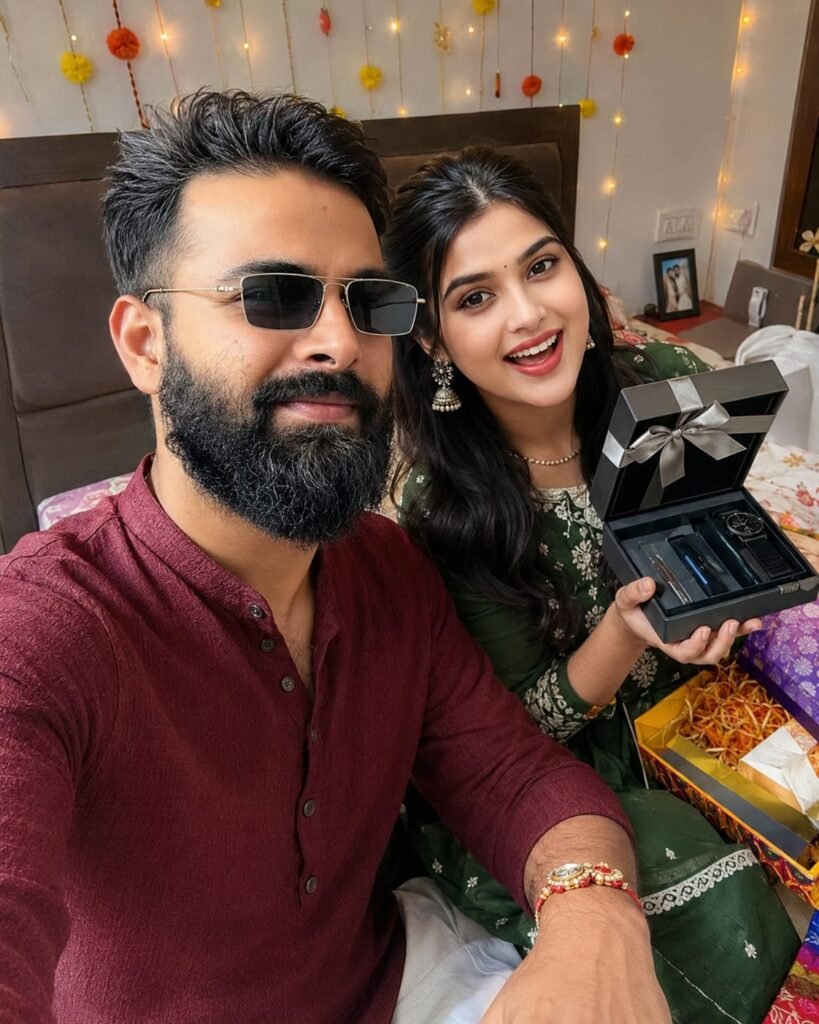
A realistic first-person selfie-style photo, shot on iPhone, of an Indian brother and sister celebrating Raksha Bandhan. The brother, wearing a maroon traditional kurta, is holding the phone, while the sister, in a green festive kurti, is sitting next to him showing off her gift box and his tied Rakhi. The camera captures a close-up of their laughing faces, with ultra-real skin textures, natural smartphone lens distortion, and bright bedroom lighting in the background. Highly authentic, looks like a real social media post. 4:5 ratio. Don't change face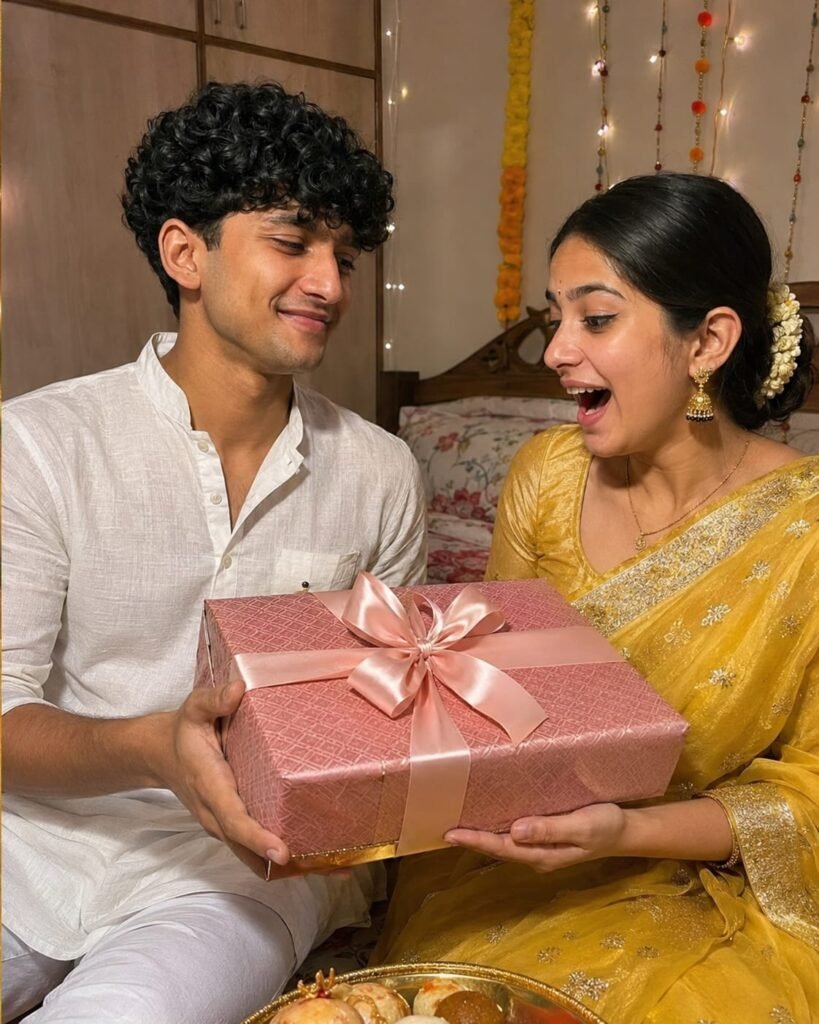
A natural smartphone photo, shot on iPhone, of an Indian brother giving a beautifully wrapped big gift box to his sister after she tied the Rakhi. The sister is smiling brightly, looking surprised. The sister is wearing a traditional yellow festive saree and the brother is in a white cotton kurta. Close-up on their joyful faces, showing real skin textures, natural lighting, and authentic expressions. The background shows a warm, decorated Indian bedroom with a bed. Photorealistic, genuine family moment, no plastic Al effect 4:5 ratio. Don't change face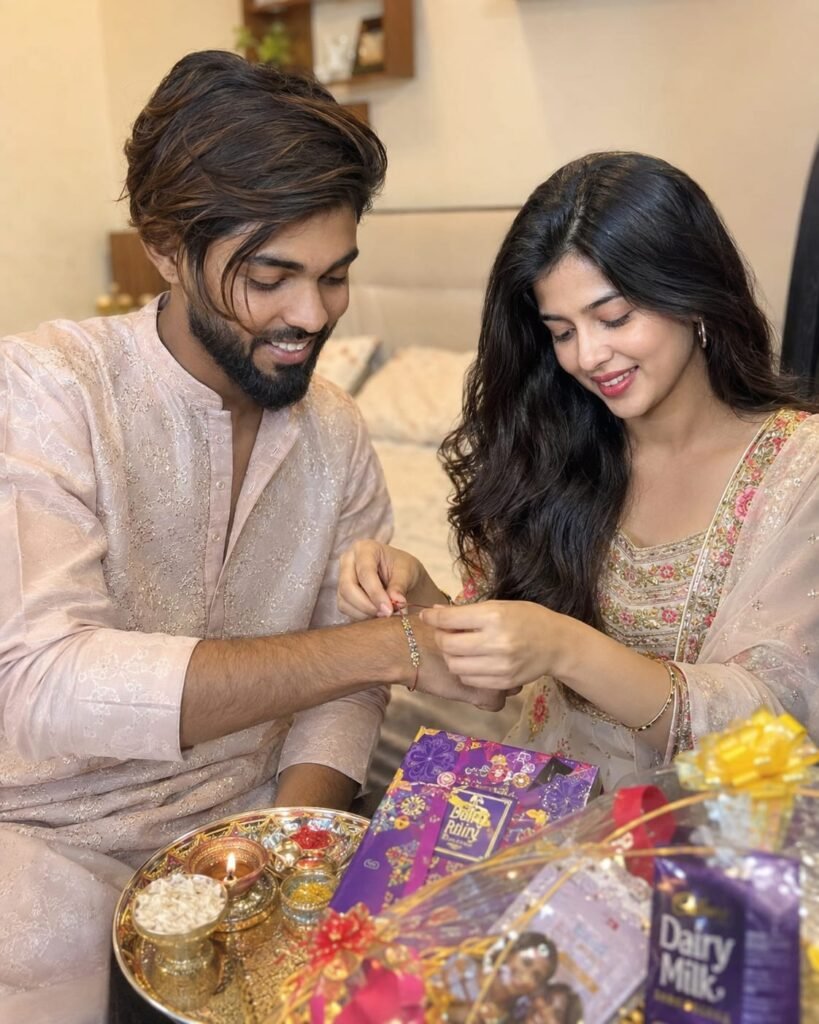
A natural, real-life photo taken from a smartphone of an Indian sister tying a Rakhi on her brother's hand for Raksha Bandhan. The setting is a casual Indian bedroom. Both are looking at the hand with happy, genuine smiles. Close-up on their faces and hands, showing clear, non-edited natural skin tones and textures. They are wearing traditional festive Indian clothes. In front of them, colorful gift hampers and a small thali are placed. Warm room lighting, realistic shadows, authentic grain, 4k resolution, looks like a real family photograph. Frem Size 4:5 Don't change face
How to Use Viral Raksha Bandhan AI Photo Editing Prompts
To use this, you will need ChatGPT, which is easily available on the Play Store; simply download it and log in using your Gmail account. Then, upload a photo from your gallery, copy a prompt you like from our website, and paste it along with your photo—it’s that easy to create your image. Finally, click the arrow icon at the top (the download option) to save the image.
Conclusion
In this article, we have provided you with viral Raksha Bandhan AI photo editing prompts and explained how to use them. Simply follow the step-by-step instructions, and your photo will be ready, looking exactly like the example. Additionally, you can find various prompts, CapCut templates, and VN editing tips and tricks on our website. Feel free to reach out to us if you have any further questions.